
 Script Planner Assistant▸
 AI Apps
 AI News

Ruzhi AI Notes: An Intelligent AI Knowledge Management Tool
Ruzhi AI Notes: An Intelligent AI Knowledge Management ToolIntroduction
What is ai Notes?
Ruzhi AI Notes is an AI knowledge management tool that supports the DeepseekR1 large language model and Markdown. It provides features such as AI search exploration, converting AI results into notes, note management and organization, as well as knowledge presentation and sharing. It integrates the DeepSeek deep thinking model to deliver more stable and higher-quality output.
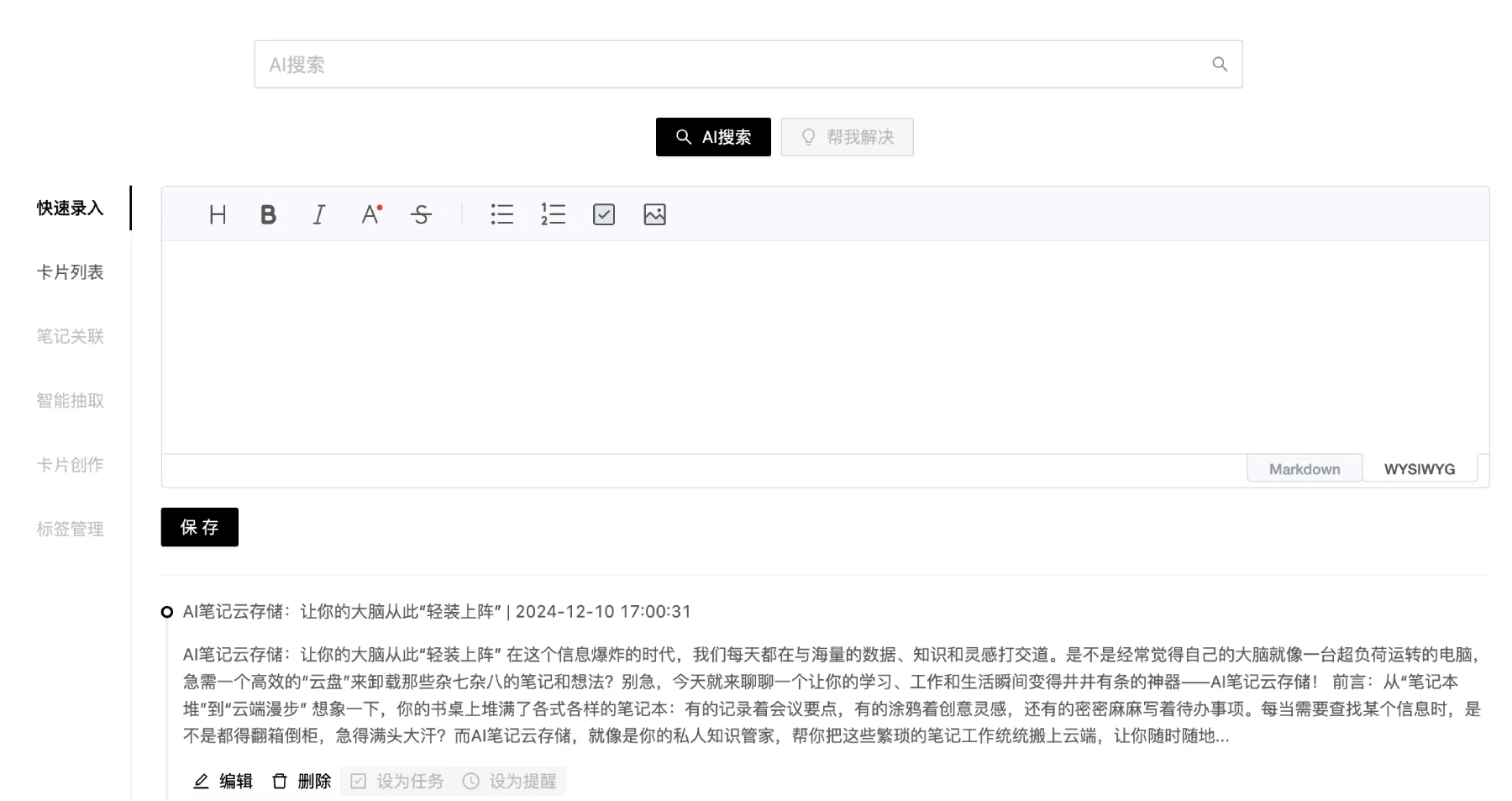
Features of Ruzhi AI Notes
AI Search: Integrates the Deepseek R1 deep thinking model to provide stable AI search services, supports web connectivity, and can quickly capture web information and perform in-depth analysis.
Markdown Syntax Support: Users can format content using Markdown syntax, making it easier to write professional documents.
One-Click PPT Generation: Users can convert notes into PPT presentations through simple operations, making sharing and presenting more convenient.
Intelligent Writing Assistant: Integrates AI-powered writing tools to help users quickly generate content and optimize their writing.
Smart Organization and Classification: The software can automatically generate tags and categories based on user input, helping users better organize notes and reducing the difficulty of information retrieval.
Diverse Note-Taking Methods: Supports recording content in multiple ways, including text, voice, and images, with flexible and varied features.
Knowledge Graph: Users can use the graph feature within notes to visually display the relationships between different knowledge points, aiding understanding and memory.
Multi-Format File Preview: Supports previewing multiple file formats, including PDF, Word, Excel, PPT, and images.
Use Cases for Ruzhi AI Notes
Knowledge Management: Suitable for organizing study notes, planning project proposals, conducting brainstorming sessions, and more, helping users efficiently manage their knowledge.
Academic Research: Students and researchers can use this tool to record study notes and research results, record academic materials, generate paper outlines, conduct literature reviews, and perform effective knowledge management.
Work Project Management: Teams can share notes and task progress during projects to improve collaboration efficiency.
Meeting Records: During meetings, users can record key points in real time and generate meeting minutes, improving the accuracy of information delivery.
Content Creation: Writers and content creators can use this platform for ideation, writing, and editing, leveraging the intelligent assistant to optimize their work.
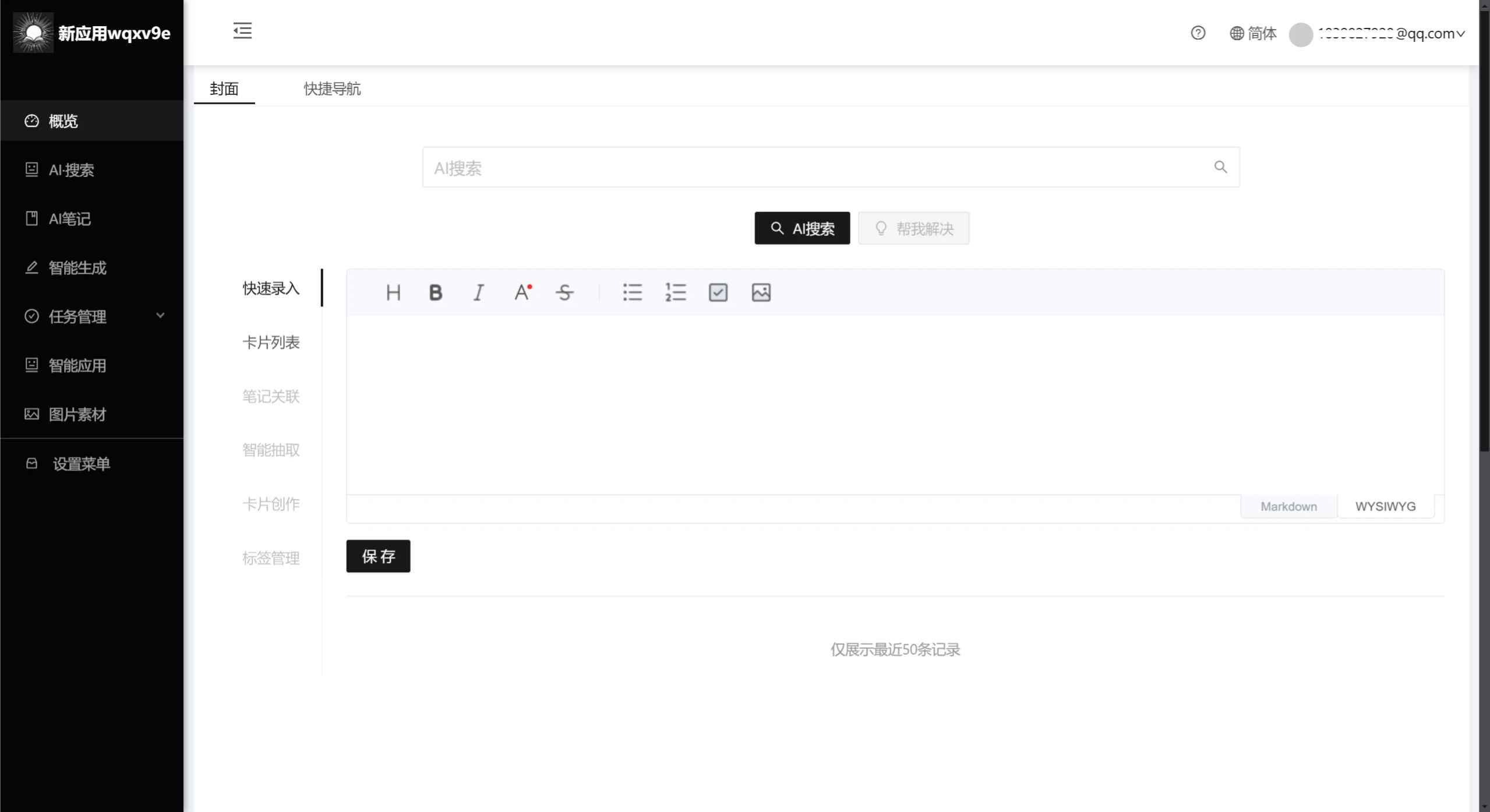
How to Use Ruzhi AI Notes
Register and Log In: Visit the official website of Ruzhi AI Notes to register and log in.
Create a Note: Find the "AI Notes" button in the left sidebar and click to create a new Markdown note file. You can also use the smart generation feature to create one.
Edit the Note: Enter content in the editing area and use Markdown syntax to organize the text. You can preview the final rendering of the note in real time.
Generate a Summary: After finishing your notes, use the Ai Assistant feature to quickly generate content summaries and extract key points, automatically continue writing, assist with writing, or ask questions.
Manage Notes: Use the file management features in the software interface to classify, move, delete, and otherwise manage your notes.
Export Notes: After completing a note, use the options in the upper right corner to export to PDF, generate slides, generate Docx documents, mind maps, resumes, WeChat Official Account layouts, and other scenarios. Notes can be saved as PDF, image, HTML, or Markdown files, or printed directly.















