
 Script Planner Assistant▸
 AI Apps
 AI News

LiberSonora: Open-Source AI Audiobook Toolkit
LiberSonora: Open-Source AI Audiobook ToolkitIntroduction
LiberSonora is an open-source audiobook tool suite, and its name寓意 “the voice of freedom”. LiberSonora offers a variety of features, including intelligent subtitle extraction, ai title generation, and multi-language translation.

LiberSonora Main Features:
Intelligent Subtitle Extraction: LiberSonora can automatically extract subtitles from audio files, greatly simplifying the audiobook production process.
AI Title Generation: LiberSonora can automatically generate appropriate titles for audio content, helping users better organize and manage their works.
Multi-language Translation: LiberSonora supports translation features across multiple languages.
GPU Acceleration: LiberSonora supports GPU acceleration for faster processing.
Multiple Model Selection: Flexible model selection, supporting local Ollama, DeepSeek, OpenAI, and other large models.
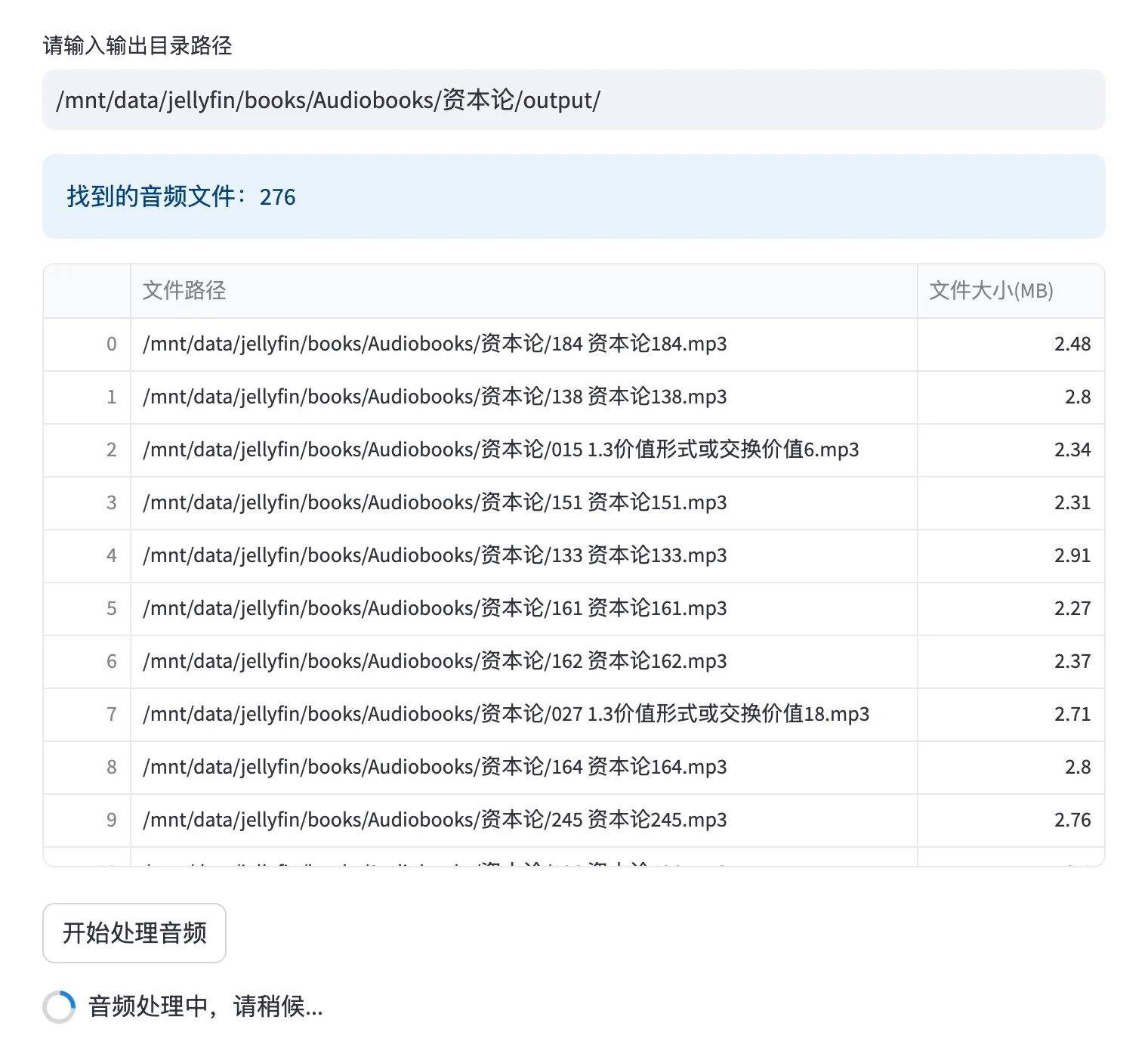
Batch Audiobook Processing: Powerful batch processing capability to easily handle large volumes of audiobooks.
Local Audio Processing: Offline processing of local audio files on the server, eliminating the need for file transfer steps.
Manual Output Review: Convenient manual review feature, allowing manual naming or AI regeneration.
LiberSonora Highlights:
Open Source Freedom: Licensed under MIT, truly free and open source. Audio processing and large model inference run entirely locally and offline, offering full autonomy and control with guaranteed data security.
Innovative Features: Provides unique AI-powered audio processing and text generation capabilities.
Easy Deployment: The project is containerized, making development and deployment convenient. It supports API, allowing easy integration into personal workflows.
Modular Design: Each functional module is independent and can be launched separately (such as audio enhancement, subtitle recognition, etc.)
Flexible Customization: Supports custom large models to improve performance for specific tasks, with flexible and diverse configurations to meet different needs
LiberSonora Use Cases:
LiberSonora is ideal for content creators, small publishers, video bloggers, podcasters, and anyone interested in producing audio content.
How to Use?
1. Clone the project repository:
First, you need to clone LiberSonora's GitHub repository to your local machine. Open the terminal or command prompt and run the following command:
git clone https://github.com/LiberSonora/LiberSonora
2. Navigate to the project directory:
cd LiberSonora
3. Start the Docker container:
docker-compose -f docker-compose.gpu.yml up -d
4. View the container running logs:
docker-compose -f docker-compose.gpu.yml logs -f
5. Access the interface:
Open your browser and visit xxx.xxx.xxx.xxx:8651 (replace xxx.xxx.xxx.xxx with your server IP address), and you will see LiberSonora's web interface. Through this interface, you can manage audiobook files, extract subtitles, generate titles, perform multi-language translation, and more.
6. Use the API:
If you want to integrate LiberSonora via API, you can refer to the API interface documentation in the project. You can use HTTP requests to interact with LiberSonora for automated processing.
7. Process audio files:
Place your audiobook audio files into the designated directory, and LiberSonora will automatically process these files, generating subtitles and titles, and supporting multi-language translation.
GitHub:https://github.com/LiberSonora/LiberSonora














