
 Script Planner Assistant▸
 AI Apps
 AI News

GitHub Copilot: AI Coding Assistant by GitHub and OpenAI
GitHub Copilot: AI Coding Assistant by GitHub and OpenAIIntroduction
GitHub Copilot is a programming assistant jointly developed by GitHub and OpenAI, capable of automatically generating code suggestions based on context. It supports multiple programming languages and can be used in various development environments, greatly improving programming efficiency.

GitHub Copilot Main Features:
Code Completion: Copilot provides code completion suggestions according to the context, including functions, class definitions, loops, conditional statements, etc., helping developers reduce manual input.
Automatic Code Generation: Users can generate complex code snippets through simple comments or natural language descriptions, and Copilot will generate the corresponding code based on these prompts.
Multi-language Support: Copilot supports multiple programming languages, including Python, JavaScript, TypeScript, Ruby, etc., suitable for different development needs.
Context Awareness: Copilot can understand the user's coding style and project context, thereby providing suggestions that better meet user needs.
GitHub Copilot Use Cases:
Rapid Prototyping: Developers can use Copilot to quickly generate prototype code, saving time.
Learning New Languages or Frameworks: For developers learning new technologies, Copilot can provide real-time code examples and suggestions to help them get started faster.
Code Refactoring: Copilot can also help developers refactor existing code, improving code quality and maintainability.
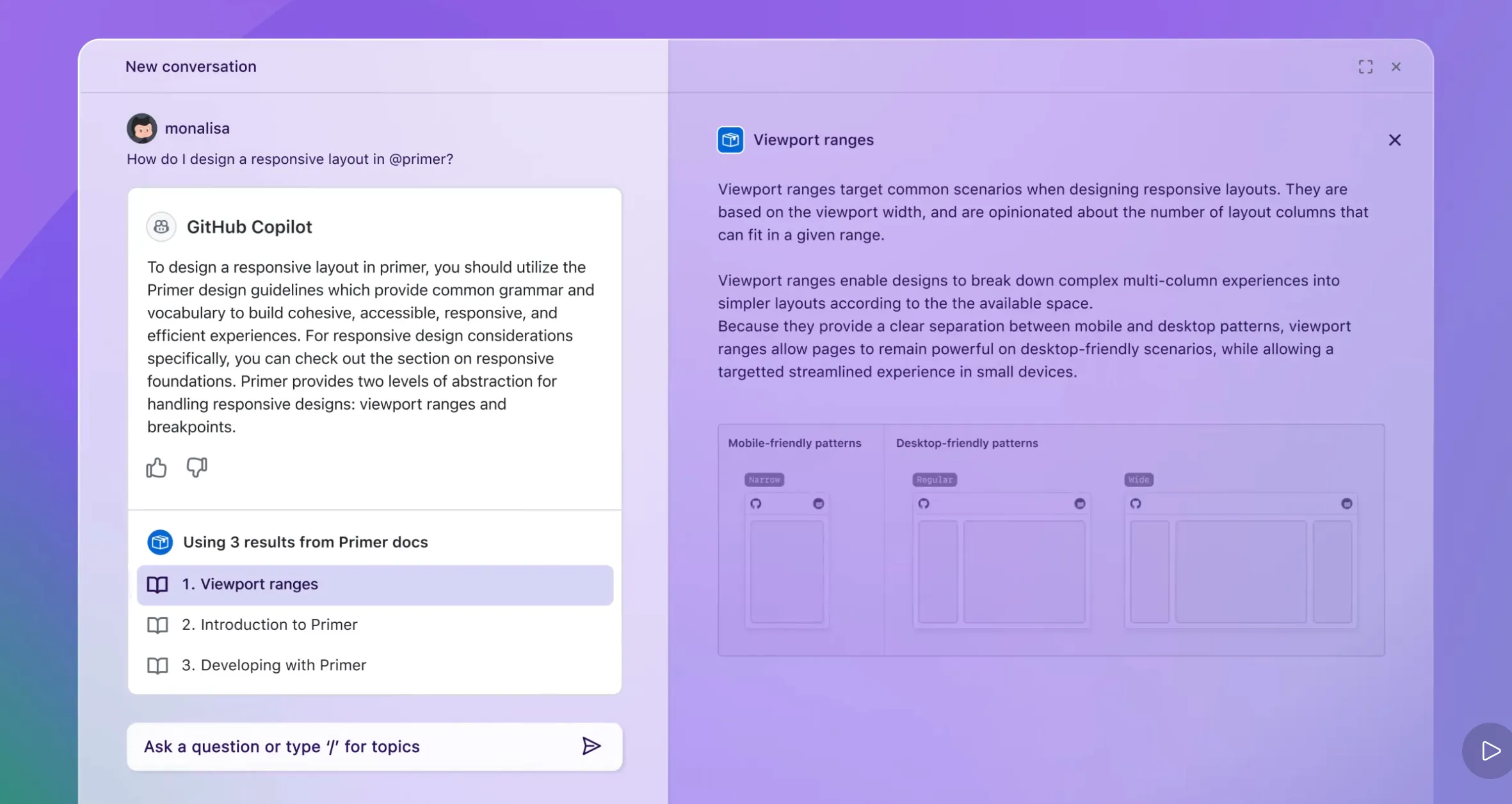
How to Use GitHub Copilot?
To use GitHub Copilot, users need to install the corresponding plugin in a supported IDE and register a GitHub account. After installation, users can enable Copilot through simple settings. The steps are as follows:
Register a GitHub Account:If you don't already have a GitHub account, you need to register one first. Visit the GitHub official website, click the "Sign up" button in the upper right corner, and register using your email. It is recommended to use overseas email services such as Gmail or Outlook to avoid potential usage issues.
Install the GitHub Copilot Plugin:Make sure you have Visual Studio Code (VS Code) installed. Then, search for and install the "GitHub Copilot" plugin in the VS Code extension marketplace.
Launch Visual Studio Code.
Click the Extensions view on the left side of the interface, or use the shortcut Ctrl+Shift+X.
Enter "GitHub Copilot" in the search bar, find "GitHub Copilot" and "GitHub Copilot Chat" in the search results, and click Install.
Sign in to GitHub Account:After installation, sign in to GitHub Copilot using your GitHub account.
After installation, restart Visual Studio Code.
Click the GitHub Copilot icon in the lower right corner and select "Sign in to GitHub".
In the popup interface, click "Allow" to open the browser and obtain GitHub account authorization.
Click the "Authorize Visual-Studio-Code" button to confirm authorization.
After signing in, you can start using GitHub Copilot's features.
Using GitHub Copilot:When writing code in VS Code, GitHub Copilot will automatically provide code completion suggestions based on the current code context. You can accept suggestions by pressing the Tab key, or continue writing your own code.
GitHub Copilot offers a variety of features, including code generation and explanation, code completion, attachment upload, conversation and history management, intelligent search, etc. You can try these features to improve your programming efficiency.
As a powerful AI programming tool, GitHub Copilot can significantly improve development efficiency, especially when handling repetitive tasks and quickly generating code.
Related Information:
2025 Latest Compilation: 20+ Best AI Programming Tools and AI Coding Assistants
GitHub Copilot Now Supports Agent Mode
14 AI Programming Assistants Recommended for Smart Writing and Code Generation!












