
 Script Planner Assistant▸
 AI Apps
 AI News

CodeVenture: Fun & Gamified Coding Platform for Kids Ages 6–15
CodeVenture: Fun & Gamified Coding Platform for Kids Ages 6–15Introduction
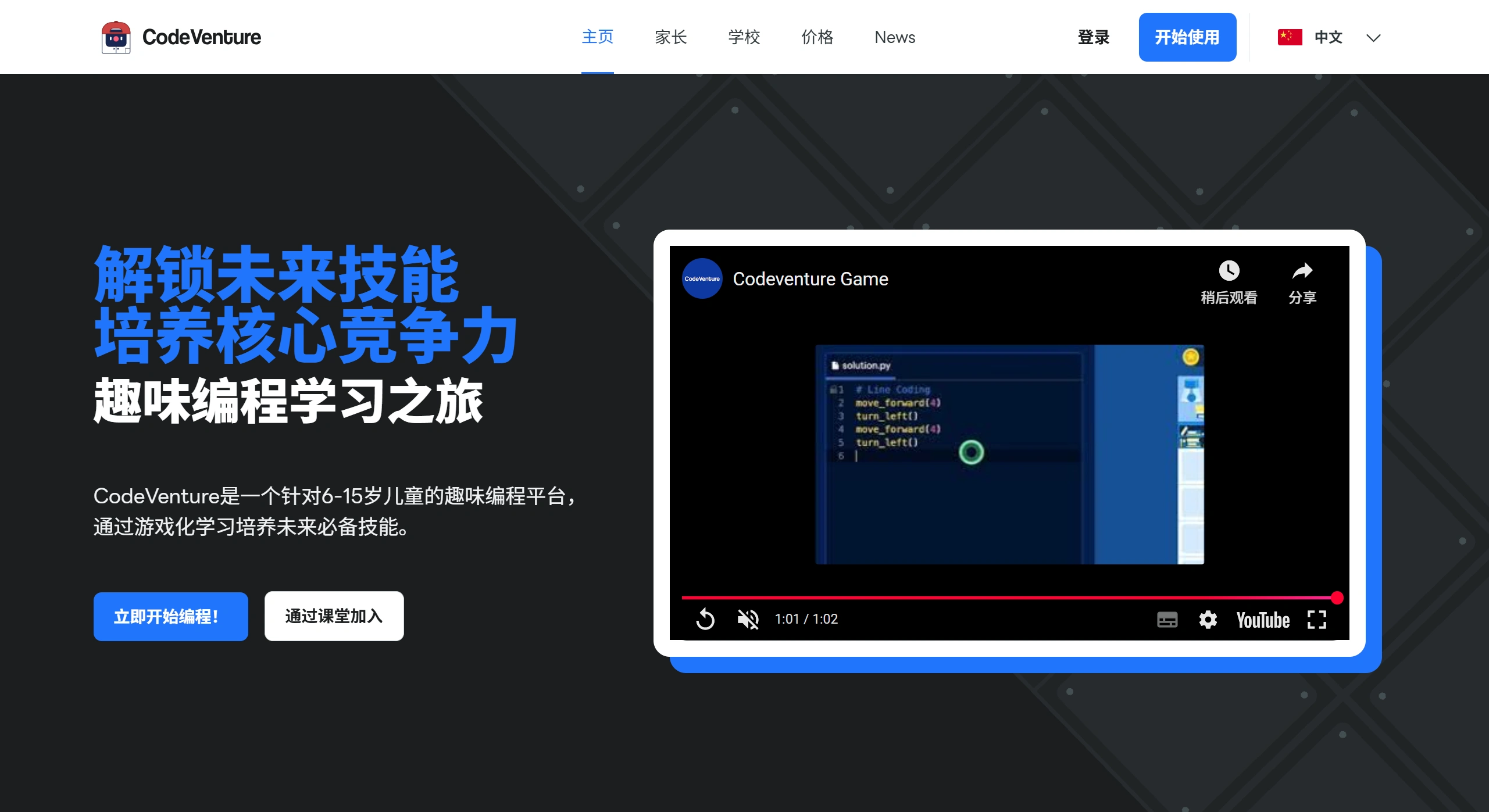
CodeVenture is a coding learning platform for kids aged 6 to 15. It uses games and interactive methods to teach children how to write code, while developing computational thinking, logic, problem-solving skills, and creativity, helping kids master programming in a fun and engaging way.
Courses are divided into three age groups
1. Icon-Based Coding
Suitable for ages 5–7
Uses icons instead of text—no typing or reading required
Teaches basic concepts like sequences, loops, and conditions
Aims to help kids understand instructions and simple logic
2. Block-Based Coding
Suitable for ages 8–12
Programs are built by dragging and dropping blocks (like Scratch)
Learn logic structures like events, variables, and functions
Combines stories and levels for learning through play
Aims to build a solid foundation in programming thinking
3. Text-Based Coding
Suitable for ages 12–15
Uses a syntax close to real code (similar to Python)
Focuses on algorithms and problem-solving, with simplified syntax
Helps kids gradually transition to professional programming languages
Aims to prepare them for future computer science studies
Key Features of CodeVenture
Learn coding like playing a game: features task-based levels, animated feedback, and instant rewards that keep kids engaged.
Badges, certificates, and points: kids earn rewards as they complete courses, giving them a sense of achievement and motivating them to keep learning.
Adaptive difficulty: the system automatically adjusts content based on each child's performance. Kids can explore on their own and practice repeatedly.
Trusted content: the curriculum meets international standards, is recognized by multiple universities and educational institutions in Thailand, and is already used in over 15 schools.
Parents and teachers can both get involved: parents can track their child's learning progress, while teachers can create classes, assign homework, and monitor progress.
How to Use CodeVenture
How do students get started?
Open a browser and visit https://codeventure.app/
Click "Register" in the top right corner, and fill in your name, email, password, and age
The system will recommend appropriate courses based on age
In some regions, quick login with a Google account is supported
After logging in, you'll see the main page, which includes:
Main storyline levels (such as "Adventure 1: The Lost City")
Mini-games (Casting Crew, Tangram, Cryptogram)
Earned badges and learning progress
Click on any level to start
Progress is automatically saved after each level
Unlock new levels, collect stars, and earn badges
Replay any time to reinforce what you've learned
What can parents do?
Help your child create an account
It's best to use a parent's email for easier management
Be sure to enter your child's real age so the courses are appropriate
View learning progress (coming soon)
A new parent dashboard is in development, which will show:
Which levels your child has completed
What skills they've learned (e.g., "can use loops")
Receive learning report emails
Subscribe to update notifications at the bottom of the official website
Encourage your child to play 15–20 minutes every day
The platform is designed to be fun, so most kids will want to play on their own without being pushed
How do teachers use it?
Select "Teacher" when registering, or contact the official team to apply for an education account
After logging in, click "Join with Classroom" or "Create Class," and the system will generate a class code
Share the code with your students; when they register or log in and enter the code, they'll automatically join your class
You can:
Assign students specific levels to complete (e.g., "Finish Adventure 2 this week")
View the completion status of the whole class
Export learning data












