
 Script Planner Assistant▸
 AI Apps
 AI News

CopyTranslator – Free Open-Source Copy-and-Translate Tool
CopyTranslator – Free Open-Source Copy-and-Translate ToolIntroduction
CopyTranslator is a free and open-source translation tool that supports copy-and-translate. It can solve the garbled text problem caused by unnecessary line breaks and line breaks, and the translation results are more in line with reading habits. It supports multi-interface translation and is compatible with Windows, mac, and Linux systems. It comes with built-in features such as multi-segment simultaneous translation, smart mutual translation, smart dictionary, and incremental copy. It is suitable for academic research, technical document reading, international news browsing, and daily foreign language learning scenarios, making it very practical.
CopyTranslator Key Features:
Copy to Translate: Users only need to copy text to the clipboard, and CopyTranslator will automatically monitor clipboard changes, process the content, and display the translation results.
Optimized Translation: Solves the garbled text problem caused by unnecessary line breaks and line breaks, making translation results more in line with reading habits.
Drag to Copy: A system-level open-source implementation that comes infinitely close to translation-by-selection. Drag to select, then copy and translate.
Smart Mutual Translation: Automatically identifies and translates copied content based on the set source and target languages. If the copied content is in the source language, it will be translated into the target language; and vice versa.
Smart Dictionary: Provides detailed explanations for phrases or words with fewer than three words.
Incremental Copy: Appends copied text to the original text instead of replacing it, which is especially useful for handling paragraph separations within a page.
Automatic Language Recognition: CopyTranslator can intelligently recognize the language of text copied by users and translate it according to the set source and target languages.
Multi-language Support: CopyTranslator supports translation in multiple languages, allowing users to choose the appropriate translation engine as needed.
Open and Free: Licensed under GPL v2, users can view the source code and even participate in project development.
CopyTranslator Use Cases:
Academic Research: Quickly translate English literature and improve efficiency in literature review.
Technical Development: Easily understand English technical documents and accelerate project progress.
International News: Instantly obtain Chinese translations of international news and broaden your horizons.
Language Learning: Assist in reading foreign books and articles, and facilitate language learning.
CopyTranslator Usage
Download the CopyTranslator installation package and extract it.
Run the installation program as an administrator.
Read the license agreement and accept it.
Choose the installation location and click Install.
After installation is complete, click Finish to exit the installation wizard.
CopyTranslator Download and Installation
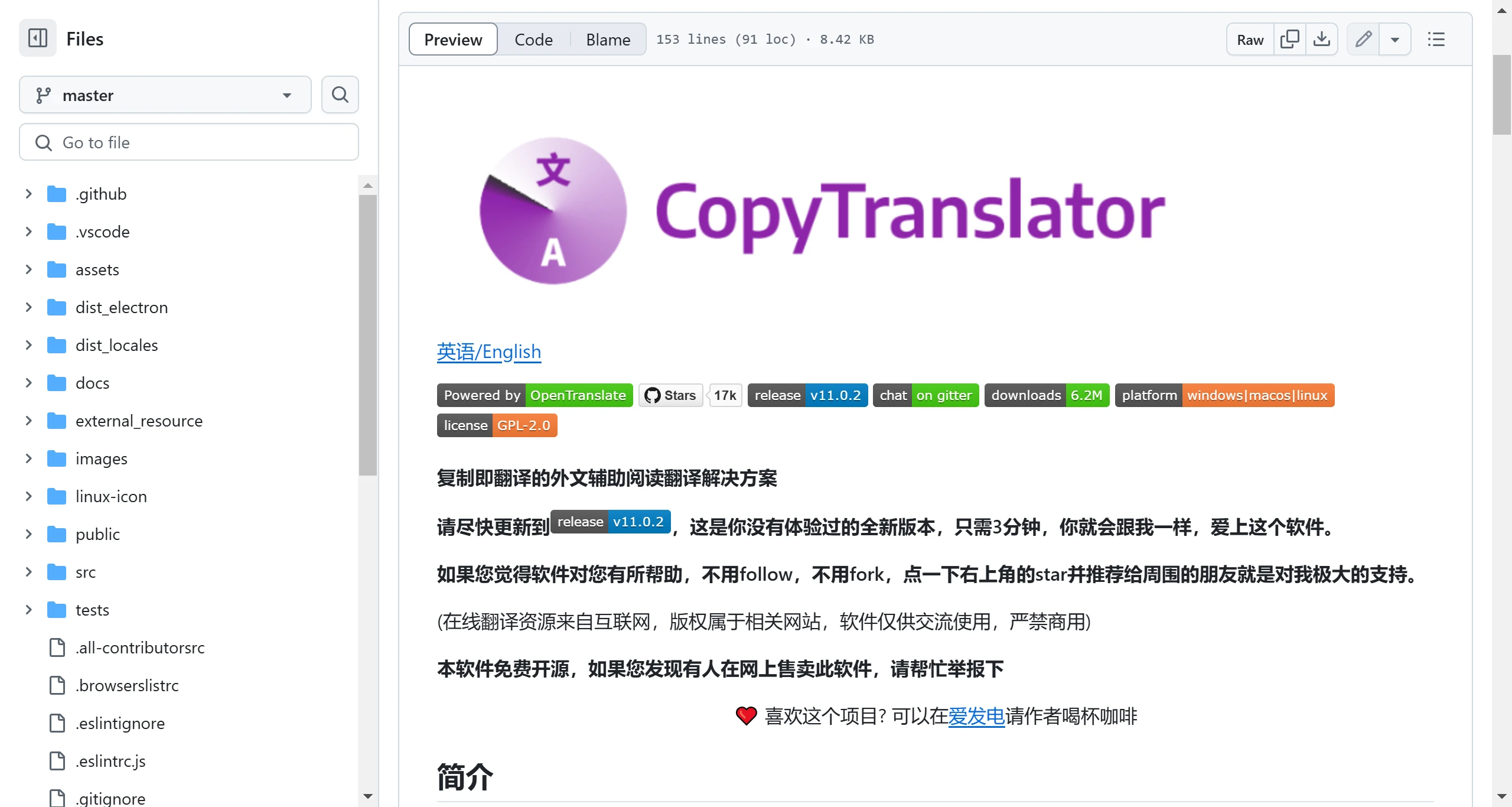
The latest version of CopyTranslator is v11.0.2. Users can obtain the latest update news and download links via GitHub. You can also download CopyTranslator through the following links:
Baidu Netdisk: CopyTranslator 11.0 Extraction code: 8888
Quark Netdisk: CopyTranslator















