
 Script Planner Assistant▸
 AI Apps
 AI News

Inkscape: Free & Open Source Vector Graphics Editor
Inkscape: Free & Open Source Vector Graphics EditorIntroduction
Inkscape is a free and open-source vector graphics editing software that supports operating systems such as Linux, Mac OS X, and Windows, allowing users to freely download, use, and modify it. The main functions of Inkscape include creating and editing vector graphics, such as illustrations, charts, and icons, and it is widely used in education, graphic design, engineering design, web design, and many other fields.
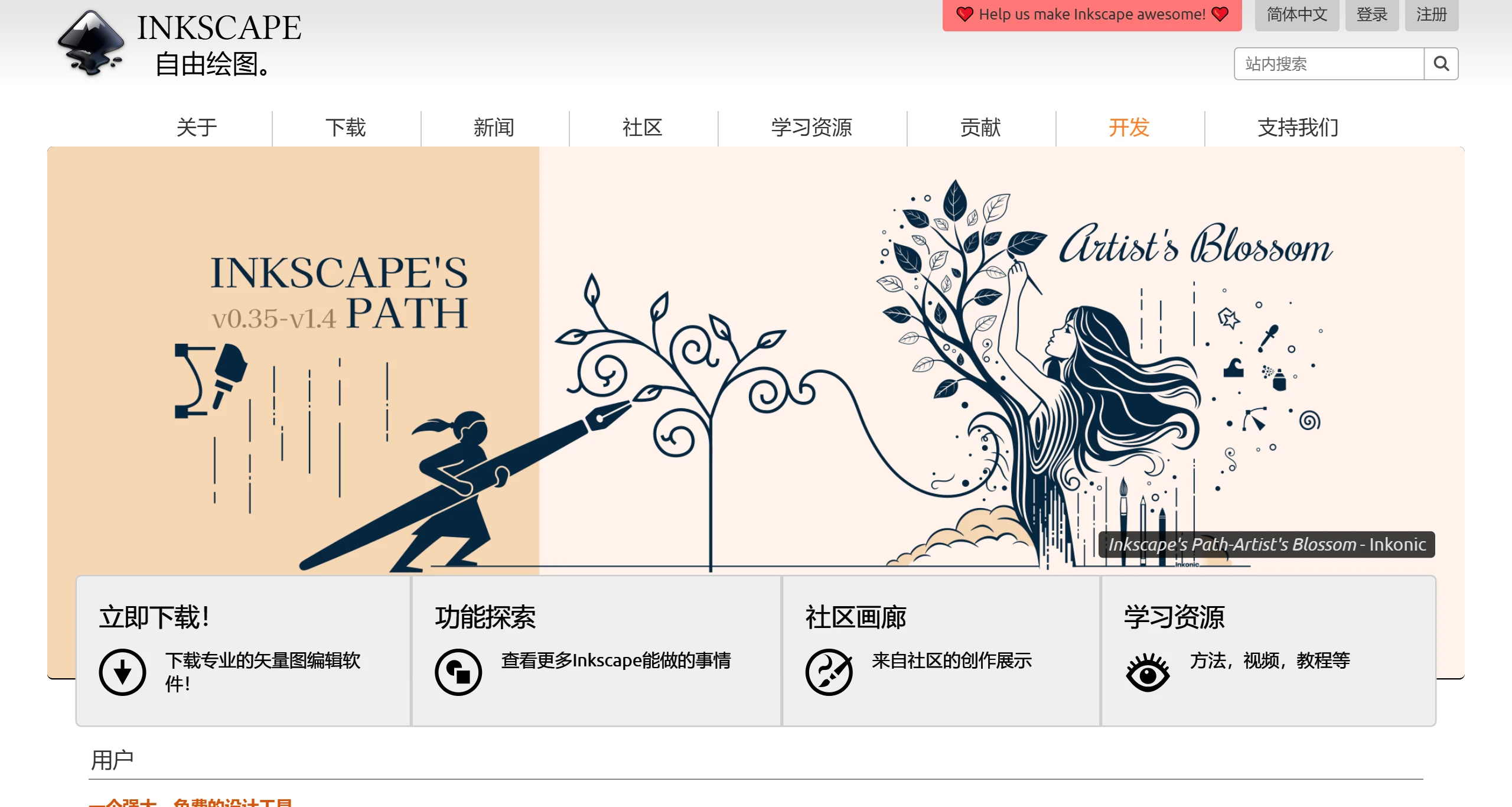
Inkscape Features:
Open Source and Free: Inkscape is completely free, and users can freely obtain and use it.
Multiple File Format Support: Supports a variety of file formats, including SVG, PDF, EPS, ai, etc., making it convenient for users to perform different types of graphics processing.
Powerful Drawing Tools: Provides a variety of drawing tools, such as Bezier curves, shape tools, text tools, etc., allowing users to easily create complex graphics.
Vector Graphics Editing: Inkscape uses vector graphics to ensure that graphics remain clear at any size, suitable for high-quality printing and web design.
Cross-Platform Compatibility: Supports Windows, MacOS (including M1/M2 chips), and various Linux distributions, ensuring a wide range of applications.
SVG Format Support: The main file format is SVG (Scalable Vector Graphics), which is an industry standard and facilitates file exchange with other software.
Rich Toolset:
Drawing tools: Includes pencil, pen, calligraphy tools, and shape tools such as rectangles, ellipses, stars, and spiral text tools.
Editing features: Object manipulation (move, scale, rotate), cloning, layer management, alignment and distribution, path editing, etc.
Text processing: Supports multi-line text, outline fonts, text on path, and complex text layout options.
Gradients and fills: Provides a comprehensive gradient editor and a variety of fill styles.
Boolean operations: Used for combining and splitting graphics, simplifying the creation of complex designs.
Bitmap processing: Includes functions for importing, editing, and converting bitmaps to vector graphics.
Extensibility: Supports extending software functionality by installing add-ons.
Interface and Language: Provides a multilingual interface, including Chinese.
Inkscape Use Cases
Logo design: Use its precise vector tools to design corporate or personal brand identities.
Illustration creation: Artists can draw detailed vector illustrations.
UI/UX design: Create interface elements for applications and websites.
Academic charts: Scientists and researchers produce charts and diagrams.
Teaching materials: Educators create visual aids.
With its comprehensive powerful features, open-source nature, and cross-platform compatibility, Inkscape is undoubtedly a treasure software in the field of drawing and design, becoming a powerful alternative tool for designers, artists, and hobbyists.














