
 Script Planner Assistant▸
 AI Apps
 AI News

MediaAI: Free Image Generation, Face Swap, and Style Transfer
MediaAI: Free Image Generation, Face Swap, and Style TransferIntroduction
What is Mediaai?
mediaai.art is an AI multimedia creation tool tailored for creative professionals! Simply input text to instantly generate high-quality images, handling everything from inspiration capture to material generation in one stop. Ideal for creative professionals, designers, video editors, bloggers, and marketers.
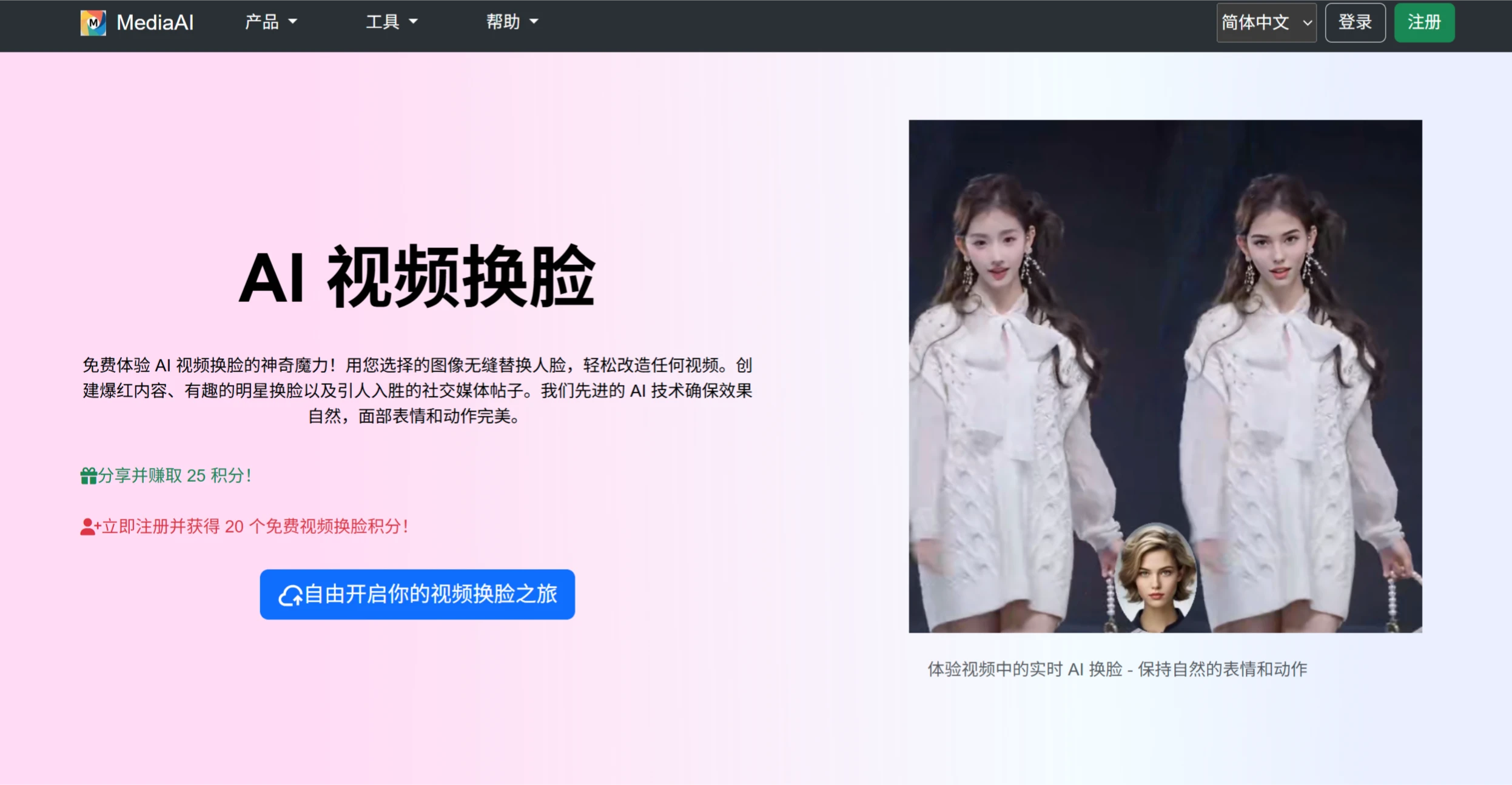
MediaAI Features
AI Video Face Swap: Achieves seamless face swapping in videos through AI technology, suitable for content creators, social media enthusiasts, and more.
AI Image Generation: Converts text descriptions into high-quality images, supporting various styles from realistic photos to artistic illustrations.
Photo Enhancement: Automatically improves portrait photo quality, adjusts lighting, and enhances details while maintaining natural results.
Old Photo Restoration: Repairs damaged photos, restores colors, and enhances details, giving old photos a fresh new look.
Photo Age Transformation: After uploading a photo, users can preview themselves at different ages, offering high entertainment value.
Smart Image Upscaling: Uses deep learning algorithms to identify and preserve key details in images, generating finer, more natural textures while enhancing resolution and detail.
Multiple Output Format Support: Supports common formats such as JPEG and PNG, and offers batch processing to improve efficiency.
MediaAI Application Scenarios
Content Creation: Helps creative professionals, designers, and video editors quickly generate inspiration images, perform face swaps, or apply style conversions.
Social Media: Users can easily create fun face-swap videos, artistic-style photos, and more.
Film and TV Production: Used in post-production for restoring old films, enhancing image quality, and generating special effects.
Online Education: Automatically generates multilingual subtitles for videos, helping learners of different languages understand the content; also performs intelligent categorization and tagging of instructional videos.
E-commerce Retail: Intelligently crops, expands, background-removes, and translates product images to meet the image requirements of e-commerce platforms.
Live Streaming: Real-time editing of live content to generate highlight clips; provides real-time simultaneous interpretation subtitles, audio/video enhancement, and other features.
Video Distribution Overseas: Offers subtitle removal, subtitle translation, voice translation synthesis, and other features.
How to Use MediaAI
Register and Log In: Visit the official MediaAI website, register for a free account, and log in to receive a certain number of free credits for trying it out.
Choose a Function Module: Select the desired function module based on your needs, such as AI video face swap, AI image generation, or photo style conversion.
Upload Materials: Upload the video or image materials you need to process as prompted.
Set Parameters: Depending on the function module, set relevant parameters, such as choosing a target image for face swap or entering a text description for image generation.
Start Processing: Click the "Start" button and wait for the system to complete processing.
Download: Once processing is complete, review the generated results and download if satisfied.
Media AI Advantages
Advanced AI Technology: Uses the latest algorithms to deliver outstanding results.
User-Friendly Interface: Simple and intuitive, suitable for users of all skill levels.
Fast Processing: Results in seconds, no long waits required.
High-Quality Output: Professional-grade results every time.
Security and Privacy: Ensures the safety of user data.














