Script Planner Assistant▸
 AI Apps
 AI News

Cowtransfer: Online Large File Transfer & Storage
Cowtransfer: Online Large File Transfer & StorageIntroduction
CowTransfer is a tool for transferring large files without requiring registration, supporting unlimited-speed uploads and downloads. Users can easily transfer large files such as videos, audio, images, and even conduct cross-border transfers. Unregistered users can transfer files up to 2GB with a retention period of 72 hours; registered users enjoy larger transfer capacity and longer retention periods. CowTransfer also provides 10GB of free cloud storage space, and member users can enjoy up to 3TB of cloud storage. It is simple to use—just drag and drop a file to generate a download link.
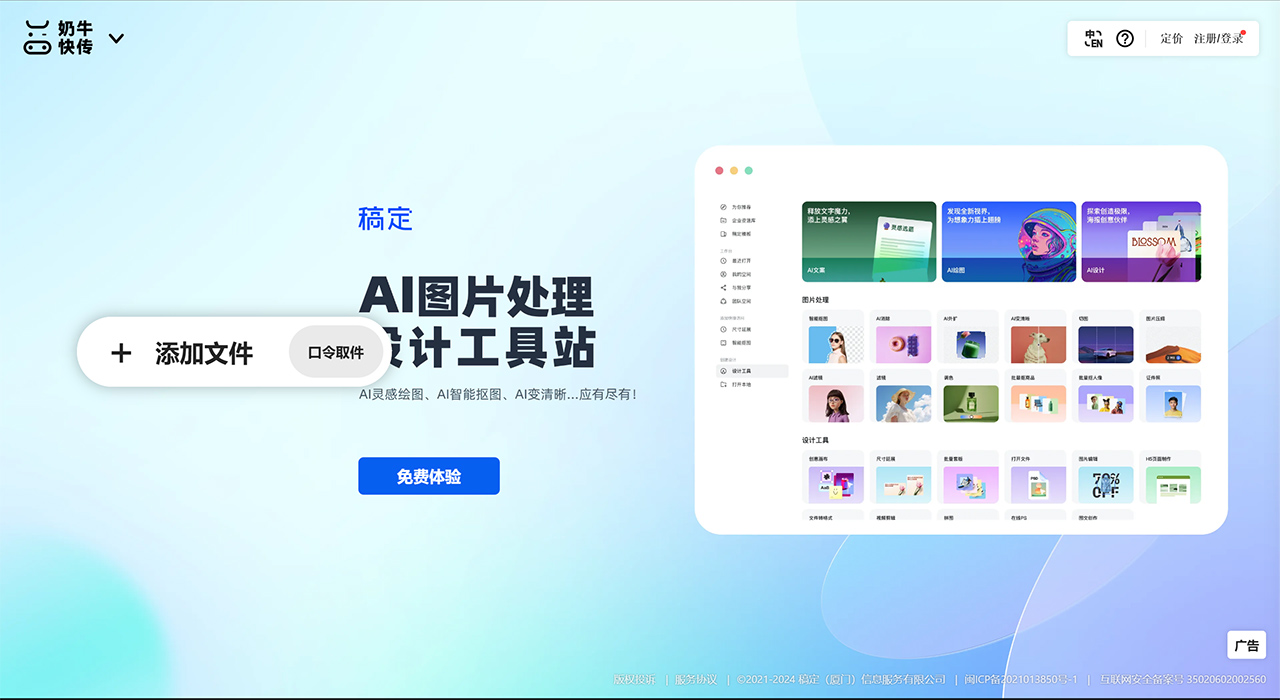
Main Features of CowTransfer:
Unlimited-Speed Upload and Download: CowTransfer supports unlimited-speed uploads and downloads, allowing users to quickly transfer large files based on their own network bandwidth.
No Registration Required: Users can directly access the website to transfer files without a tedious registration process.
Large File Support: Unregistered users can upload files up to 2GB, while registered users can enjoy cloud storage up to 3TB with no file size limit.
File Sharing Feature: After uploading a file, users can easily generate a sharing link and set the link's expiration, download count, and password protection.
Online Preview: CowTransfer supports direct preview of videos and other online files on mobile devices without downloading them locally.
Personalization Features: For Pro account users, CowTransfer offers options for custom backgrounds and personalized domains to meet branding and personalization needs.
Security Guarantee: CowTransfer provides multiple security measures, including file encryption and pickup password settings.
Multi-Platform Support: In addition to the web version, CowTransfer also supports mobile applications.
How to Use CowTransfer?
Visit the Website or Use the Mini Program: Access CowTransfer's official website through a browser, or search for and use its mini program in WeChat.
Upload Files:
Web Version: After logging into the website, click the upload button and select the file you want to transfer. If it's your first time using it, you may need to complete a simple registration or authorization.
Mini Program: In the WeChat mini program, click upload as well, authorize, and select the file.
Fill in Information: After uploading a file, the system may ask you to fill in the recipient's email address or specify the sharing link method. You can choose to send the link directly via email, or obtain a sharing link and password, then manually share it with the recipient.
Send the Link:After confirming the information is correct, click send, and CowTransfer will process the file and generate a sharing link or send it directly to the specified email.
Recipient's Actions: The recipient will receive an email containing the download link or obtain the link directly. They simply need to click the link and enter the password if prompted to download the file.
CowTransfer Applications:
Large File Transfer: When you need to share large-capacity files with friends, such as HD movies, large game installation packages, or work project files, CowTransfer's unlimited-speed transfer can quickly complete the sharing without both parties having to wait through lengthy upload and download processes.
File Size Limitations: Social platforms such as WeChat and QQ have size limits for file transfers. CowTransfer can bypass these limits, easily sharing files that exceed the limits, such as documents or videos larger than 20MB.
Resource Sharing: When publishing free learning materials, e-books, or video tutorials, users can use CowTransfer to set time-limited download links, protecting copyrights while making it convenient for fans to access them, without requiring fans to register an account.
Enterprise Internal Collaboration: In the absence of enterprise-level cloud storage services, CowTransfer can serve as a temporary file sharing tool, facilitating quick exchange of large files between team members.
Design and Creative Industries: Designers or artists can leverage its interface display features to share their work while quickly transferring large-sized design files to clients or partners.
Temporary File Storage and Sharing: For files that need to be temporarily stored and shared, CowTransfer offers a use-and-go solution. After uploading, a link is generated for easy sharing, and by default, files will be automatically deleted after a certain period of time.
Education and Training Resource Distribution: Teachers or training institutions can leverage CowTransfer to distribute large-volume teaching videos or courseware.
Cross-Platform File Transfer: Supports file transfer between different operating systems and devices. Whether it's a computer, phone, or tablet, as long as there is a network, files can be easily shared.
CowTransfer supports desktop Web, mobile Web, Android App, iOS App, WeChat Mini Program, etc. It can be handled in a desktop browser or a mobile browser.