
 Script Planner Assistant▸
 AI Apps
 AI News

ima.copilot – Turn Top WeChat Articles Into Your Personal Knowledge Base
ima.copilot – Turn Top WeChat Articles Into Your Personal Knowledge BaseIntroduction
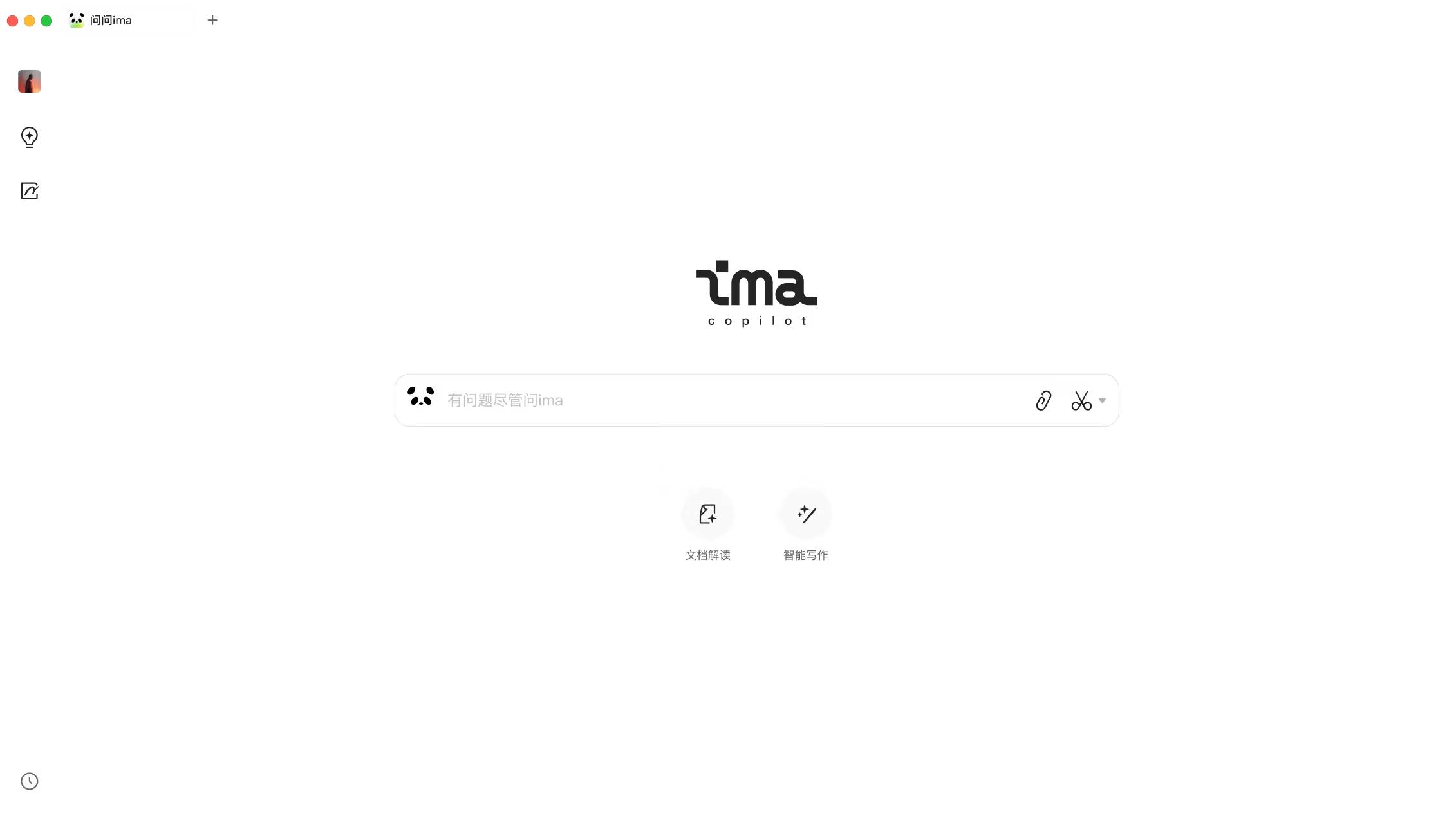
ima.copilot (short for ima) is an intelligent workspace product powered by Tencent's Hunyuan large model. It can be considered Tencent's version of NotebookLM or Notion AI , using artificial intelligence technology to provide users with efficient work support and intelligent solutions. Users can get suggestions, feedback, and direct answers through ima.copilot, thereby improving work efficiency and creativity.
Core Features of ima.copilot:
Intelligent Q&A and Content Generation: ima.copilot acts like a smart assistant, providing accurate, personalized answers to user questions and automatically generating text—such as helping with coding, writing, or report creation—leveraging deep learning technology to analyze large amounts of data and assist users.
Personal Knowledge Base Building: Users can upload documents, web pages, notes, etc., to build their own personal knowledge base. ima.copilot supports adding local files and optimizes management through tags and categories, better understanding and meeting the specific needs of users.
Search and Information Integration: It can not only search the entire web but also search based on the personal knowledge base, helping users quickly find the information they need. In addition, it has the ability to diverge and guide follow-up questions and generate mind maps with one click.
Notes and Writing Assistance: ima.copilot's note-taking feature supports basic editing while integrating AI assistance—such as expanding, shortening, translating selected words, or even generating illustrations.
Multi-scenario Applications: Whether for office tasks (such as writing reports and emails), study (information retrieval, thesis writing), or daily life information queries, ima.copilot can become a powerful assistant at work.
How to Build a Personal Knowledge Base with ima.copilot?
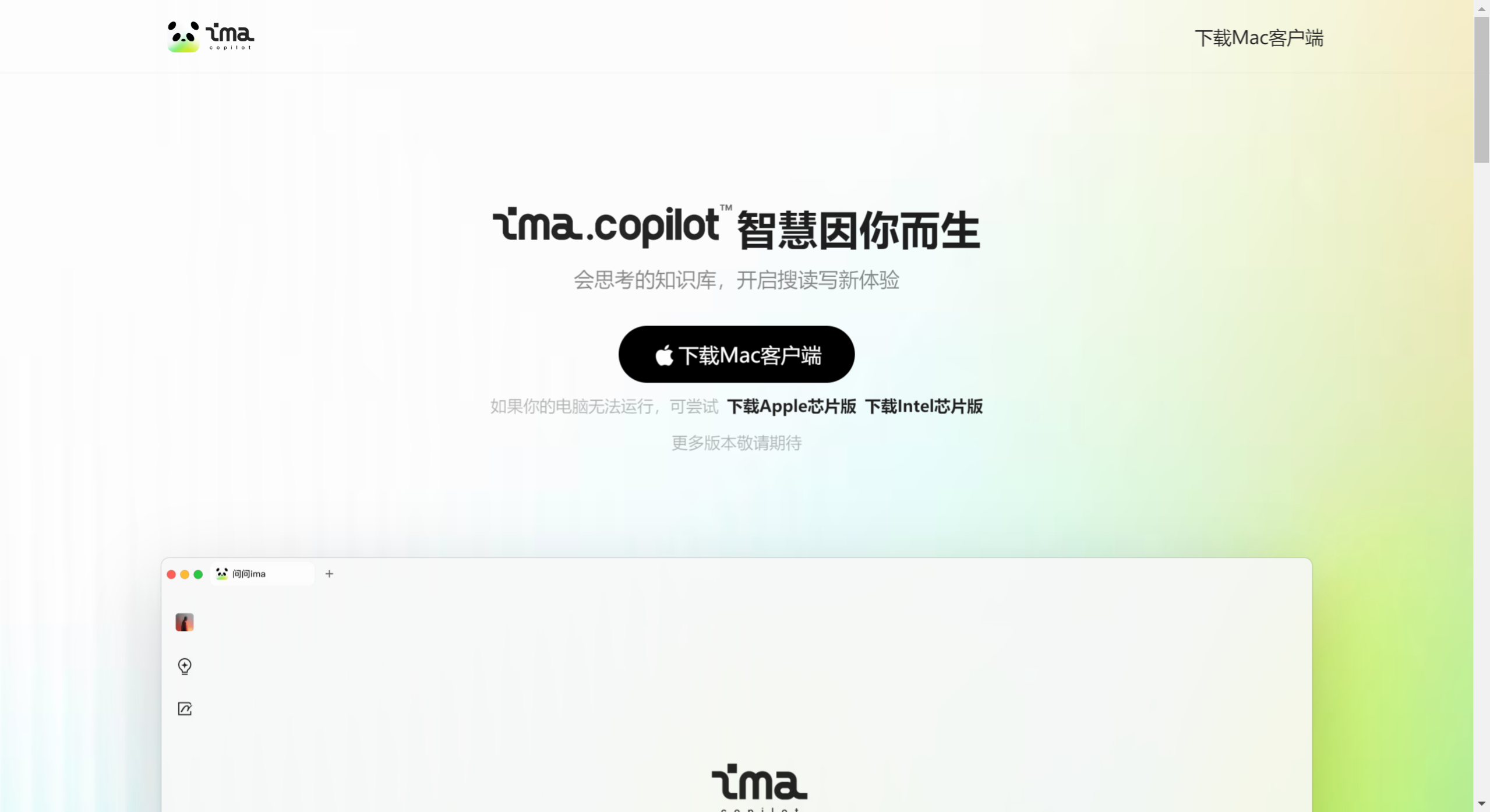
Download and Install: First, visit ima.copilot's official website and download the appropriate version based on your computer configuration (Apple chip or Intel chip) to complete the installation.
Create a Knowledge Base: After opening the ima.copilot app, you will be guided to create one or more knowledge bases. Each knowledge base can be tailored to a different topic or project, helping you organize information.
Collect Materials: Using ima.copilot's full-web search feature, you can find information and resources of interest. Whether it's web pages, documents, or other forms of content, you can add these materials to your knowledge base through Q&A or direct search. This step is key to building a personalized knowledge base, ensuring you can integrate high-quality resources from the web.
Intelligent Q&A and Content Integration: Within the knowledge base, you can ask questions, and ima.copilot will provide customized answers based on your knowledge base content, helping you deepen understanding or supplement knowledge. At the same time, it can automatically organize and link related materials, enhancing the internal connections of the knowledge base.
Management and Tags: For better management and retrieval, you can add tags and categories to imported knowledge. This step helps you quickly find specific information in the future.
Continuous Updating: As you continue to use it, you can constantly add new content to your knowledge base, whether new materials discovered through search or personally created notes and documents, keeping the knowledge base up-to-date and rich.
Intelligent Writing and Application: Once the knowledge base is built, you can use ima.copilot's intelligent writing assistance feature to create content based on your knowledge base. Whether it's a thesis, report, or daily writing, it can provide intelligent suggestions and content generation.
Application Areas of ima.copilot:
Office Automation: Provides office automation solutions.
Project Management: Supports project management and collaboration.
Data Analysis: Provides data analysis tools.
Customer Service: Used to improve customer service efficiency.
Education and Training: Supports applications in the education and training fields.
ima.copilot is an intelligent workspace product launched by Tencent on October 23, 2024, designed to improve users' office and learning efficiency. This application integrates advanced natural language processing technology, particularly relying on Tencent's Hunyuan large model, enabling ima.copilot to understand and respond to users' complex needs.















