
 Script Planner Assistant▸
 AI Apps
 AI News

NotebookLM: Quick Note Organization & Summarization by Google Labs
NotebookLM: Quick Note Organization & Summarization by Google LabsIntroduction
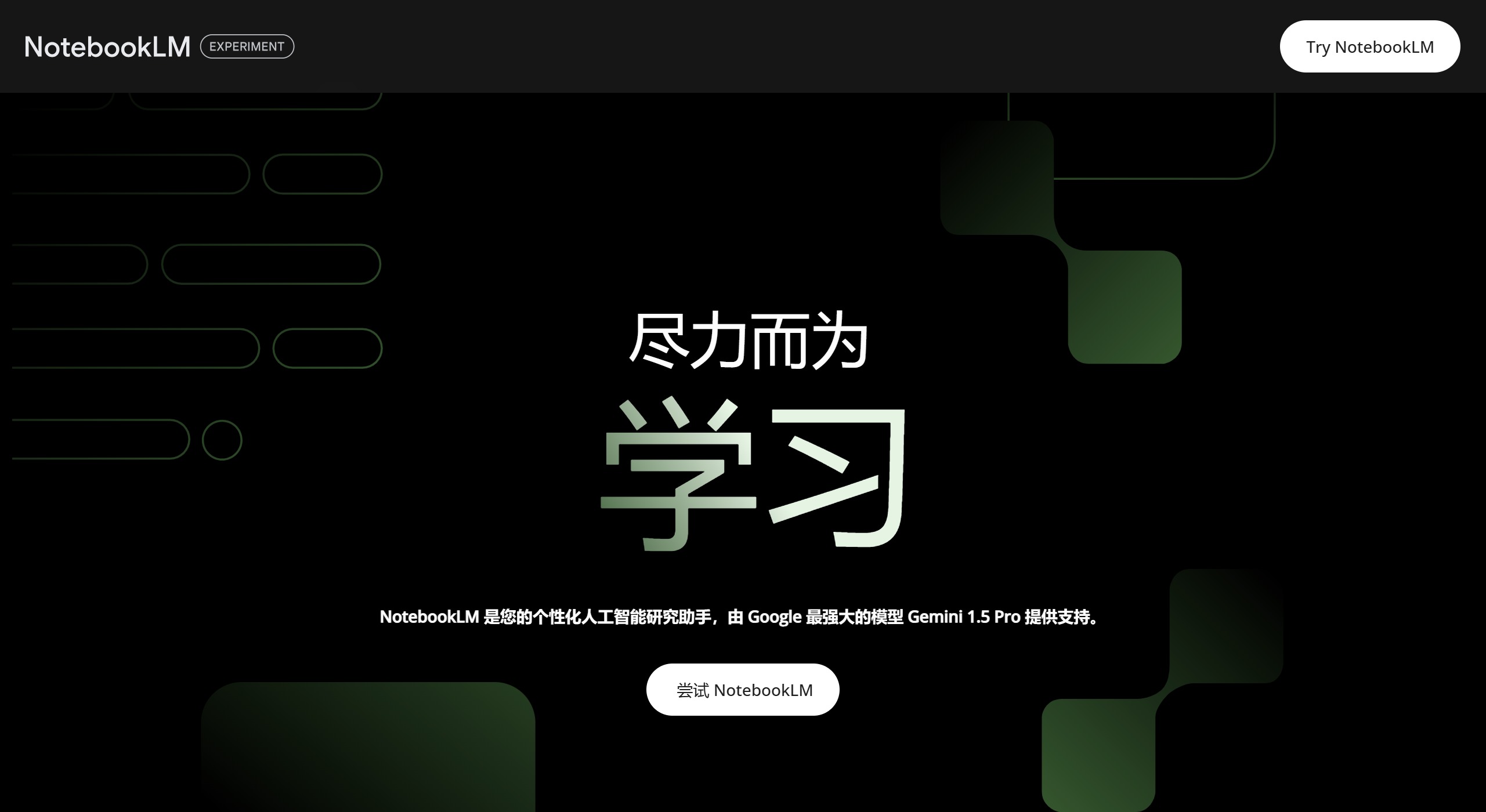
NotebookLM is an experimental aitool developed by Google Labs. It uses generative AI technology to help users quickly organize and summarize notes. Users can input various texts or PDF files, and NotebookLM automatically organizes the content and provides suggestions. It is a free personal AI research assistant, especially suitable for educators and students, helping them process complex documents more effectively.
NotebookLM Core Features:
Document Upload and Analysis: Users can upload documents in multiple formats (such as PDF, Google Docs, Markdown, etc.), and Notebook LM generates a personalized AI assistant based on these documents, helping users quickly access critical information and insights.
Intelligent Summary and Q&A: Notebook LM can automatically generate document summaries and allow users to ask specific questions for deeper understanding. For example, users can ask about key terms in a scientific article or summaries of specific events.
Creative Generation: In addition to answering questions, Notebook LM can also help users generate creative content, such as video scripts, email drafts, etc. This makes it not just a note-taking tool, but also a creative assistant.
Audio Summary Feature: A unique feature of Notebook LM is its ability to convert document content into podcast-style audio summaries. Users can listen to podcasts to obtain information while busy, which is very convenient for both learning and work.
Collaboration and Sharing: Users can share notes with others and collaborate in real time, which is especially important for team projects or study groups.
Source-Based: Notebook LM's AI model is trained on the specific documents uploaded by users, meaning its answers and generated content are based on the information provided by users, thereby reducing information bias and errors.
What are the specific use cases for Notebook LM?
Document Summary and Analysis: Users can upload documents in multiple formats (such as PDF, Google Docs, Markdown, etc.), and Notebook LM generates a personalized AI assistant based on these documents, helping users quickly access critical information and insights. This is very useful for researchers and students who need to process large amounts of information.
Audio Summary Feature: Notebook LM can convert document content into podcast-style audio summaries, allowing users to obtain information while busy. This feature is particularly suitable for people who need to use their time for learning during commutes or other activities.
Collaboration and Sharing: Notebook LM supports sharing notes with others and real-time collaboration, which is especially important for team projects or study groups. Users can edit and comment on note content with colleagues, friends, or classmates, improving team communication efficiency.
Creative Generation: In addition to answering questions, Notebook LM can also help users generate creative content, such as video scripts, email drafts, etc. This makes it not just a note-taking tool, but also a creative assistant.
Learning and Knowledge Management: Notebook LM is an excellent tool for learning and knowledge management. Users can use it to take class notes, organize study materials, and add personal thoughts and summaries. Its intelligent search function helps quickly find and review study content.
How to Use NotebookLM?
Access and Login: First, users need to visit NotebookLM's official website (https://notebooklm.google.com/) and log in with a Google account.
Create a Notebook: On the welcome page, users can view sample notebooks to learn how to organize content. Then, click "New Notebook" to start creating their own project, name the notebook, and save it.
Add Sources: Users can upload Google Docs, PDF files, or directly copy and paste text as research materials. NotebookLM supports adding files directly from Google Drive.
AI-Assisted Organization: After adding materials, NotebookLM automatically analyzes the content, summarizes key information, raises relevant questions, and helps users quickly grasp the key points of documents.
Interact and Explore: Users can interact with NotebookLM through a dialog box, asking questions about research materials to obtain explanations or new insights.
NotebookLM is considered by users as a potential "virtual research assistant." If it could be integrated with existing tools such as Google Keep, it could become even more practical and potentially a strong competitor in the knowledge management and productivity tool market. Unfortunately, Notebook LM does not support answering in Chinese.
Related Information:
Notebook Copilot: A Free Open-Source Notebook Development Assistant















