
 Script Planner Assistant▸
 AI Apps
 AI News

AIEasyPic: Simplified AI Image Generation
AIEasyPic: Simplified AI Image GenerationIntroduction
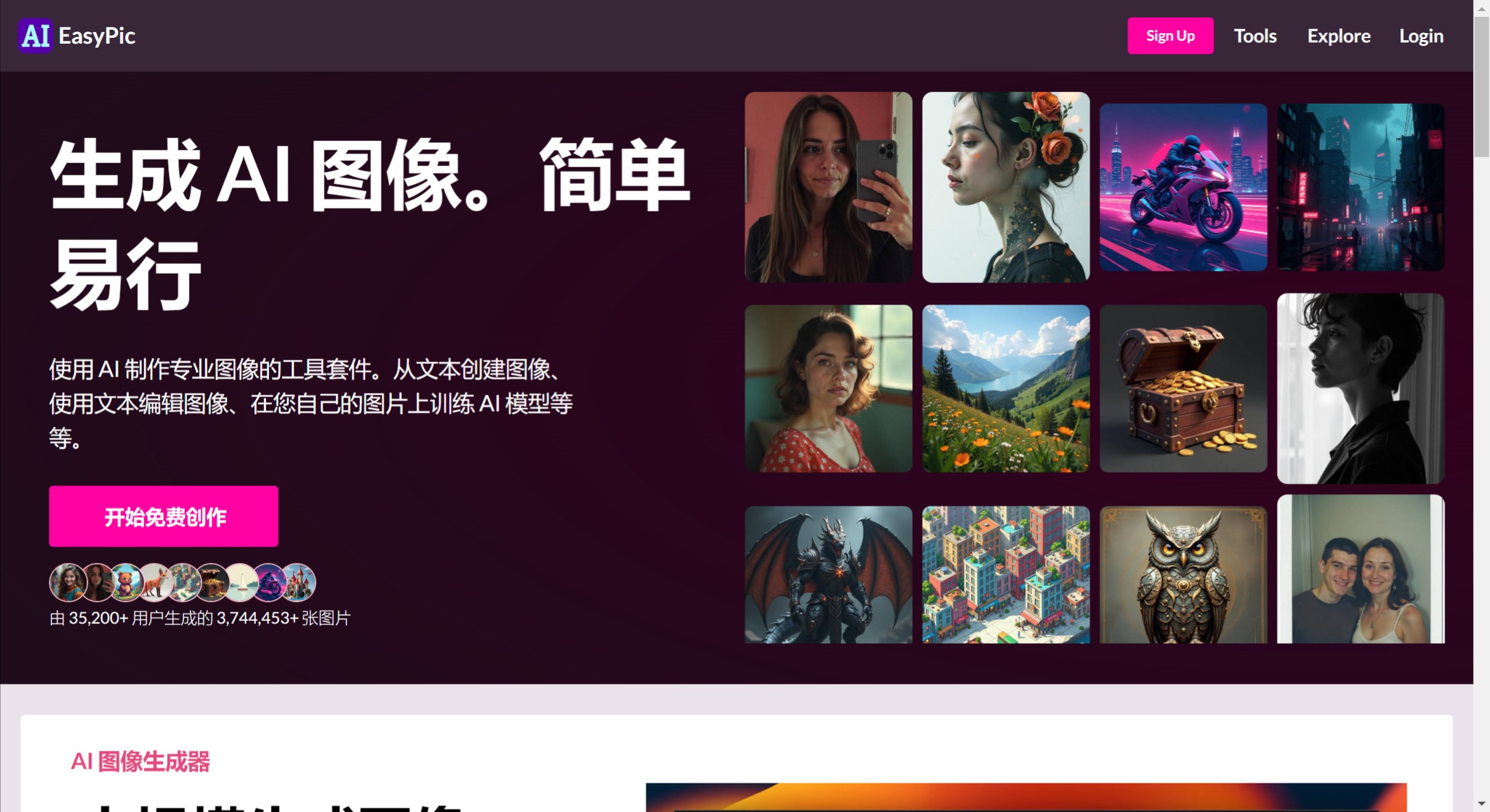
IEasyPic is a powerful ai image generation tool that makes image processing simple and straightforward through artificial intelligence technology. Users can generate images from text prompts, or upload their own images for AI transformation. IEasyPic supports image generation in a variety of styles, including but not limited to photorealism, anime, 3D, and concept art.
AIEasyPic offers a rich set of customization options, allowing users to adjust resolution and choose from over 50 models and 300 LoRAs (Low-Rank Adaptation, a technique used to fine-tune AI models) to personalize their image generation process.
AIEasyPic leverages advanced technologies such as Stable Diffusion, ControlNet, and LoRAs, ensuring that users can easily create high-quality images that match their creative vision, even without a professional technical background.
AIEasyPic Key Features
Real-time Image Generation: Use AI to instantly create images from text descriptions, enabling rapid visualization and prototyping of ideas.
Face Swap Feature: Seamlessly swap faces in photos with just a few clicks, perfect for creating personalized content or fun visual effects.
Custom AI Training: Train AI models using your own images to generate personalized and unique images that reflect your style and preferences.
Advanced Image Editor: Edit images using powerful AI-driven tools (including text overlay and drawing features) to enhance or modify your visuals.
Background Removal Tool: Easily remove or change backgrounds in images, perfect for creating clean visuals for professional or personal use.
Scalable Image Creation: Efficiently generate large volumes of images, suitable for businesses and creators who need visuals at scale.
AIEasyPic Advantages
Content Style Transfer: Adapt the style of one image to another, allowing creative and artistic transformations that enhance marketing materials or personal projects.
Photo Enhancement Filters: Use AI-powered filters to automatically improve photo quality, enhancing lighting, sharpness, and color balance for more professional results.
Automatic Object Detection: Automatically identify and categorize objects in images, streamlining workflows for cataloging or editing large image datasets.
Interactive Design Interface: Provides a user-friendly interface that simplifies complex design tasks, making it accessible to users with varying levels of expertise.
AIEasyPic Disadvantages
Complex Interface Navigation: For new or occasional users, navigating the numerous advanced features and settings can be overwhelming and confusing.
High System Requirements: Advanced AI-driven tools and image processing may require powerful hardware, limiting accessibility for users with older systems.
Over-reliance on AI: Heavy reliance on AI for image editing may reduce the development of manual editing skills among professionals and hobbyists.
Limited Creative Control: While AI custom training allows for style imitation, it may not fully capture the subtle artistic intentions of creators.
Privacy Concerns: Uploading personal photos for face swapping and custom AI training may raise user concerns about data privacy and security.
AIEasyPic offers different versions of its service, including a free version and a paid membership version. Free users can enjoy certain computing power and feature limits, generating up to 40 watermark-free images per month for free. Paid users can unlock more advanced features and resources to meet more professional and demanding image generation needs.















