
 Script Planner Assistant▸
 AI Apps
 AI News

Audimee: AI Music Creation Tool
Audimee: AI Music Creation ToolIntroduction
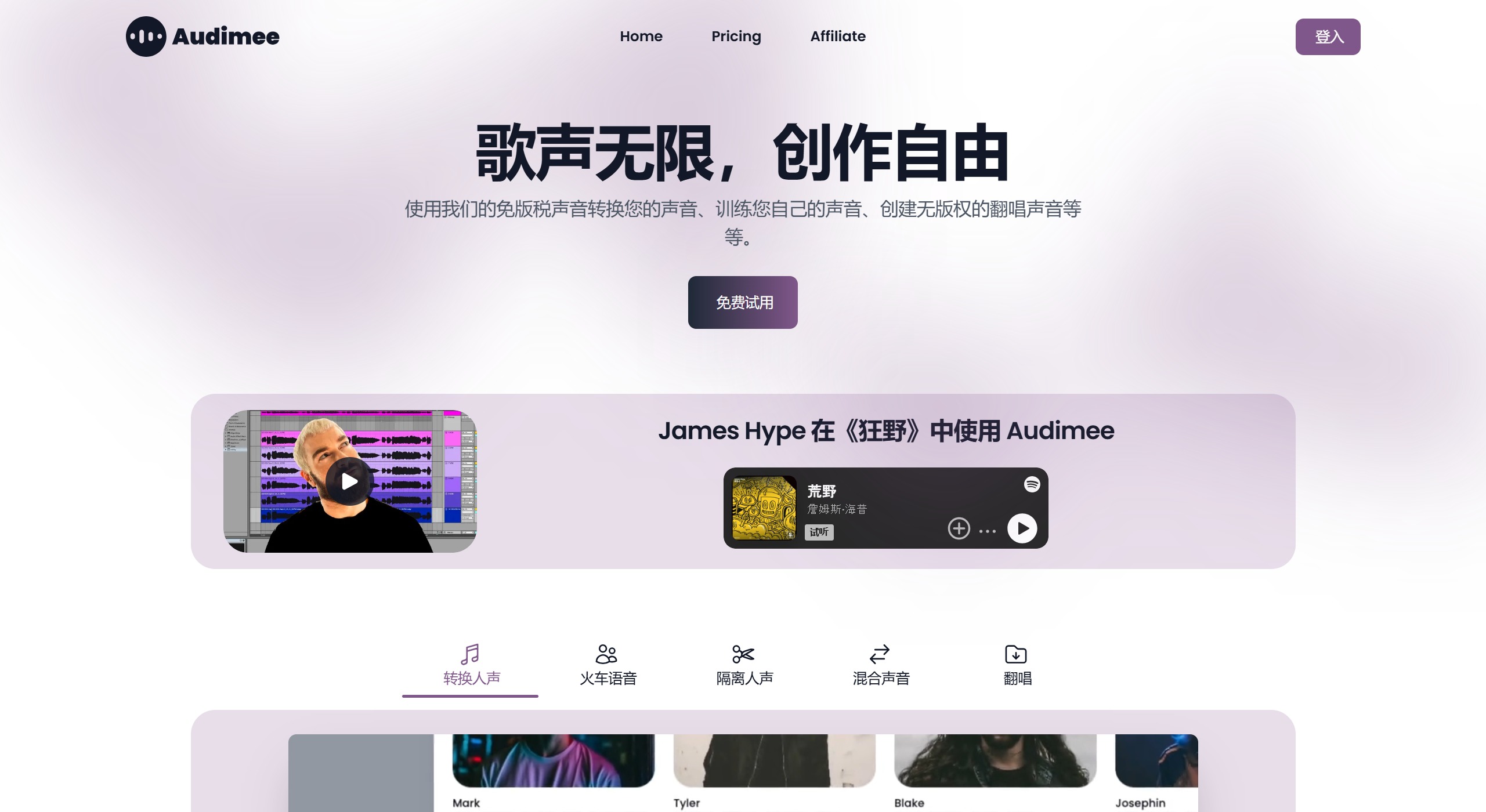
Audimee is an AI-powered music creation tool focused on providing innovative vocal processing features for musicians and producers. Users can use Audimee to convert their own vocals into royalty-free voices, and even train their own voice models. In addition, Audimee also supports the creation of copyright-free cover vocals, greatly enhancing the freedom of music creation.
Audimee Key Features:
Voice Conversion: Use Audimee's advanced AI to transform any voice input into different styles, with a variety of royalty-free voices. For example, you can record a melody with your own voice and convert it into, say, a violin.
Voice Training: Users can train artificial intelligence with their own voice. To train it properly, you need to record 10–15 minutes of the model you want to train. Also, make sure the recording is clear, with no reverb, echo, or background noise.
Vocal Conversion: Users can upload WAV, MP3, or FLAC files and choose from over 65 royalty-free voices to use.
Vocal Isolation: Allows users to remove accompaniment, background vocals, and other noise during the conversion process—perfect for producers who need creative vocal processing.
Voice Mixing: Use Audimee's intuitive interface to seamlessly mix multiple voices and create rich, layered audio works. You can combine 70% of the "Austin" model with 30% of the "Alyssa" model to create a unique voice template. We tried this feature by mixing the "Blake" and "Nicole" models in a 65:35 ratio and applying it to the same Splice vocal sample. The result was very interesting, producing complementary voices that perfectly enhanced the main track.
Cover Library: New AI-isolated covers are released weekly, edited and mixed by Audimee's mixing engineers, which can be used in production but require the appropriate rights when released
RVC Model Enhancement: Thanks to the upgraded RVC model, experience improved tonal range and dynamic voice modulation while reducing AI artifacts.
Audimee Advantages:
Real-time Transcription: Instantly convert spoken words into written text, perfect for efficiently creating accurate subtitles or meeting notes.
Background Noise Reduction: Enhance audio clarity by automatically filtering out background noise, ensuring high-quality recordings in any environment.
Language Translation: Instantly translate spoken language into multiple languages, ideal for multilingual content creation and global communication.
Audio Speed Adjustment: Modify audio playback speed without affecting voice quality—useful for accessibility and detailed audio analysis.
Emotion Detection: Analyze and categorize emotions in spoken content, providing insights for content creators to improve audience engagement.
Audimee Disadvantages:
Complex Interface: For beginners, navigating Audimee's advanced features can be overwhelming, requiring a steep learning curve.
Limited Voice Styles: While Audimee offers a variety of voices, the selection may not cover all the regional accents or tones users need.
High System Requirements: Audimee's complex AI algorithms require powerful hardware, which may exclude users on older or less capable systems.
Dependency on Updates: Audimee's continuous improvements and bug fixes require regular updates, which may disrupt ongoing projects.
AI Unpredictability: Despite advances, the AI may produce unexpected vocal modulations that sometimes require manual correction.
Audimee Applications:
Top DJs such as James Hype and Nicky Romero use Audimee.
Suitable for music producers and content creators.
Provides mixing and editing services.
Supports the creation of various music styles.
Users can create high-quality, innovative vocal content.
How to Use Audimee for Vocal Conversion?
Upload Audio File: Visit the Audimee website and upload the vocal file you want to convert. Supported file formats include WAV, MP3, and FLAC.
Choose a Voice Model: On the website, you can choose from over 65 royalty-free voices for conversion. These voices cover a variety of music styles such as pop, rock, and RnB.
Adjust Settings: You can adjust parameters such as pitch and vibrato as needed, and you can also choose to use the auto-tuning feature to optimize vocal effects.
Download the Conversion Result: Once the conversion is complete, you can download the processed vocal track. Depending on your subscription plan, the download format may include MP3 or high-quality WAV files.
Audimee offers a variety of subscription plans, including a free plan that allows users to experience the platform and provides 15 minutes of vocal conversion time. Paid subscriptions unlock all features, including commercial usage rights and more customization options.














