
 Script Planner Assistant▸
 AI Apps
 AI News

Tunee AI: China's First Conversational AI Music Creation Agent
Tunee AI: China's First Conversational AI Music Creation AgentIntroduction
What is Tunee ai?
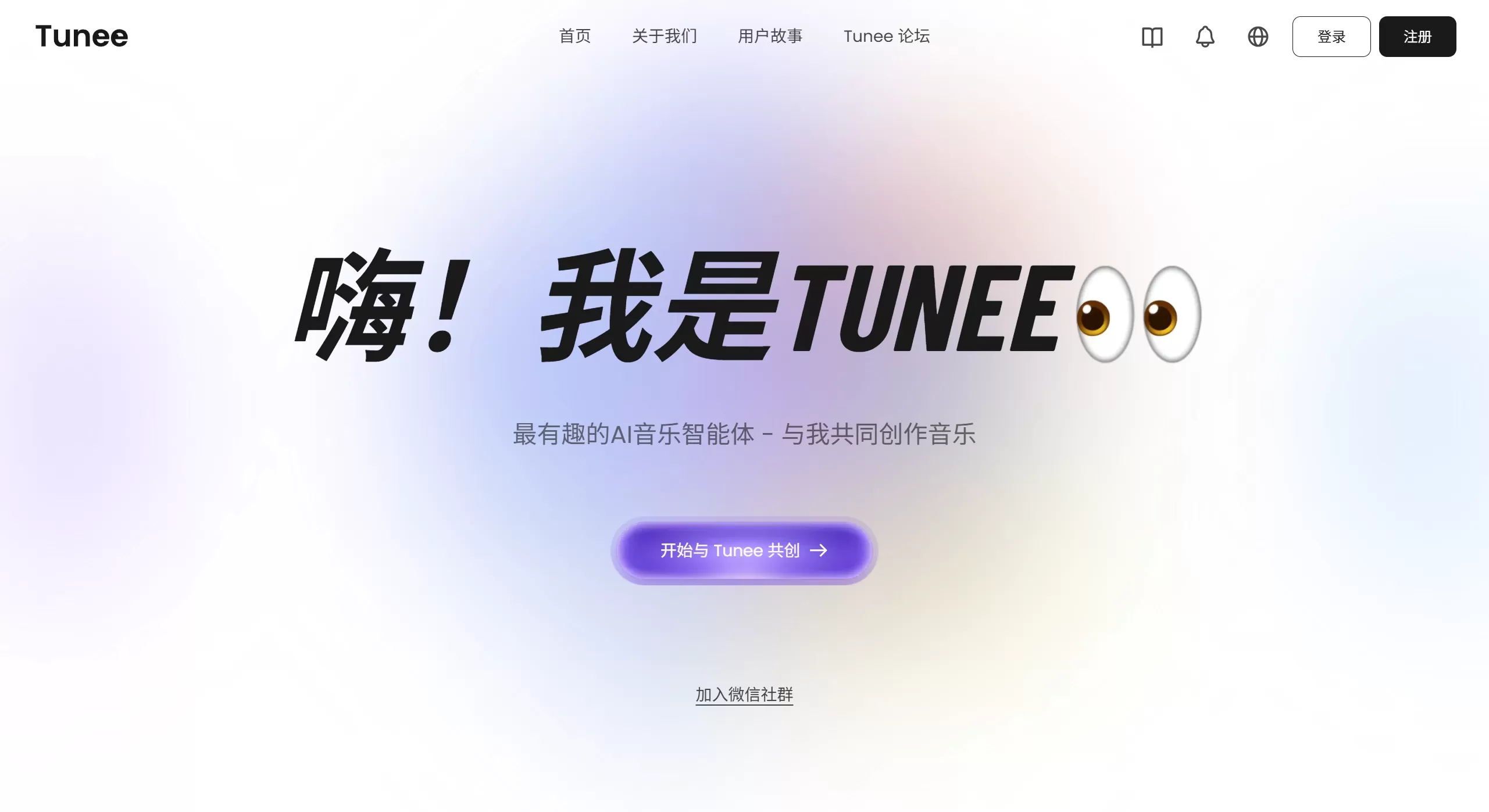
Tunee AI is developed by the Tianyue Music team (one of China's "domestic AI music trio"), which belongs to Quwan Technology. It is the world's first AI that can create music through conversation. It's like your personal music producer, an all-in-one workstation, and a creative partner. The goal is to let users complete the entire process — from having a musical inspiration to producing a finished music piece — simply through natural language conversation, without needing any music theory knowledge or professional equipment.
What practical features does Tunee offer?
Tunee is not just a music generator; it's more like an intelligent companion you can interact with. Its main features include:
1. Multiple ways to interact and create with you
Natural language conversation: You just need to type and tell it what kind of music you want, such as "I want a slightly sad piano piece suitable for a rainy day," and it will then ask you some follow-up details before helping you generate it.
Multiple source inputs: You can also upload reference images, video clips, or a short segment of audio. Tunee will analyze their style, mood, or melody and use them as references for creation.
Iterative adjustments: After generating an initial draft, if there's anything you're not satisfied with — for example, "the drums aren't powerful enough" or "can the vocals be a bit softer?" — just keep talking to it, and it will continue refining until you're happy.
2. From lyric writing and composition to post-production — everything is covered
Automatic lyric writing and composition: Tunee can automatically generate complete lyrics, including common verse and chorus structures, while also generating the corresponding melody.
Rich and varied style arrangements: Whether it's pop, rock, Chinese style, electronic, or jazz, it can automatically arrange the appropriate instruments and arrangement style.
Professional-grade post-production: It comes with built-in mixing and mastering functions, making your music sound more professional and reach a publish-ready level.
Stem separation: If you upload a song or generate a piece of music, it can also help you separate the vocals from the accompaniment, making it easy for you to create secondary works.
3. More than music — it can also generate visual content
Automatic album cover generation: Based on the style of your music, Tunee can also design an album cover that fits the mood.
AI-generated MV: It can even automatically produce a music video (MV) based on your music content, making your work not only sound great but also look great.
4. Copyright and commercial use — already taken care of
Royalty-free music: Music generated by Tunee is royalty-free by default and completely fine for personal use.
Commercial licensing: If you're a paid user, the music you generate can also be used for commercial purposes — such as short videos, advertisements, games, etc. — without worrying about copyright issues. Free users are generally limited to personal non-commercial projects.
Where can Tunee be used?
Because it's so easy to use and offers comprehensive features, Tunee is especially well suited for the following audiences:
Short video and self-media creators: Want to add background music to your TikTok, Bilibili, or YouTube videos, but worried about copyright? Music generated with Tunee sounds great and is safe, so you can use it without any worries.
Independent musicians and music enthusiasts: Even if you don't understand music theory, you can use Tunee to turn your melodic sketches into complete songs, and even use it to learn arrangement and lyric writing.
Game developers: To score your game, whether it's combat, exploration, or story scenes, Tunee can generate background music and sound effects that fit the mood.
Film and animation producers: Find suitable soundtracks for your short films, animations, or advertisements — and even have Tunee generate related visual assets for you.
Podcast and audiobook creators: Customize exclusive opening themes, closing themes, and background music for your show to enhance overall quality.
Music education: Teachers can use it to help students intuitively understand different music styles and arrangement structures.
How to use Tunee? Super simple!
Using Tunee generally follows these steps:
1. Register and log in
Go to the official website tunee.ai and register an account. Just register with your email and log in to start using it.
2. Start creating
Describe what you want in natural language in the dialog box, for example: "I want a pop song full of summer vibes, with guitar accompaniment and upbeat drums."
You can also upload reference images, videos, or a recording of yourself humming to help Tunee better understand your needs.
Some versions also support selecting different creation modes, such as "Create from scratch," "Imitate a certain style," or "Remix."
3. Interactive adjustments
Listen to the first version of the music Tunee generates. If you're not satisfied, just keep communicating with it — for example, "make the chorus a bit more passionate," "turn up the bass a bit," or "try a male voice instead."
4. Export and download
Once you're satisfied with the music, you can download the audio file, available in WAV and MP3 formats.
If you plan to use it commercially, make sure your account has the corresponding license.
You can also choose to have Tunee generate an album cover or an MV for you.
Frequently Asked Questions
Q1: Does the music generated by Tunee have copyright? Can it be used commercially?
A: Generally speaking, the music generated by Tunee is royalty-free. Free users are usually limited to personal projects; paid users receive full commercial licensing and can safely use it in commercial scenarios such as advertisements, games, and videos. Please refer to the latest user agreement on the official website for specifics.
Q2: Do I need to know music to use it?
A: Absolutely not! Tunee is designed to let ordinary people easily create music. You only need to be able to type and describe what you want. Of course, professional musicians can also use it to quickly produce demos or find inspiration.
Q3: Does it support Chinese lyrics?
A: Yes! As a product developed by a domestic Chinese team, Tunee has strong capabilities in understanding and creating Chinese lyrics, and also supports other major languages such as English.
Q4: How is the quality of the generated music? Can it be officially released?
A: Tunee has built-in professional mixing and mastering functions, and the quality of the generated music is quite high — fully sufficient for short videos, indie games, and online release. For the traditional recording industry, which demands extremely high audio quality, some manual fine-tuning may still be needed, but it's much less effort than before.
Q5: What if I'm not satisfied with the generated result?
A: No worries — you can keep communicating with Tunee and iterate continuously. It remembers your previous conversations. Just point out what you're not happy with, such as "the tempo is too slow" or "there are too many instrument types," and it will regenerate a version that better matches your expectations.














