Script Planner Assistant▸
 AI Apps
 AI News

Tripo3D AI: AI-Powered 3D Model Generator
Tripo3D AI: AI-Powered 3D Model GeneratorIntroduction
Tripo3D ai is an online 3D modeling platform released by VAST. It leverages a hybrid architecture combining DiT and U-Net models to rapidly generate 3D models with rich details and high-quality materials. Users can generate models by providing text descriptions or uploading images. Tripo3D offers a multi-view image-to-3D model conversion feature and supports direct 3D generation within Houdini.
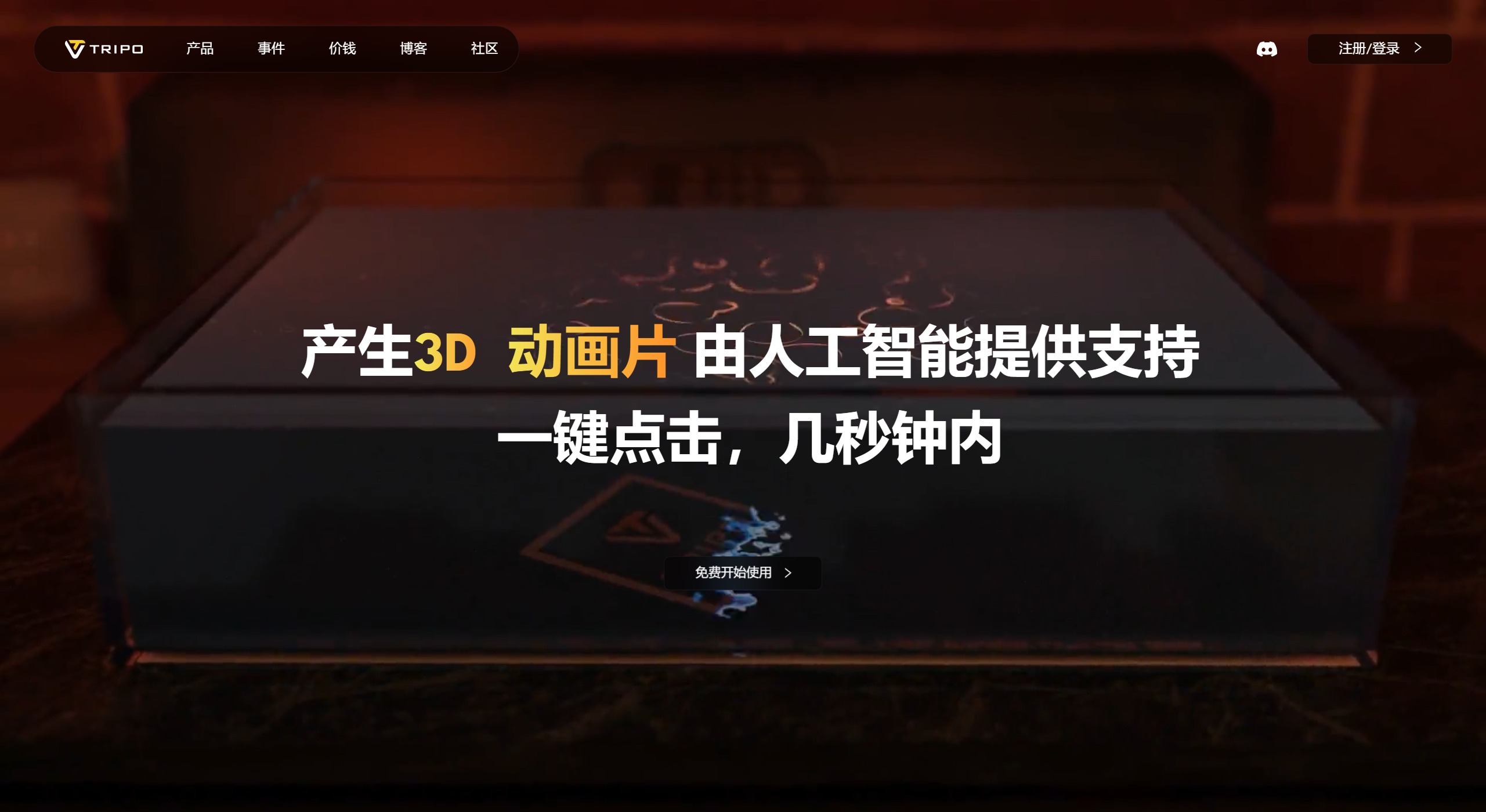
Tripo3D AI Feature Highlights:
Rapid 3D Model Generation: Tripo AI can convert text and images into 3D models within seconds, dramatically boosting design efficiency.
Multi-View Support: Version 2.0 introduced the ability to generate 3D models from multi-view images, allowing users to create more complex models from different angles.
Integration and Compatibility: This tool can be used directly within software like Houdini, making it easy to seamlessly integrate AI-generated models into existing workflows.
Automation and Intelligence: AI algorithms automatically parse 2D data and generate 3D models, reducing the complexity and time cost of manual modeling.
Materials and Textures: Provides PBR materials to enhance the realism of models.
Model Rigging and Animation: Generated 3D models can be rigged with skeletons and support animation production.
Multiple Output Formats: Supports output in GLB, FBX, OBJ, STL and other formats for use across different scenarios.
Tripo AI Use Cases:
Designers: Used to rapidly create concept models.
Developers: Integrated into applications to enhance functionality.
Creative Professionals: Used for artistic creation and visual effects design.
Education: Used for teaching and demonstrating 3D modeling techniques.
Game Development: Used to generate 3D assets in games.
Industrial Design: Used for product design and prototyping production.
How to Use Tripo3D AI?
Sign Up and Log In: Visit the Tripo AI official website and create an account. You can quickly log in using your Google account.
Choose a Project Template: after logging in, select a suitable project template based on your needs, such as game scenes, architectural exteriors, or character models.
Enter Design Parameters: type your basic design parameters or concept into the Text to 3D field, and Tripo AI will automatically generate an initial 3D model sketch.
Detail Adjustments: use Tripo AI's built-in tools to fine-tune the generated model, including modifying materials and adding lighting and shadow effects, to meet high-quality design requirements.
Export: once design is complete, you can export your work in multiple formats or share it directly with team members on the platform for collaboration.
Tripo3D AI Technical Highlights:
Tripo3D AI uses a hybrid architecture combining the DiT and U-Net models to capture the global context of 3D structures while preserving the fine details of local features.
It adopts flow models and distillation algorithms, significantly improving model generation efficiency without sacrificing generation quality.
Tripo3D can generate high-quality 3D models within 8 seconds, with a low inference budget, and can run even without GPU support.
Models generated by Tripo3D AI can be previewed, edited, and optimized directly on the Tripo3D AI platform. Users can perform detail adjustments, material editing, animation rigging, and other operations on the platform. At the same time, generated models can be exported in FBX, OBJ, GLB, STL, USD and other formats, then imported into professional 3D modeling and animation software such as Blender and C4D for further editing and optimization.
The latest version 2.0 of Tripo3D AI improves the efficiency and quality of model generation, supports multimodal input, and enhances model controllability.
Related Information: