Script Planner Assistant▸
 AI Apps
 AI News

Hitem3D AI: AI-Powered 3D Model Generator Powered by Sparc3D
Hitem3D AI: AI-Powered 3D Model Generator Powered by Sparc3DIntroduction
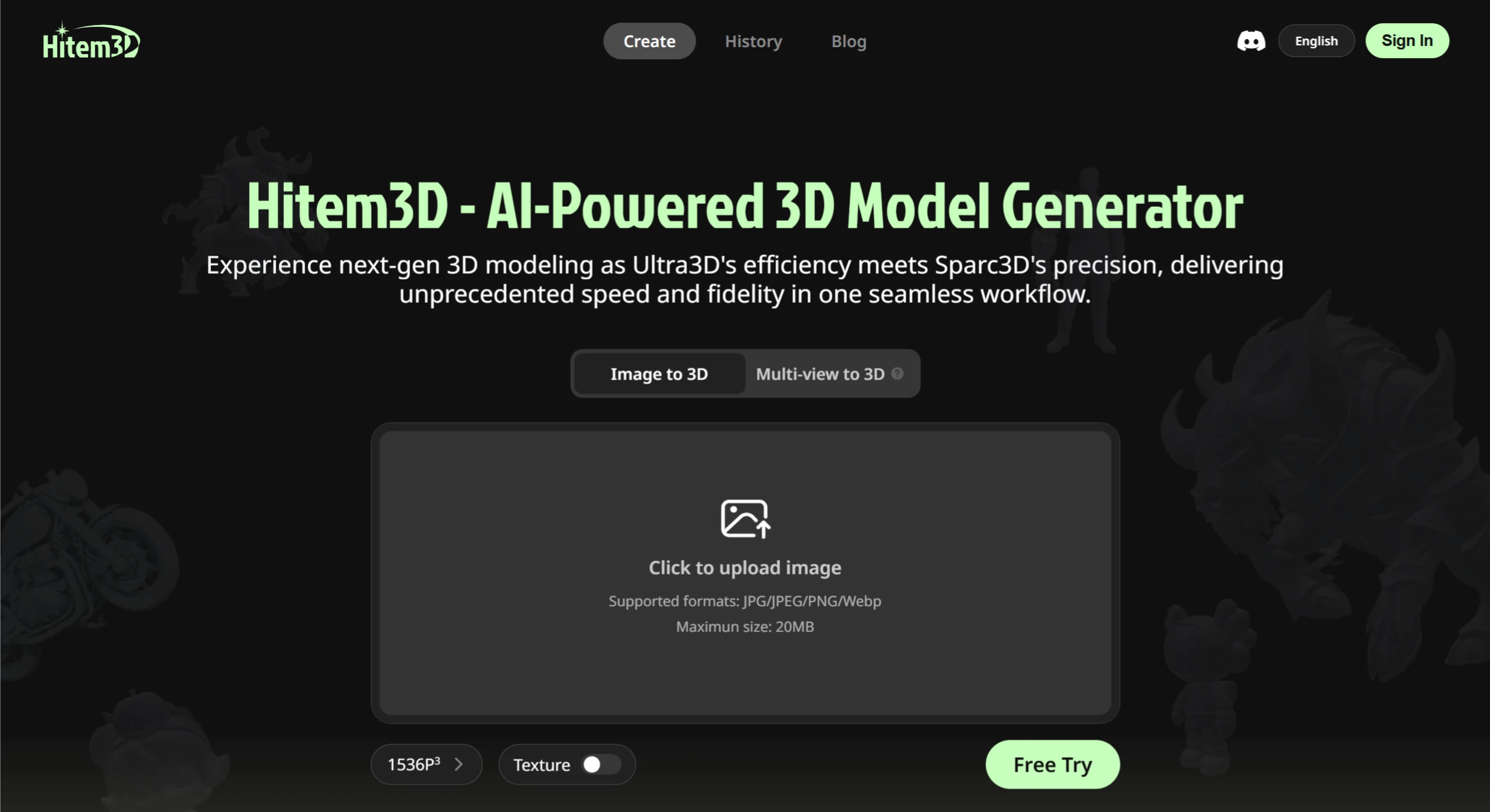
Hitem3D ai is a tool developed by Math Magic. It uses their self-developed high-precision AI model Sparc3D as its core, combining the speed of ULTRA3D with the geometric accuracy of Sparc3D, and can generate 3D models based on a single image you upload. It supports JPG, JPEG, PNG, and Webp formats (up to 20MB per file). The generated 3D models feature clear details, complete views from every angle, and realistic surfaces. They can be downloaded in common formats such as glb, obj, and stl (suitable for 3D printing), and can be used for games, special effects, product modeling, or 3D printing.
Hitem3D AI Features
Image to 3D Model: Simply upload an image, and Hitem3D can generate high-definition 3D models with one click, add textures, and support downloads in multiple formats. Whether it's people, animals, or objects, it can reconstruct 3D shapes from photos while preserving the details and textures of the original image.
Model Editing and Optimization: It can automatically repair missing parts of models, intelligently reduce polygon count for smoother performance, and provides some basic adjustment tools such as scaling and rotating models.
Download and Share: Supports downloading in formats such as OBJ, FBX, and GLTF, which can be directly used in mainstream 3D software and game engines. Models can also be previewed and shared online.
Materials and Textures: It can automatically generate high-precision material textures, supports PBR materials for more realistic lighting effects, and also offers some basic material editing features.
Hitem3D AI Advantages
High Resolution: It preserves fine textures, edges, and contour transition details without losing any detail.
Complete Geometry: It can fully reconstruct the geometric structure of an object, including the front, back, and occluded parts, achieving a truly 360° viewable model.
Realistic Surface: The generated models have smooth surfaces with no false shadows, accurate material contours, and excellent shadow effects, making them directly usable in real production.
Suitable for Printing: The models have good geometric structure and high sculpting precision, and can be directly used for 3D printing without extensive adjustments.
Hitem3D AI Application Scenarios
Game Development: Create 3D assets such as characters, props, and scenes for games.
Film and Special Effects: Provide high-quality 3D elements for movies, animations, and other projects.
Product Modeling: Help create 3D product prototypes in industrial design, consumer product design, and other fields.
3D Printing: Output in stl format, which can be directly used to print artworks, practical parts, and more.
How to Use Hitem3D AI
Preparation
Register an Account: Go to the Hitem3D official website, click "Sign Up" in the upper right corner, and follow the prompts to enter your email, set a password, and complete the registration.
Choose a Plan: There are free and paid versions. The free version allows you to generate 5 basic models per month, but with limitations on resolution and detail. The paid version costs 99 yuan/month, offering unlimited generation, high-precision models, priority processing queue, and other perks. Choose the plan that suits your needs.
Specific Operation Steps
Upload Image: After logging into your account, click the "Upload Image" button on the homepage and select the image from which you want to generate a 3D model. Make sure the image clearly and completely shows the object's appearance for better modeling results.
Generate Model: After uploading the image, click the "Generate Model" button. Hitem3D will use its Sparc3D algorithm to analyze and process the image and generate a 3D model. Generation time depends on the complexity of the image and server load.
View and Edit Model: Once the model is generated, you can view the 3D effect on the webpage and use its editing tools to adjust and optimize it, such as scaling, rotating, repairing missing parts, and adjusting material textures.
Export Model: After editing, click the "Export Model" button, select the desired format (such as OBJ, FBX, GLTF, etc.), and save the model locally for use in other 3D software or games.
Answers to Key Questions
Question 1: What are Hitem3D's core technical advantages and what makes it different from other tools?
The core technology is the high-resolution AI model Sparc3D self-developed by Math Magic, combined with the efficiency of ULTRA3D and the geometric precision of Sparc3D, forming a smooth workflow. The main differences are threefold: first, it can fully reconstruct all sides of an object (including the back and occluded parts), achieving a 360° viewable model; second, the generated surfaces are highly realistic with no false shadows, and the materials and shadows are very accurate, ready for direct use in production; third, the generated models have good geometric structure and high precision, and can be directly used for 3D printing without extensive adjustments.
Question 2: What is the complete workflow from image upload to using the 3D model (including format and permissions)?
The complete workflow is:
Prepare Image: Select a single reference image in JPG, JPEG, PNG, or Webp format, no larger than 20MB.
Generate Model: Upload the image, select 1024P or 1536P resolution, and click a button to generate the 3D model. Generation time depends on the complexity of the image and server conditions.
Manage Model: By default, generated models are only visible to you. If you want to share, you can generate a public sharing link on the model details page.
Use Model: Download in the corresponding format based on your needs (glb/obj for 3D modeling software, stl for 3D printing). Import into mainstream software such as Blender or Unity for further editing, or directly use it in 3D printing, game development, and other scenarios.