
 Script Planner Assistant▸
 AI Apps
 AI News
Vidu Studio: Turn Your Ideas into High-Quality Videos
Vidu Studio: Turn Your Ideas into High-Quality VideosIntroduction
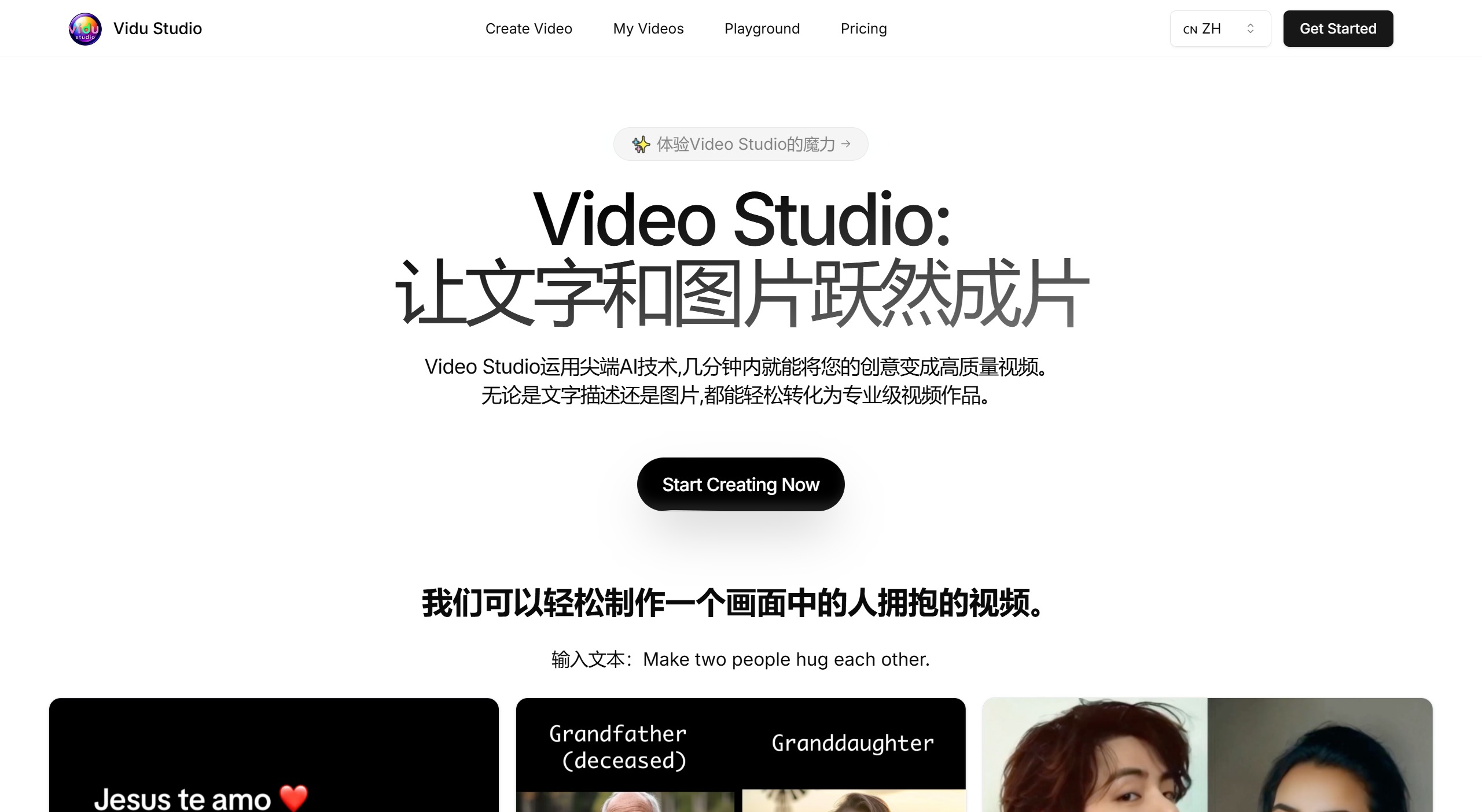
Vidu Studio AI Video Generator, an advanced tool capable of converting text descriptions or images into high-quality videos. Turn your creative ideas into high-quality videos within minutes.
Vidu Studio offers an easy-to-use interface and streamlined features, making video creation simple for everyone. Whether it's text descriptions or images, Vidu Studio can effortlessly transform them into professional-grade video productions. From creating dynamic scenes to converting text and images, Vidu Studio supports a smooth creative process. Even beginners can quickly get started and enjoy the fun of creation, suitable for marketing, education, entertainment, and many other industries, meeting diverse needs.
Vidu Studio Features:
AI-driven video generation: Uses advanced AI technology to convert text or image inputs into high-quality video output.
User-friendly interface: Simple and intuitive operation - just input text or upload an image to generate a video.
Highly automated: No professional video editing skills required; AI handles the entire conversion process.
Realistic video quality: The generated videos feature lifelike effects with strong visual expressiveness.
Flexible input options: Supports creating videos from text descriptions or images, inspiring a variety of creative possibilities.
Doubled efficiency: Significantly reduces video creation time compared to traditional methods.
How to use Vidu Studio?
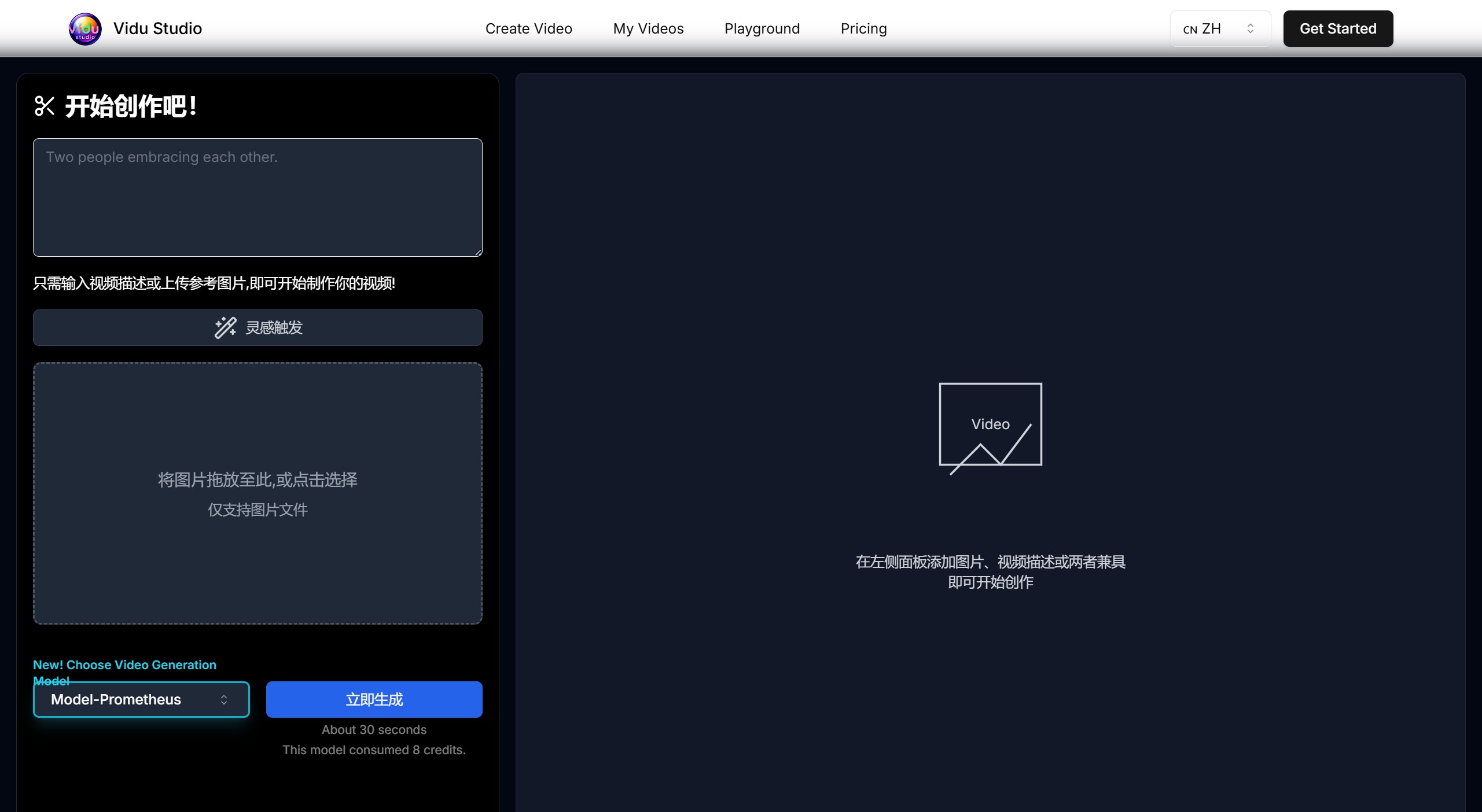
1. Describe your ideal video: Enter a detailed description of the video you envision. Include specific details such as the scene (e.g., beach, park, cozy living room), time of day, mood (e.g., joyful, comfortable, celebratory), and any specific actions or emotions you'd like to see. The more detail you provide, the better our AI can understand and create the scene you desire. Don't hesitate to get creative – even if you're unsure about every aspect, our system can interpret and refine your input.
2. Upload your photo: Select and upload a high-quality, clear image of the person you want to appear in the hug video. For best results, choose a photo where the subject's face is clearly visible, well-lit, and facing the camera. Full-body photos are helpful but not required. Ensure the image file is under 10MB for optimal processing. Supported formats include JPEG, PNG, and WebP. If you include multiple people, make sure each person in the uploaded image is clearly visible.
3. Choose your AI model: Choose between our two advanced AI models, each offering unique advantages:
Prometheus: This model specializes in creating fast 10-second videos with very flexible input requirements. It works well even with minimal descriptions or lower-quality images, making it ideal for quick creations or when your input materials are limited.
Hermes: Our advanced model capable of producing high-quality 5-second videos. It requires detailed descriptions and high-quality images to perform at its best. When you want the highest possible video quality and have comprehensive inputs, Hermes is the perfect choice. When making your selection, please consider your priorities (speed vs. quality) and the inputs available.
4. Generate and share: After completing the previous steps, click the 'Generate' button to start the AI video creation process. Generation typically takes 1 to 5 minutes, depending on the complexity of your request and current system load. During this time, our AI will create a personalized hug video based on your input. Once complete, you can find your video in the 'My Videos' section of your account. There, you can:
View your creation in high-definition format
Share directly to social media platforms or via a unique link
Download the video for personal use
Delete the video if you're not satisfied and want to try again. Please remember, you can generate multiple versions with different inputs to find the perfect AI hug video that meets your expectations.
Vidu Studio Frequently Asked Questions:
1. What is Vidu Studio?
Vidu Studio is an advanced AI tool that converts text descriptions or images into high-quality videos. It uses artificial intelligence technology to automate the video creation process, making the entire process simple and efficient.
2. How can I try Vidu Studio?
We're sorry, but due to high service costs, we've suspended the free trial. We will reopen it later. In the meantime, you can subscribe to our credits plan to use the service. If you're not satisfied with the results, you can contact us for a refund.
3. Is payment secure?
Rest assured, we use Paddle, a globally widely-used payment platform, with security at the same level as banks. We prohibit the collection of customers' payment information, so you don't need to worry at all about your payment security.
4. How to use Vidu Studio?
Using Vidu Studio is very simple. Just enter a description of the video you want, or you can also add an image to roughly define the content of the generated video. Please note that if you want the video generation to produce good results, please upload an appropriate video description text along with matching images. Randomly uploading unrelated images will affect the quality of the video generation. At the same time, we are also optimizing this effect.
5. How does Vidu Studio work?
Users simply enter a text description or upload an image, describing the desired video content. Vidu Studio's AI system then processes these inputs and generates a video based on the provided information. The entire process is fully automated and requires no professional video editing skills.
6. Is Vidu Studio suitable for professional projects?
Absolutely! Vidu Studio is suitable for both individual users and professionals. Its high-quality output and diverse applications make it an ideal choice for industries such as marketing, education, and entertainment.
7. How realistic are the videos generated by Vidu Studio?
Videos generated by Vidu Studio feature lifelike effects with outstanding visual quality. Advanced AI technology ensures the generated videos are realistic and professional-grade.
8. Is using Vidu Studio affordable?
Yes, Vidu Studio can significantly reduce video production costs. It eliminates the need for professional video production teams and equipment, providing a more economical solution for creating high-quality video content.
Whether you're a marketing professional, educator, or content creator, Vidu Studio can provide you with a fast, simple, and cost-effective solution for high-quality video production. Start your creative journey now!











