Script Planner Assistant▸
 AI Apps
 AI News

Wancai Shoppic: AI Product Photography Tool
Wancai Shoppic: AI Product Photography ToolIntroduction
Wancai Shangtu is an AI commercial photography tool specially built for e-commerce. It offers a rich library of free e-commerce design materials and multiple ways to generate product images and model images, meeting the needs of different scenarios, restoring real usage environments, rivaling professional product photography, covering multiple product categories, and quickly generating diverse, high-quality product images.
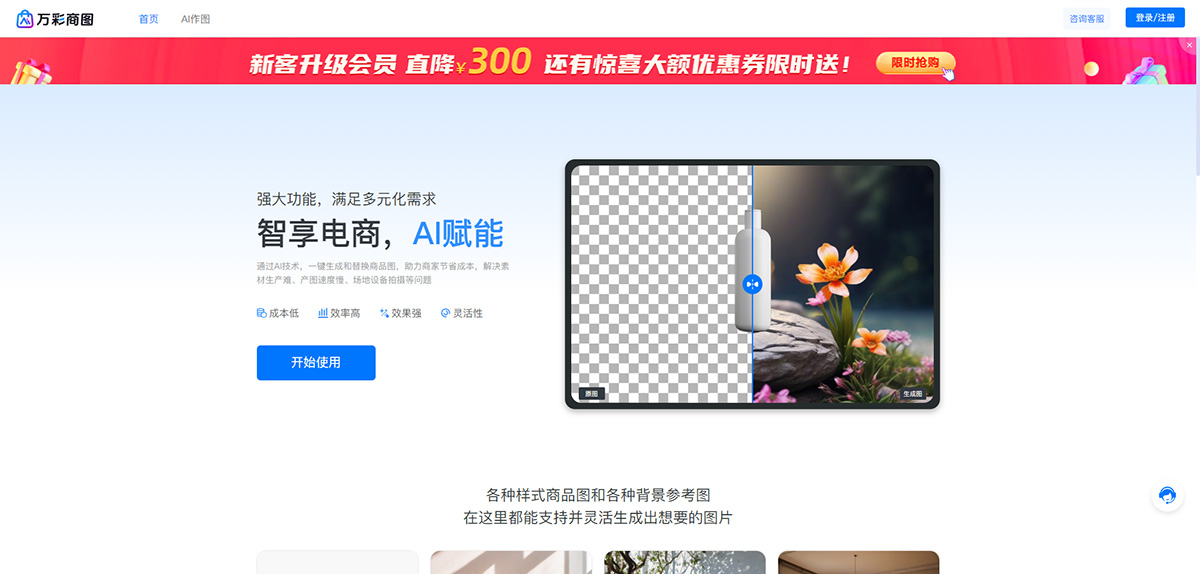
Wancai Shangtu Features:
1. AI Product Images
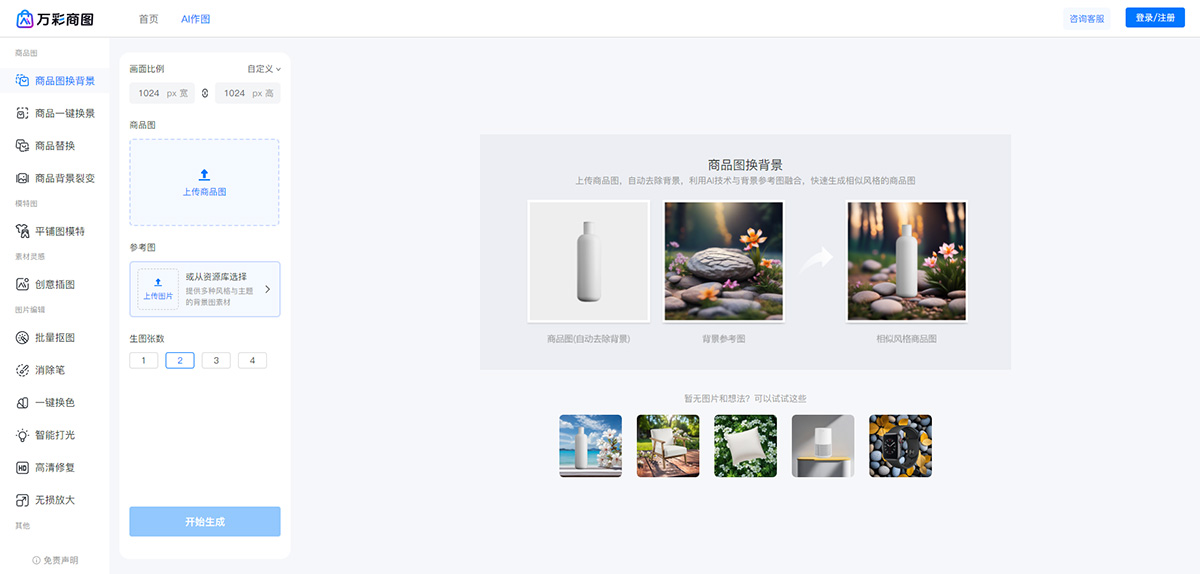
Product Image Background Change
Upload a product image, and the system automatically completes the cutout (with secondary editing supported).
Custom upload or select background materials from the resource library.
Adjust the product position, size, image ratio, etc., and generate multiple product images after confirmation.
Product Replacement
Upload a product reference image, and the system automatically identifies the product subject.
Upload the "product image to be replaced" and adjust the background similarity.
Click generate to produce multiple product images.
Product Background Diversification
Upload a product image, and the system automatically identifies the product subject.
Adjust the background similarity.
Click generate to produce multiple product images with similar backgrounds.
2. AI Model Images (In Beta)
Flat Lay Model
Upload a clothing flat lay image, and the system automatically completes the cutout (with secondary editing supported).
Select model & pose.
Click generate to produce multiple flat lay model images.
Model Background Change
Upload a real-person model image, and the system automatically completes the cutout (with secondary editing supported).
Custom upload or select background materials from the resource library.
Click generate to produce multiple model images.
Model Face Swap
Upload a real-person model image, and the system automatically completes the cutout (with secondary editing supported).
Custom upload or select model materials from the resource library.
Click generate to produce multiple model images.
3. Other AI Tools
Batch Auto Cutout: Intelligent recognition for all categories, one-click batch automatic subject extraction, supports replacing with white or custom color backgrounds, and supports multi-image upload.
Eraser: Automatically removes unwanted parts of an image while maintaining natural transitions in the background and details, making the image look complete and seamless.
One-Click Color Change: Quickly change the color of any area in a photo, including clothing, products, accessories, and even wigs, supporting the addition of multiple colors for batch recoloring.
Smart Lighting: Automatically identifies light sources and scenes, intelligently adjusts and adds lighting effects, making the image's light and shadow more natural and professional, enhancing the overall visual effect.
HD Restoration: Automatically fills in details, removes noise, and sharpens edges, easily turning originally blurry images into clear ones, restoring true high-definition effects.
Lossless Enlargement: Intelligently fills in details while enlarging image dimensions, preserving image clarity and quality for a lossless enlargement effect.
Wancai Shangtu Advantages:
Easy Operation: Users only need to upload a product image and select a background to generate high-quality product images with one click. The operation is simple and easy to get started.
Cost Savings: Eliminates the costs of set building, modeling, and professional photography in the traditional shooting process, significantly reducing production costs.
Realistic Effects: The generated product images are realistic, with outstanding light and shadow effects, able to rival real photography.
Efficient Output: Capable of batch generating a large number of high-quality product images in a short time, improving work efficiency and output.
Related News: