
 Script Planner Assistant▸
 AI Apps
 AI News

PDF AI: Convert PDFs into Structured Data
PDF AI: Convert PDFs into Structured DataIntroduction
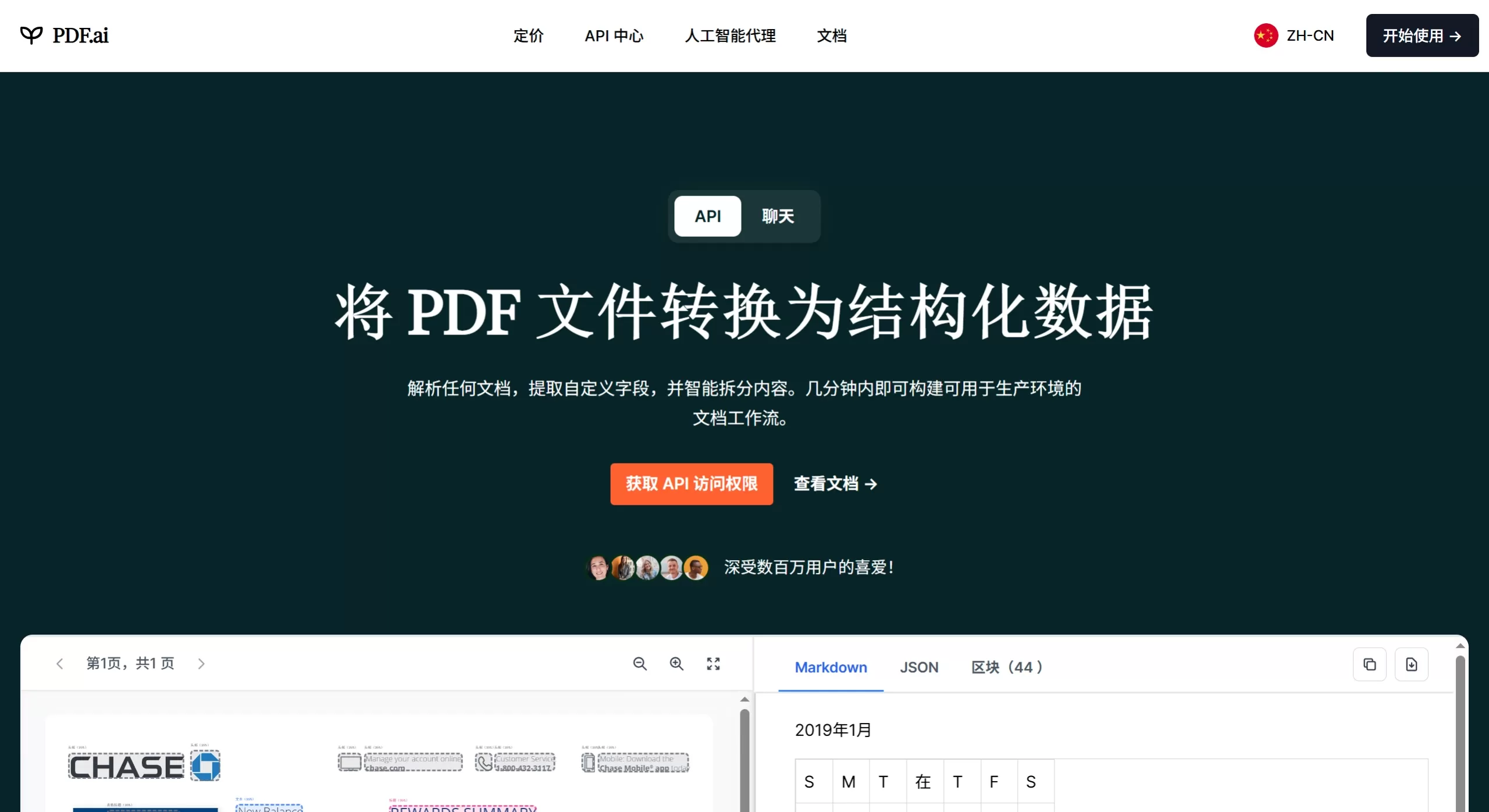
PDF ai is a GPT-based AI document conversation tool that focuses on "chatting with your PDFs." After uploading a file, you can ask questions directly, request summaries, or extract data, and the AI will answer based on the original content and cite the source. It supports chatting across multiple documents simultaneously, OCR scanning recognition, and can connect to Google Drive and Dropbox. It is primarily aimed at students, researchers, and finance and legal professionals.
Features
Intelligent Document Q&A: Ask questions directly after uploading a PDF. The AI finds answers in the original text and provides page numbers.
Automatic Summarization: Generates core viewpoints summaries, chapter summaries, and key information from the document.
Multi-Document Conversation: Upload multiple PDFs files at once to perform cross-document comparison and comprehensive analysis.
Structured Data Extraction (Parser): Automatically extracts fields and key-value pairs from tables, invoices, and contracts, with approximately 91% accuracy for financial documents.
OCR Scanning Recognition: Extracts text from scanned PDF files (only available in higher-tier plans).
Chrome Extension: Access directly within the browser without repeatedly opening the official website.
Cloud Drive Integration: Read files directly from Google Drive and Dropbox.
Multilingual Support: Ask questions about English documents in Chinese, or vice versa. Basically any language GPT recognizes is supported.
Use Cases
Academic Research: Quickly understand lengthy papers, capture core arguments, and generate literature reviews.
Legal Compliance: Review contract clauses, locate key obligations, and compare differences across multiple agreements.
Financial Audit: Bulk extract numbers from statements and invoices, reconcile accounts, and generate summaries.
Business Operations: Read industry reports, policy documents, and technical manuals to quickly obtain decision-making information.
Student Learning: Turn textbooks or courseware into a conversational knowledge base for instant Q&A.
PDF.ai Pros and Cons
| Pros | Cons |
|---|---|
| Clean interface, low learning curve, optimized for conversation | Extremely limited free tier: only 1 file, 500 queries/month, 10MB upload limit |
| Answers come with source citations for traceability and verification | No visual highlighting (cannot highlight corresponding paragraphs directly in the original) |
| Supports cross-document analysis, ideal for research | Team collaboration features only available in higher-priced plans |
| Structured data extraction works well for finance scenarios | Recognition accuracy drops for highly specialized or poorly formatted documents |
| Chrome extension and cloud drive integration boost efficiency | Only supports PDF format (does not currently support direct upload of Word/ppt) |
FAQ
Q: Is PDF.ai free?
A: There is a free Hobby plan, but with heavy restrictions: 1 file and 500 questions per month. Heavy usage requires a paid plan.
Q: Does it support scanned files?
A: Yes, but OCR is only available in the Ultimate and Enterprise plans.
Q: How is data security?
A: Documents are uploaded to the cloud for processing, so be careful with sensitive files. If you need offline processing, you can use local tools like PDFgear.
Q: How is it different from ChatGPT and Claude?
A: PDF.ai is specifically optimized for PDFs and can locate citations and perform structured extraction. ChatGPT and Claude are more general-purpose but require manual uploads and lack a dedicated document management interface.
Q: Does it support multilingual mixing?
A: Yes, you can ask questions about English documents in Chinese, and the AI can understand and respond across languages.
How to Use PDF.ai
Register and Log In: Visit pdf.ai and click "Get started for free."
Upload Document: Click Upload, choose a local PDF, or import from URL, Google Drive, or Dropbox.
Start a Conversation: Type your question in the input box on the right; the left side allows real-time preview of the original document. The AI will also suggest some preset questions for reference.
View Citations: The answer will indicate the source page numbers below, and you can click to verify.
Extended Use: After installing the Chrome extension, you can access it directly within the browser without returning to the official website.
PDF.ai vs. Competitors
| Tool | Core Positioning | Free Quota | Special Features | Best For |
|---|---|---|---|---|
| PDF.ai | Document Chat + Data Extraction | 1 file / 500 queries/month | Multi-document chat, Parser extraction, Chrome extension | Finance, researchers, teams |
| ChatPDF | Quick Document Q&A | 2 queries/day | Minimalist interface, no registration required | |
| Smallpdf AI | PDF Toolbox + AI Chat | 2 queries/day | All-in-one editing/conversion/signing | Light users, students |















