
 Script Planner Assistant▸
 AI Apps
 AI News

ChatPDF
ChatPDFIntroduction
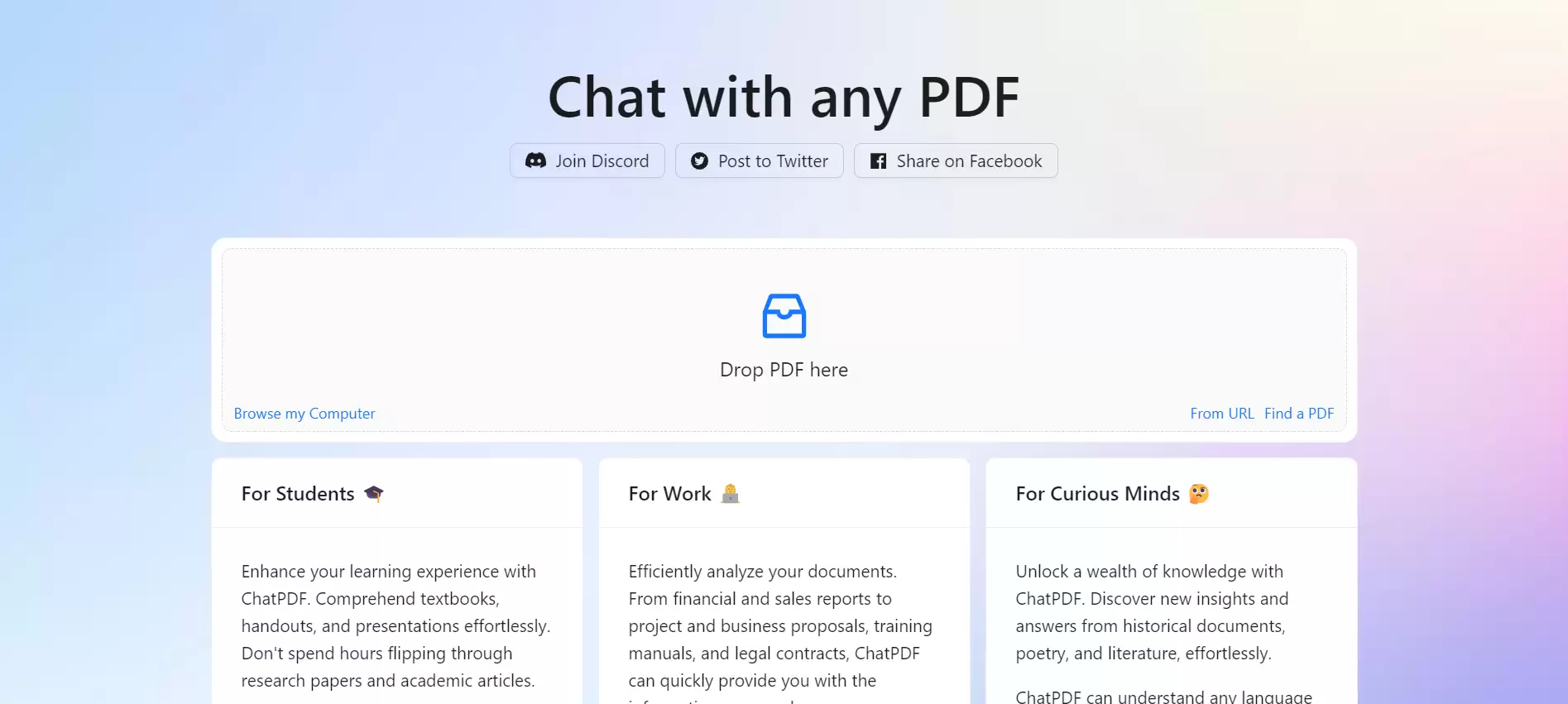
ChatPDF is an AI-based tool for analyzing PDF files using large language models. It allows you to have conversations with a PDF document as if it were a real person. Simply upload a PDF file, and you'll gain access to a chat bot capable of answering any question about it. It can help you quickly extract information from large PDF files or answer questions, letting you learn more about the content and context of the PDFs you upload.
ChatPDF can answer any question about a PDF file, whether it's a specific detail or the general gist. However, keep in mind that ChatPDF is not all-powerful—it can only generate answers based on the information contained within the PDF file. If you ask a question that goes beyond the scope of the PDF or is unrelated to it, the system may produce an incorrect or meaningless answer.
Things to note:
1. Do not upload confidential content.
2. ChatPDF currently does not support image content within PDFs.
3. You need to log in to an account to save your chat history with the PDF.
Chatpdf Advantages:
ChatPDF helps you save time and effort by summarizing any PDF and answering any question you ask.
It uses natural language processing and artificial intelligence to help you learn new information and understand complex topics.
By leveraging generative AI technology, it helps you acquire tacit knowledge and insights from more experienced or skilled workers.
It can help you improve your writing and research skills by providing feedback and suggestions on PDF documents.
ChatPDF helps protect your privacy and security by deleting data after each session and encrypting files.
Applications of Chatpdf:
1. For students: It helps students prepare for exams, solve homework problems using PDF resources, and answer multiple-choice questions.
2. For researchers: ChatPDF is a valuable tool for researchers, capable of quickly extracting relevant information from scientific papers, academic articles, and books.
3. For professionals: By providing quick AI-chat-based insights, it assists professionals in analyzing legal contracts, financial reports, manuals, and training materials.
How to use Chatpdf?
To use ChatPDF, simply select a PDF file and upload it to the platform. Once the PDF is uploaded, you can start asking questions about the document's content. The AI-powered system will summarize the document and provide answers—it's like having a virtual assistant dedicated to your PDF files.















