
 Script Planner Assistant▸
 AI Apps
 AI News

DreamUp_云技派,专注ai人工智能!
DreamUp_云技派,专注ai人工智能!Introduction
DreamUp is an image generator that helps you leverage the power of artificial intelligence to create stunning, high-quality artwork in seconds.
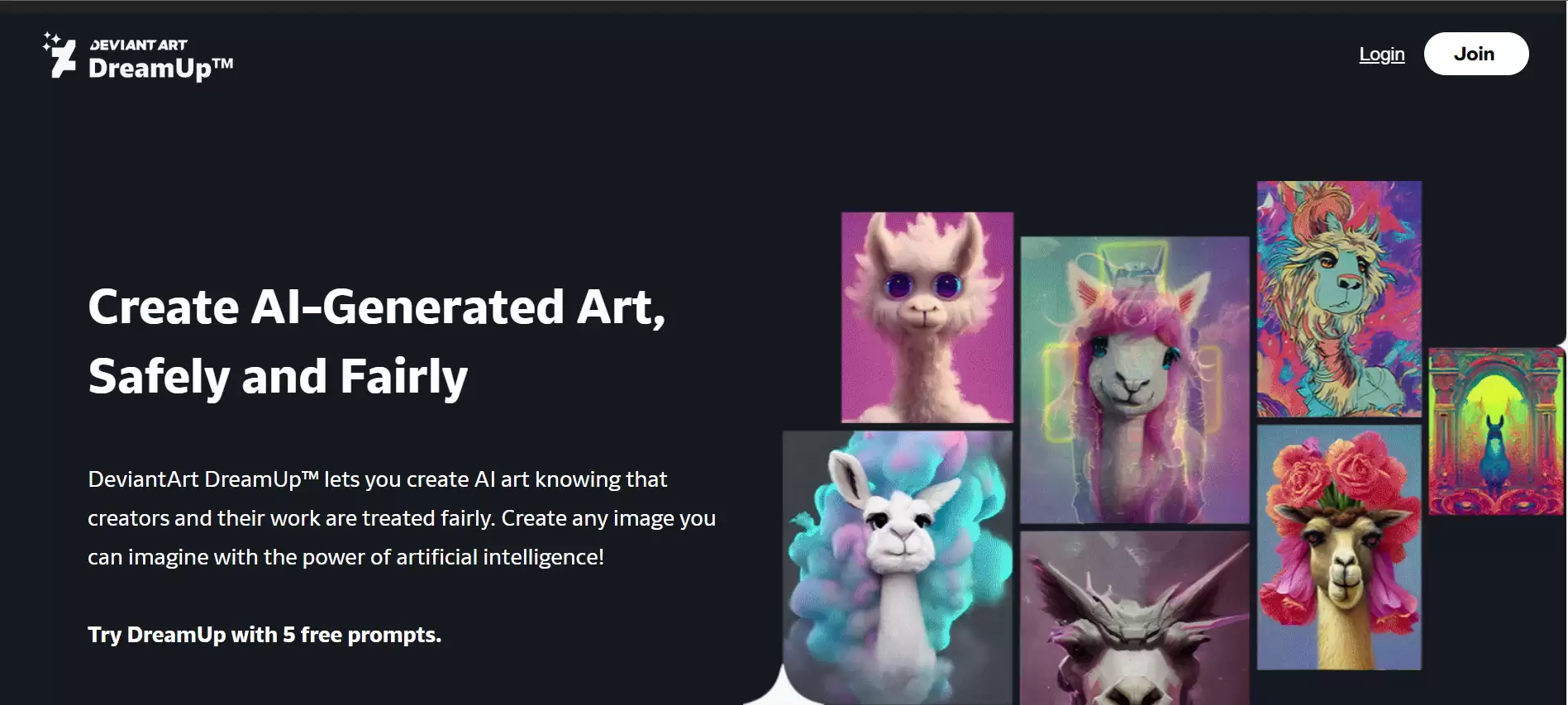
How to use DreamUp?
1. Click the "Join" button on this page to register for a DeviantArt account. You'll be able to immediately start with 60 images and 20 free prompts per month.
2. On DreamUp, enter your prompt, providing as much detail as possible about the subject, style, colors, and background.
3. Click "Create."
4. Once your image is generated, click the three-dot menu on the image to create variations or adjust the prompt.
5. After perfecting your image, click the three-dot menu and select "Submit as Deviation" to share your artwork with the DeviantArt community.
DreamUp Usage Tips:
Use the following tips to refine your DreamUp prompts:
Start with the subject: Begin your prompt with the subject of the image you want to generate. For example, if you want a camel, start your prompt with the word "camel"!
Start simple: Begin with a simple prompt, then add more details based on your imagination. For example, you could start with the prompt "princess in a castle" and, if the dress or castle isn't the style you want, change the prompt to "princess in a castle wearing a ball gown" or "princess in a Gothic castle" to refine your results.
Choose a genre: You should always specify the art genre or style you want to achieve. (If you don't, DreamUp will choose one for you!) Genres can be broader (such as "painting" or "photograph") or more specific (such as "children's crayon drawing" or "Polaroid photo"), depending on the final result you're looking for.
Try a mood: Adding a keyword that evokes a mood can change the overall look of your finished image. Example keywords to try: cute, ominous, creepy, dreamlike.
Choose a background: Specifying a background is an important part of making the most of your prompt! Example phrases to try: solid white background, ocean sunset background, countryside hillside background.
Re-run the prompt: If you like the result of a prompt and want to see more shots, you can run DreamUp with the same prompt again to generate different results.
Create a variation: If a prompt result is close to what you want but you'd like to make some small changes to fine-tune your idea, click the "Create Variation" option! It will use the previously generated image as a seed for the new image generation.
Get inspired: If you're not sure what kind of image to generate, browse DeviantArt and see what prompts other deviants are using to generate images! You might get inspired and create something based on what you discover!















