
 Script Planner Assistant▸
 AI Apps
 AI News

Quicktools: A Complete Online Image Toolkit
Quicktools: A Complete Online Image ToolkitIntroduction
Picsart Quicktools is your go-to all-in-one free text, image, and design AI-powered tool set, featuring all the tools you need to personalize your content and make it stand out, including text, AI writer, design, images, and more (colors, conversion, video, PDF, etc. — 100% free online tools with no sign-up required.
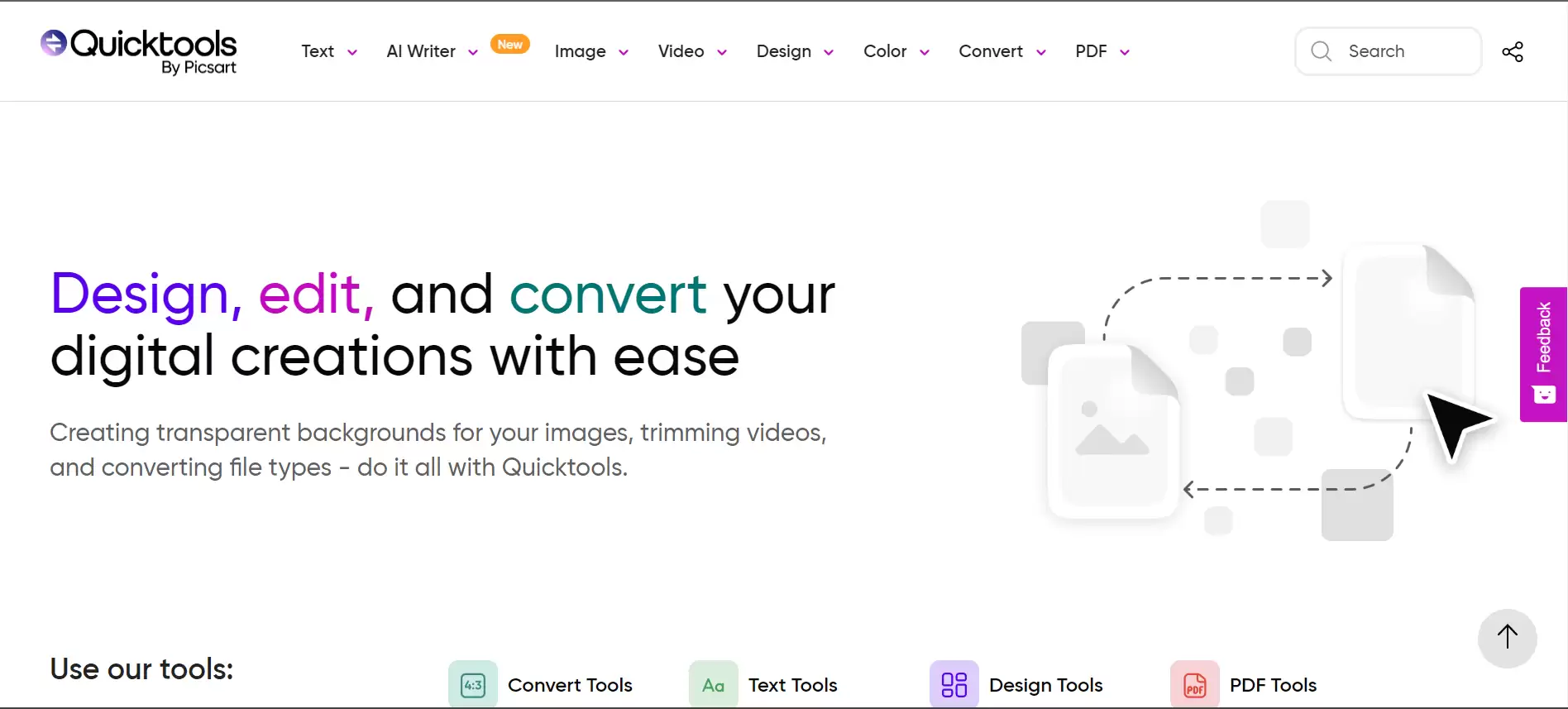
Join the Picsart community of more than 150 million creators worldwide. Bring your creativity to life with a full suite of AI-powered editing features — quickly remove and swap backgrounds for perfect product photos, design flyers or social media posts using templates, create photo collages of your favorite memories, choose from hundreds of stylized photo filters, and so much more. Picsart is your go-to all-in-one AI-powered editor, featuring all the tools you need to personalize your content and make it stand out.
Picsart Quicktools Features:
Photo Editor
• Remove backgrounds from photos and replace them with custom backgrounds
• Clean up images and remove unwanted objects
• Retouch selfies with hair color changer, makeup stickers, and more
• Add trendy filters and popular photo effects
• Edit using millions of curated free images
• Add text to photos using 200+ designer fonts
• Blur backgrounds using our AI smart selection tool
• Add stickers to images and create your own stickers
• Use AI Enhance to improve low-quality images and make them clearer
• Use the AI Image Generator to turn text into images, and automatically create unique, customizable images and GIFs
• Apply stylized AI filters to your photos with one tap
• Use AI Replace to swap images in your photos
• Upload your own photos and use AI Avatar to generate unique, custom avatars of yourself in different styles
Video Editor
• Add music to your videos using our extensive music library
• Take your IG Stories, TikToks, and Reels to the next level
• Crop video clips to the perfect size and ratio
• Add video effects and filters
• Trim videos or use Smart Video Merge to blend videos together
• Create slow-motion videos
• Add your best moments into video collages
Collage Maker
• Create trending photo collages using your favorite pictures
• Try photo grid collages, freestyle collages, scrapbook, and photo frames
• Level up your Instagram game using Story Maker and Story templates
Sticker Maker + Free Stickers
• Discover over 60+ million Picsart stickers
• Add stickers to images to make your edits more fun
• Create unique custom stickers
Photo Effects & Filters
• Cartoonize yourself with a single tap
• Choose from hundreds of stylized photo filters
Replay
• Recreate trending edits in just a few taps and cut your editing time in half
• Edit multiple photos in the same style.
• Keep your IG feed on-trend and consistent by creating personal presets
Drawing Tools
• Use Picsart Draw with customizable brushes, layers, and professional drawing tools
• Start with a blank canvas and create art and illustrations from scratch
Quicktools Advantages:
Simple and fast image editing with no sign-up or software required.
A wide range of image tools to choose from, such as background remover, image sharpening, image compression, and more.
Compatible with different image formats, such as JPG, PNG, SVG, etc.
You can use these Quicktools for personal or professional purposes without any software or sign-up. They are simple, fast, and user-friendly. You can also access other tools on the same site for editing videos, documents, and text. Whether you want to create stunning social media posts, enhance your portfolio, or transform your digital content, Quicktools has you covered.














