
 Script Planner Assistant▸
 AI Apps
 AI News

cursor.sh_云技派,专注ai人工智能!
cursor.sh_云技派,专注ai人工智能!Introduction
cursor.sh is a code editor built around artificial intelligence, designed specifically for pair programming. It is the integrated development environment of the future, helping developers build software faster through the power of ai.
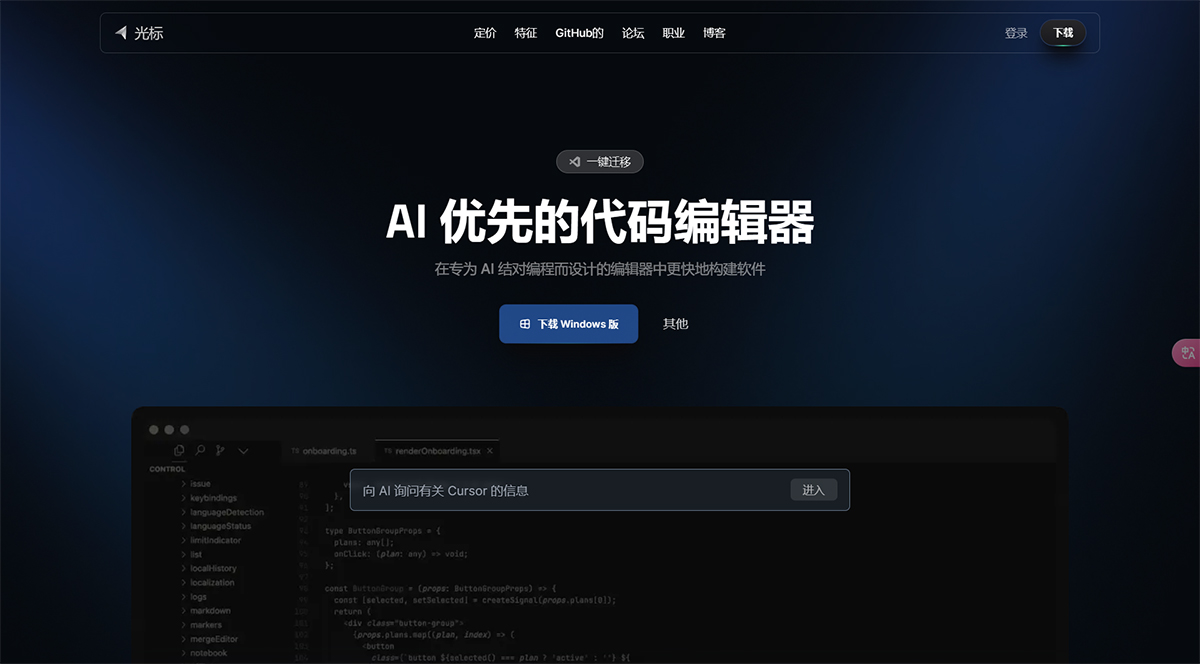
cursor.sh Applications:
Use Cursor's AI suggestions to simplify and optimize code structure.
Get real-time comments and ideas to help you develop cleaner, more efficient code.
Code understanding enables you to navigate complex codebases with greater ease and comprehension.
Improve your collaboration through AI-driven prompts and real-time code editing.
Integration with popular repositories like GitHub: easy access and collaboration on code.
Cursor's Core Features:
Pair programming with AI
Chat with your project
Question answering for codebases
Browse documentation
Generate code
Fix bugs
One-click migration
Local mode
How to Use Cursor?
To use Cursor, simply download the editor on Mac and install it on your computer. Once installed, you can migrate all your favorite VSCode extensions with a single click. Cursor also offers features such as chatting with your project, question answering for codebases, browsing documentation, generating code, and fixing bugs. You can also use local mode to keep your code on-premises for security.
With its AI-powered editor and real-time suggestions, Cursor provides developers with a more efficient and collaborative coding experience.












