
 Script Planner Assistant▸
 AI Apps
 AI News
Pot Selection Translation
Pot Selection TranslationIntroduction
Pot Word Selection Translation (a cute translator), a cross-platform word selection translation software, a free and convenient cross-platform word selection translation and screenshot translation tool, supporting multiple translation sources, a powerful tool for reading technical foreign languages.
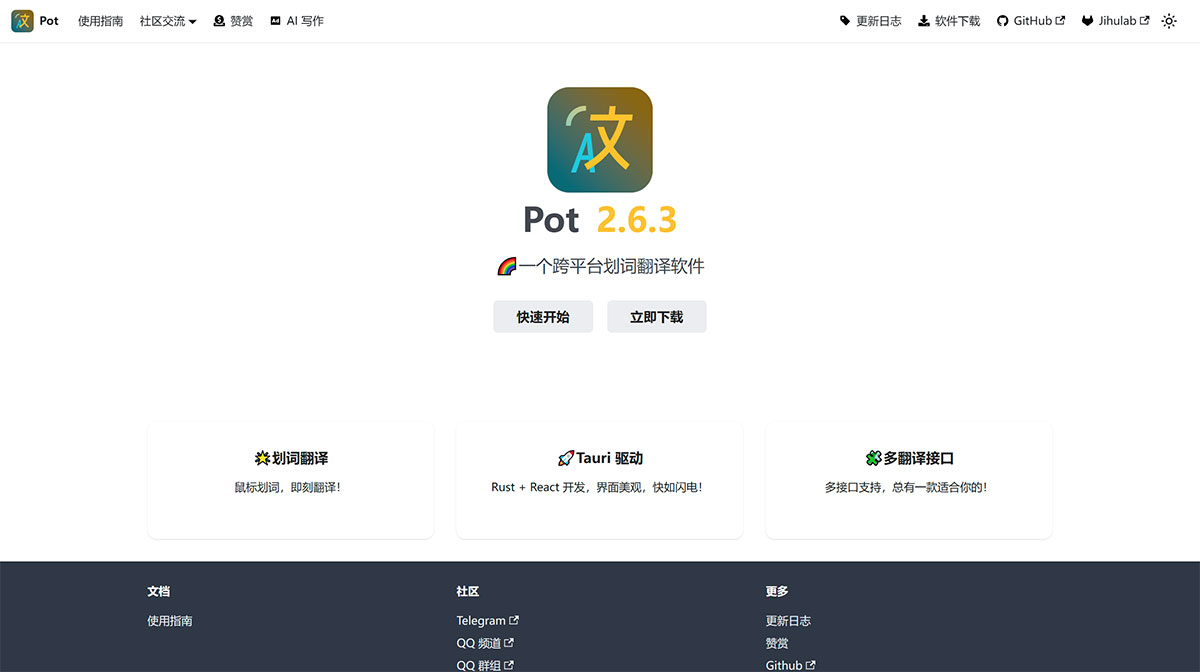
Pot Word Selection Translation is a system-level software. It is not only usable in browsers, but anywhere on the computer where English text appears, you can translate it conveniently. Even text that cannot be selected, such as text in images, can be recognized through the built-in OCR feature after screenshotting and then translated, saving a lot of operation time. Pot Word Selection Translation supports cross-platform use. Whether it is Windows / MacOS or the Linux system favored by programmers, corresponding software packages are available for download and use.
Pot Word Selection Translation Features:
Multi-interface parallel translation
Multi-interface text recognition
Multi-interface speech synthesis
Export to vocabulary notebook
External calls (details)
Plugin system support (plugin system)
Supports all PC platforms (Windows, macOS, Linux)
Supports Wayland (tested on KDE, Gnome, and Hyprland)
Multi-language support
How to Use Pot Word Selection Translation:
Word selection translation: Select the text to be translated with the mouse, and press the set word selection translation shortcut key;
Input translation: Press the input translation shortcut key to bring up the translation window, enter the text to be translated, and press Enter to translate;
External calls: Achieve more convenient and efficient functions by being called by other software;
Clipboard monitoring mode: Click the icon in the upper left corner on any translation panel to start clipboard monitoring. By default, copying text completes the translation;
Screenshot OCR: Press the screenshot OCR shortcut key and frame the area to be recognized to complete recognition;
Screenshot translation: Press the screenshot translation shortcut key and frame the area to be recognized to complete translation;
Open Source Project Address:https://github.com/pot-app/pot-desktop
Related Information:















