
 Script Planner Assistant▸
 AI Apps
 AI News
Umi-OCR: Free, Open-Source, Batch Offline OCR Tool
小编 ·

Umi-OCR: Free, Open-Source, Batch Offline OCR Tool
What is Umi-OCR?
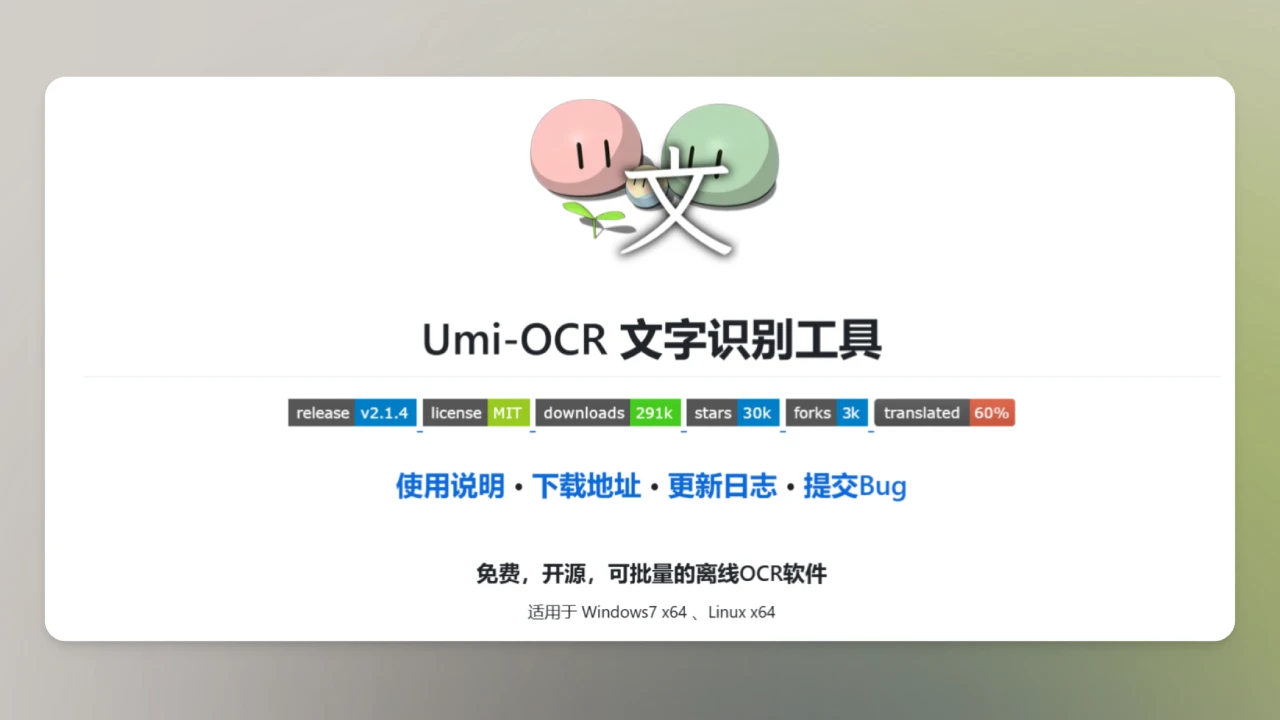
Umi-OCR is an open-source, free offline OCR tool developed based on Baidu's PaddleOCR framework. It supports screenshot/batch image import, PDF document recognition, removal of watermarks/headers and footers, scanning/generating QR codes, and comes with built-in multi-language libraries. It offers advantages such as high recognition accuracy, offline operation, multi-language support, and efficient batch processing.
Umi-OCR Features
Offline Operation: Runs completely offline with no network connection required, protecting user privacy.
Multi-language Support: Built-in multi-language libraries supporting text recognition in many languages.
Multiple Recognition Functions:
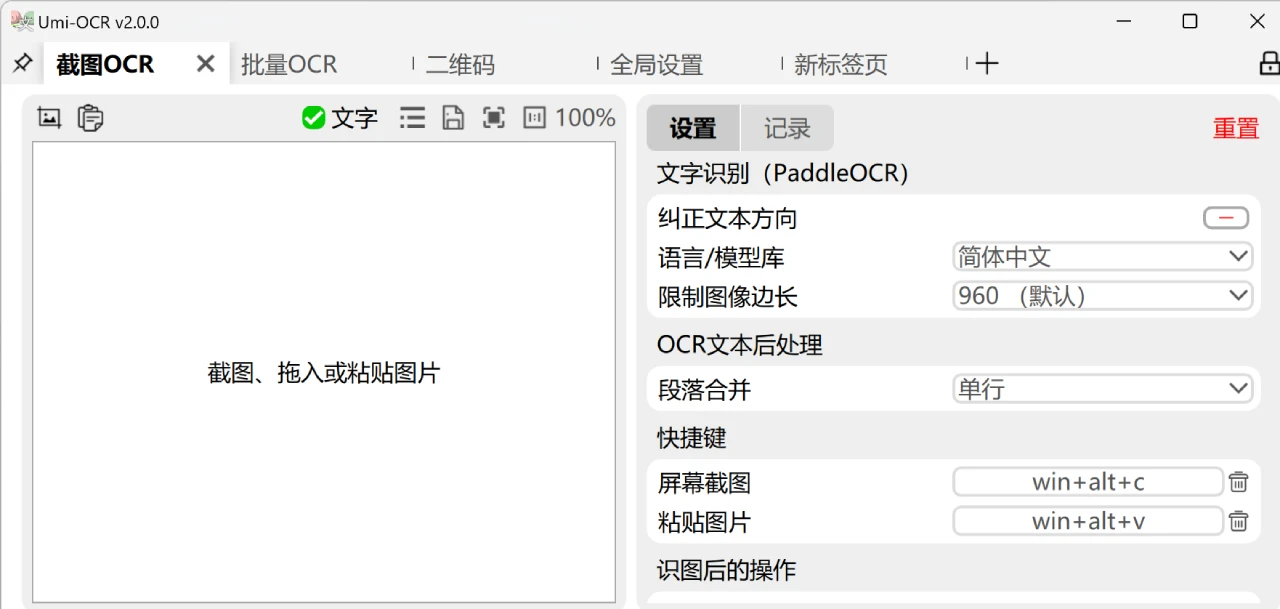
Screenshot OCR: Supports screen capture and pasted images for text recognition.
Batch OCR: Batch import images for text recognition, supporting multiple image formats.
PDF Recognition: Extract text from PDF documents, with the ability to exclude headers, footers, and more.
QR Code Recognition: Supports scanning and generating QR codes.
Formula Recognition: Supports mathematical formula recognition (in testing).
Text Post-processing: Supports formatting and organizing recognition results, excluding interfering text.
Flexible Invocation: Supports command-line and HTTP interface calls for easy developer integration.
Umi-OCR Technical Features
High-Precision Recognition: Built-in multi-language models supporting Simplified/Traditional Chinese, English, Japanese, Korean, and common European languages, compatible with mixed-layout text recognition.
Complex Layout Parsing: Accurately recognizes vertical text, tables, and simple mathematical formulas.
Low-Quality Image Optimization: Performs preprocessing on blurry, tilted, and low-light images to improve recognition accuracy.
Efficient Batch Processing & Flexible Output: Supports dragging folders or batch importing images to complete OCR recognition for hundreds of files with one click.
Umi-OCR Use Cases
Office Scenarios: Quickly extract text from scanned PDFs and image reports, converting them into editable documents.
Academic Research: Recognize foreign language documents and ancient texts, assisting with translation and citation.
Multimedia Processing: Provide text extraction support for video screenshots, manga translation, and game subtitles.
Automation Workflows: Integrate into other toolchains via command-line interfaces to achieve batch OCR automation.
Umi-OCR Download & Usage
Download Links:
Lanzou Cloud (Recommended for China, no registration/no speed limit):https://hiroi-sora.lanzoul.com/s/umi-ocr
GitHub Release:https://github.com/hiroi-sora/Umi-OCR/releases/tag/v2.1.4
Installation: Just extract and use, no installation required. Supports Windows 7 x64 and Linux x64 platforms.
Command-line Installation: Install via Scoop (Windows):
scoop install extras/umi-ocr
Future Plans
Refactor the underlying plugin mechanism.
Add online OCR API plugins.
Implement an independent mathematical formula recognition plugin.
Support image translation and offline translation.
Add compatibility with macOS and more Linux distributions
An olmOCR tool introduced a couple of days ago is also great—if your focus is on PDF conversion, you can also give it a try.









