Script Planner Assistant▸
 AI Apps
 AI News

XHS-TextCard: Open-Source Free Xiaohongshu Text Card Generator
XHS-TextCard: Open-Source Free Xiaohongshu Text Card GeneratorIntroduction
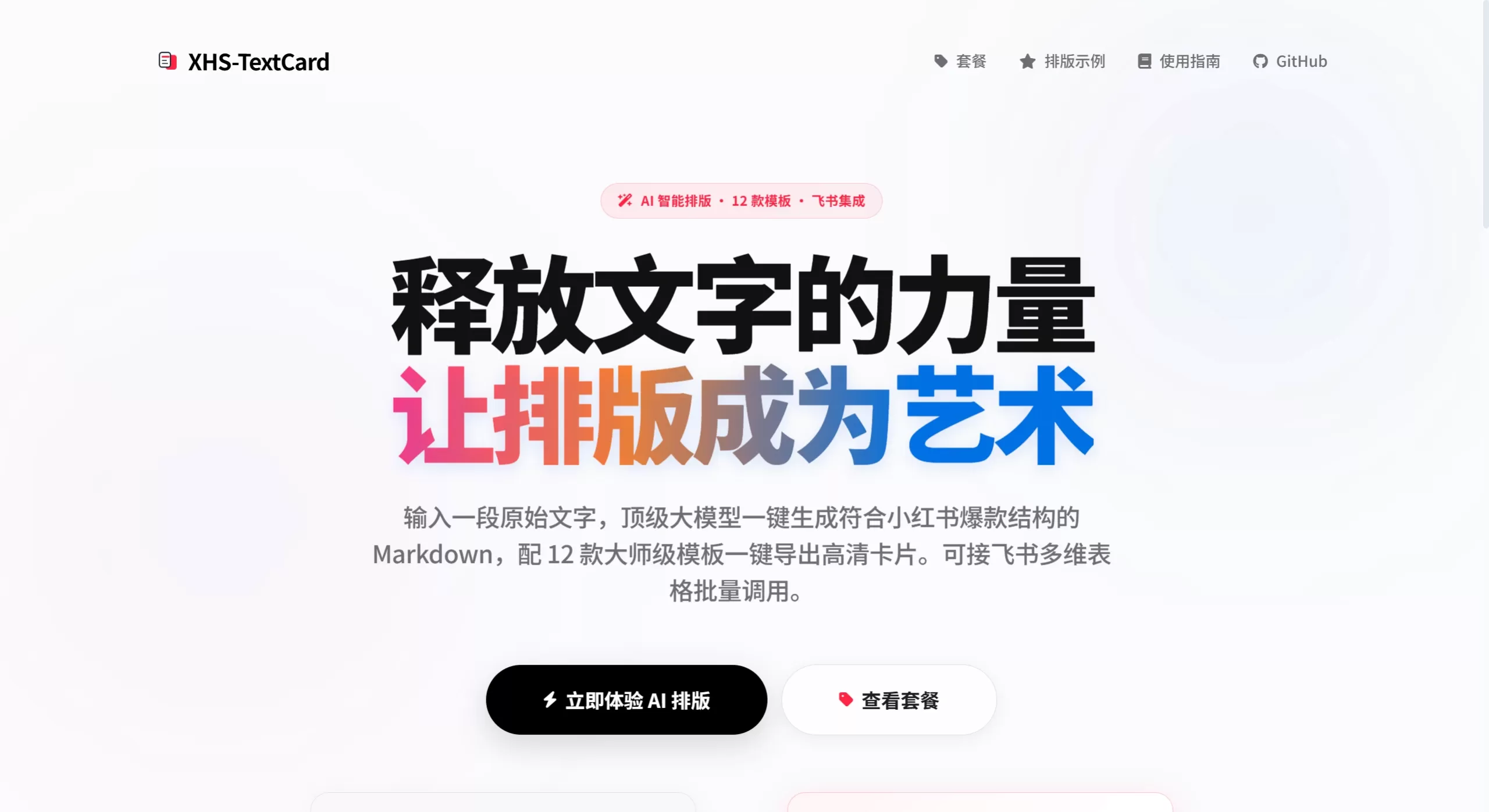
XHS-TextCard is an open-source text card generation tool, mainly aimed at Xiaohongshu (Little Red Book) creators. It can convert Markdown content into high-definition images, supports intelligent pagination, and comes with 12 built-in templates. Because it runs purely on the front end locally, it is relatively safe in terms of privacy, and can batch-export image series at 1242×1656 resolution.
The project is open-sourced and maintained by developer geekfoxcharlie (Xiaohongshu: 极客狐), under the MIT license. The entire architecture is pure front end, with no backend, and it does not upload data to servers. Markdown parsing, pagination, Canvas rendering, and image export are all completed locally in the browser, with no network dependency and full offline support.
Features
Markdown long-form to images: Supports headings, bold, highlight (==highlight==), italics, strikethrough, code blocks, centered blocks (::: center ... :::), and other common syntaxes. Long texts can be directly converted into multiple images.
Intelligent pagination: TextSplitter automatically finds suitable places to split, prioritizing splits between paragraphs; if you want to force a page break, just type ---.
12 templates: Built-in styles include Retro Polaroid, Efficiency Note, Book Page, Apple Memo, Zurich Studio, Minimalist Magazine, and more. Switch with a single tap.
Pixel-level Canvas rendering: Instead of unstable DOM approaches, it uses Canvas directly to draw and output 1242×1656 images. The 3:4 ratio is perfect for Xiaohongshu.
Deep visual customization: Font size, line height, letter spacing, and padding are all adjustable. Backgrounds can use solid colors or gradients, with Morandi color presets, and direct HEX or RGBA input is supported.
Brand signature & anti-theft watermark: Provides several signature styles including Terminal Geek, Capsule, Serif, and Frosted Glass. Background watermarks with adjustable opacity are also supported.
Cover design: Cover title, font, and layout can be customized, making it easy to build a coherent series.
Convenient export: Single image download is supported, as well as one-click ZIP batch export. Parameters are automatically remembered, keeping a consistent style across a series.
Use Cases
Knowledge bloggers splitting long-form dry content into multi-image notes
Reading notes and book quotes turned into visual cards
Unified typography and publishing for brand or personal IP series content
Handling privacy-sensitive content (such as unpublished manuscripts or internal materials) without needing internet access
Tutorials and guide-style long-form content displayed with structured pagination
XHS-TextCard Pros & Cons
| Dimension | Pros | Cons |
|---|---|---|
| Privacy & Security | Pure local operation; content is not uploaded to the cloud and is cleared when the browser is closed | No cloud sync; files must be manually migrated across devices |
| Cost | Open-source and free, with no feature limits | Advanced AI typography and API automation require the official online paid version |
| Performance | Real-time preview in milliseconds; smooth response with large texts | Browser memory usage is high with very long texts or complex layouts |
| Customization | Open-source and can be redeveloped; template-configuration-driven and easy to extend | Deep template customization requires a certain front-end foundation |
| Offline Capability | Fully usable offline after cloning the repo | First-time deployment requires starting a local server; cannot be opened by double-clicking HTML directly |
FAQ
Why can't I use it by double-clicking the HTML file? Browser security policies (CORS) restrict it; it must be accessed via a local server. It is recommended to run python -m http.server 8000, then visit localhost:8000/editor.html.
Why is there no AI smart typography in the open-source version? AI typography, Feishu batch processing, and API automation are cloud-enhanced features of the official online version (xhs-textcard.site). The open-source local version only handles rendering and export.
How do I force a page break at a specific spot? Enter --- (three hyphens) at the desired break point, and the system will force a split there.
How do I keep a consistent style across a series? After adjusting the parameters, the tool automatically remembers the configuration. You can simply apply the same template directly for subsequent content.
What if the exported images look blurry? The tool outputs PNG/JPEG at 1242×1656 by default. If they look blurry after download, they were likely compressed by WeChat or QQ. It is recommended to save the original image.
How to Use XHS-TextCard
Online use: Visit the official online version at xhs-textcard.site, paste your copy, and you can format it directly.
Local deployment:
git clone https://github.com/geekfoxcharlie/XHS-TextCard.git
cd XHS-TextCard
python -m http.server 8000
# Open http://localhost:8000/editor.html in your browser
Edit content: Enter Markdown text in the editor on the left. Use two newlines for intelligent paragraph splitting, --- for forced page breaks, and ::: center ... ::: for centered blocks.
Choose a template and adjust parameters: Pick a template in the style panel on the right, and fine-tune colors, fonts, signatures, and watermarks in the style area.
Preview & export: Watch the real-time preview in the center area. Once confirmed, you can download images individually or package them all into a ZIP for one-click export.
XHS-TextCard vs. Competitors
| Comparison | XHS-TextCard | Redbookcard | MocCard |
|---|---|---|---|
| Open-source License | MIT, free for commercial use and modification | Open source (GitHub) | Mostly closed-source or SaaS |
| Operation Mode | Pure front-end local / Official online version | Pure front-end local | Primarily cloud-based |
| Privacy Protection | Not uploaded; processed locally | Processed locally | Requires uploading content to servers |
| AI Typography | Supported in online version; not in local version | Not supported | Partially supported |
| Number of Templates | 12 master-level templates | Basic templates | Rich templates, but many are paid |
| Markdown Support | Full support (including highlight, centered block) | Basic support | Partial support or rich text only |
| HD Output | 1242×1656 Canvas rendering | Standard size | Depends on the platform |
| Batch Export | One-click ZIP packaging | Mostly single images | Partially supported |
| Cost | Local version is completely free | Free | Advanced features mostly require subscription |