Script Planner Assistant▸
 AI Apps
 AI News

Similarsites: Find Websites Similar to the One You're Browsing
Similarsites: Find Websites Similar to the One You're BrowsingIntroduction
SimilarSites is a tool that helps you find websites or apps similar in topic to a specified one. You can use it on the web via similarsites.com, install it as a browser extension, or use it on mobile. It recommends relevant websites by analyzing site content, topic tags, link structure, and user behavior. You can use it to find alternative sites, analyze competitors, or discover new sources of information.
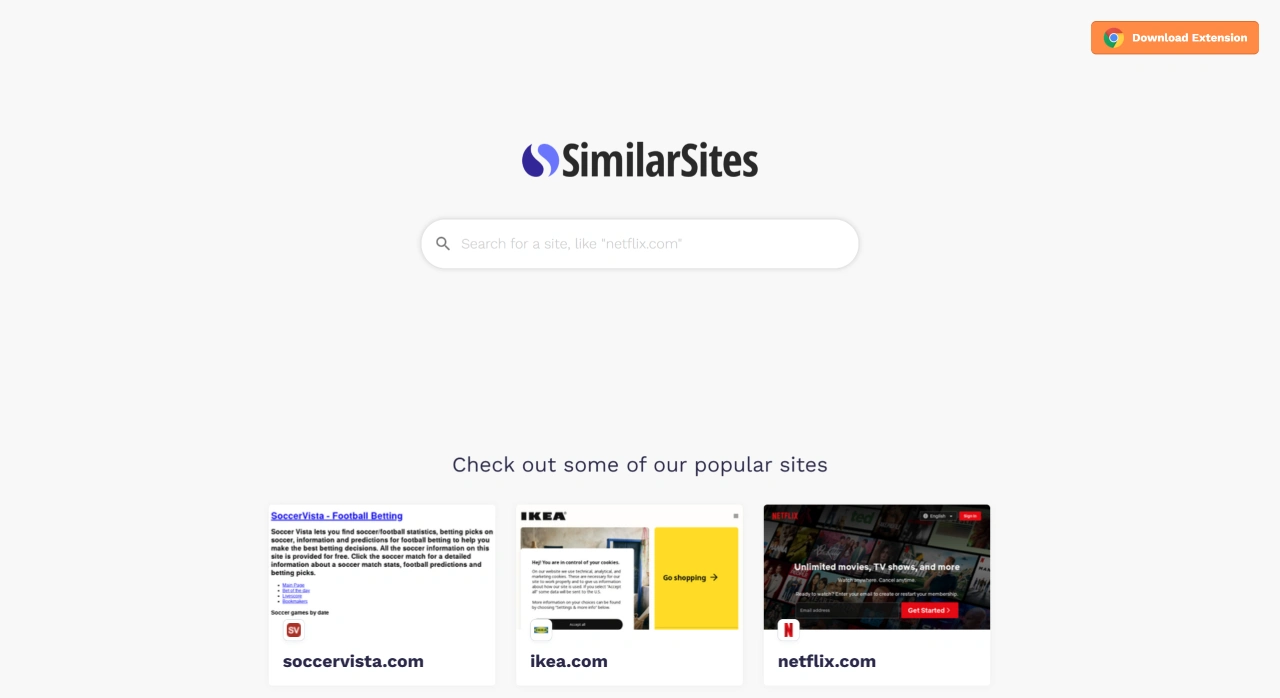
SimilarSites offers the following features:
Website Similarity Recommendations: Analyzes content and structure through multiple engines to list results very similar to your target site.
Multi-dimensional Signal Fusion: Combines topic/tag similarity, link analysis, text and image features, user browsing behavior, and community ratings/reviews to deliver more accurate recommendations.
Easy to Get Started: Visit similarsites.com and search for a site name or keyword to begin finding similar sites; once the browser extension is installed, simply click the extension icon while on any website to view related sites.
Richer Result Information: Some results include brief descriptions and statistics about the site, such as global ranking and monthly visits, helping you quickly determine whether a site is worth your time.
SimilarSites can be used in the following scenarios:
Finding Alternative Sites: For example, searching for Obsidian will surface related or alternative tools like Logseq, Trello, and Zotero.
Competitor and Benchmark Analysis: Quickly find similar websites to analyze their content layout, features, and audience, helping you shape your product or content strategy.
SEO and Content Strategy: Research the keywords, backlinks, and traffic structure of comparable sites to optimize your own website's content and structure.
Information Expansion and Inspiration: Discover more high-quality websites around topics you're interested in, giving you more channels for gathering information.
How do you use SimilarSites?
Web Version: Go to similarsites.com and enter a site name or keyword—such as obsidian.md, ikea, amazon—into the search box, then press Enter to see a list of similar websites.
Browser Extension: Install the "Similar Sites – Discover Relevant Websites" extension on Chrome at https://chromewebstore.google.com/detail/similar-sites-discover-re/necpbmbhhdiplmfhmjicabdeighkndkn; once installed, open any website and click the extension icon to see the list of similar sites.
Mobile: Some Android app distribution channels offer apps like "Similarsites Browser/Plugin," typically around 6.6–6.7MB in size, mainly for recommending similar sites and making it easy to jump to them. When downloading, pay attention to the developer and permission descriptions, and choose a reputable source whenever possible.
There are also a few things to keep in mind when using SimilarSites:
Results Are Not Exhaustive: The free page generally shows only some of the results—around 10 by default—and if you want to see more, you'll need to install the extension or subscribe to a premium service.
Privacy and Data: Some features may use browsing behavior statistics or community data, so before installing the extension, review the permissions and privacy policy, and enable related features as needed.
Accuracy Limits: Recommendations combine content and behavioral signals, but due to limitations in algorithms and data coverage, the results are not 100% accurate; it's recommended to apply your own judgment when filtering them.