Script Planner Assistant▸
 AI Apps
 AI News

PixelSquid: A High-Quality 3D Asset Download Site
PixelSquid: A High-Quality 3D Asset Download SiteIntroduction
PixelSquid is a website launched by Shutterstock that provides high-quality 3D assets specifically for graphic designers and Photoshop users. It features a large collection of 3D objects that users can search through, freely rotate to any angle, and finally download as PNG images or PSD layer files.
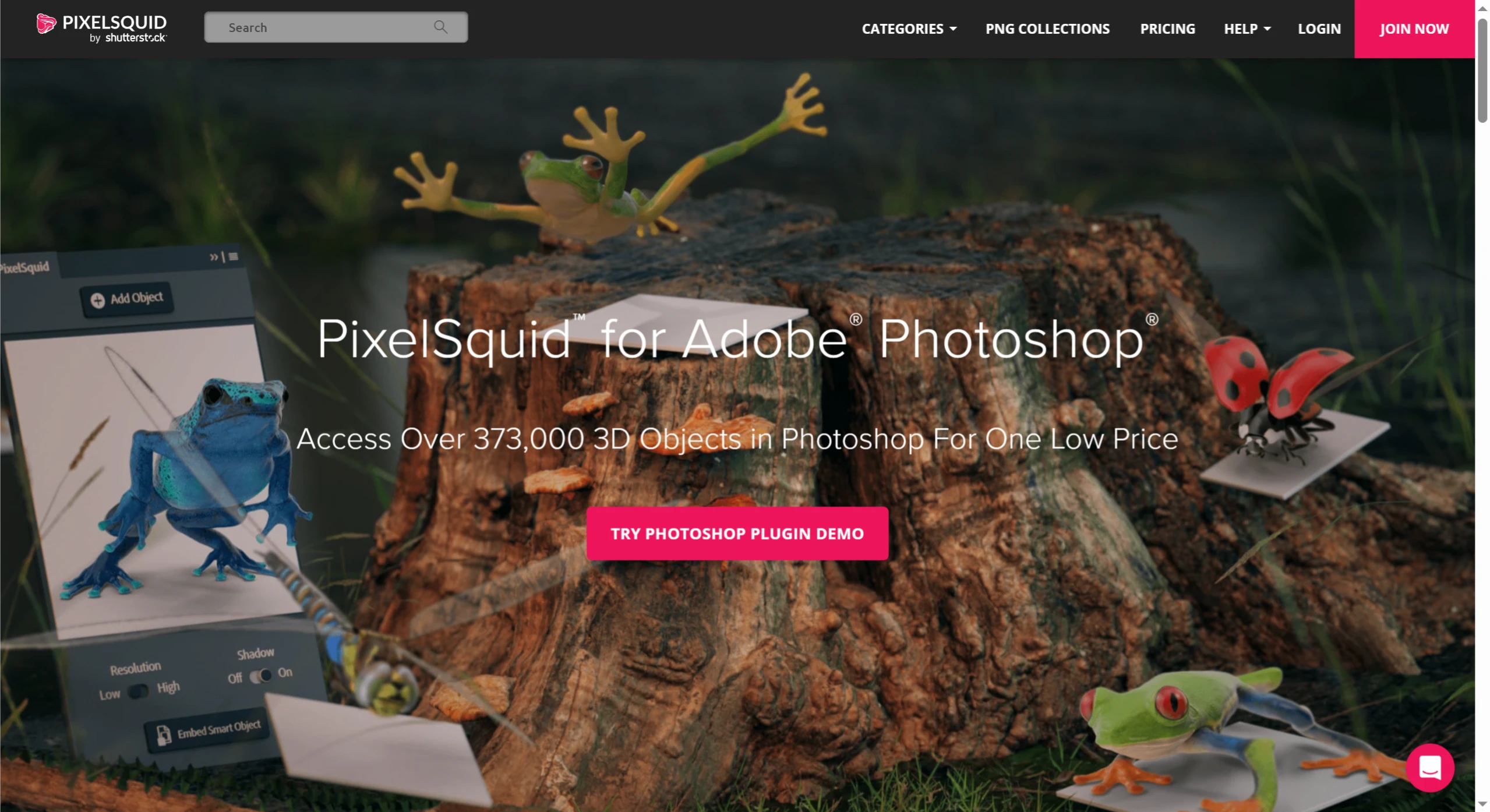
PixelSquid is both an online 3D asset platform (with tons of rotatable 3D objects) and a dedicated Adobe Photoshop plugin (extremely convenient to use, allowing you to add assets directly into your project), covering the entire workflow from finding assets, adjusting angles, to using them in your project.
PixelSquid Main Features and Characteristics
Massive 3D Asset Library: It contains over 37,000 high-resolution, photorealistic 3D objects across 21 common categories including architecture, people, animals and plants, furniture, transportation tools, and industrial design. New objects are added daily, and curated collections are launched every week (such as "Space Theme" and "Cyberpunk Style").
360° Free Rotation: All assets can be freely rotated online to any angle, allowing users to precisely find the desired perspective (such as side views or top-down views), solving the problem of limited angles in traditional 2D assets.
Transparent Background Output: Downloaded assets are either fully transparent PNG format (up to 2048×2048 pixels) or layered PSD files (preserving layer structure for easy adjustment of shadows, reflections, and other effects later). They can be added directly to design projects without the need to cut out images separately.
Photoshop Integration: A free plugin is available that allows users to search, preview, and download assets directly within the plugin, then drag them onto the Photoshop canvas, making the workflow exceptionally smooth.
Pixel-Perfect Optimization: Assets can adjust parameters such as shadows, reflections, and gloss to ensure consistency with the lighting style of your design project, making the visuals more realistic.
PixelSquid Target Users
Primarily graphic designers, UI/UX designers, illustrators, digital artists, and other design professionals who frequently need to use 3D assets. It is especially suitable for situations where high-quality, customizable 3D objects are needed quickly (such as creating posters, product packaging, or character illustrations).
How to Use PixelSquid
Using the Website Directly
Register and Log In: Go to the PixelSquid official website (https://www.pixelsquid.com/) to register and log in to your account.
Search for Assets: Enter keywords in the search bar, or browse assets by category in the "Categories" section.
View and Adjust: Click on an asset card to enter the detail page, wait for it to load, then drag with your mouse to rotate and view from various angles.
Download Assets: Choose to download as PNG format (2048 * 2048 pixels) or layered PSD file as needed. Without a paid subscription, downloaded files will have watermarks and cannot be used commercially.
Using the Photoshop Plugin
Download and Install: Go to the PixelSquid official website to download the free Photoshop plugin and follow the instructions to install it.
Open the Plugin: Once installed, open the PixelSquid panel in Photoshop.
Search and Add: Search and browse the 3D object library within the plugin panel, and add your favorite objects to Photoshop layers.
Adjust and Edit: The plugin will automatically convert the object to PNG or PSD format, preserving transparent backgrounds and shadow options. Users can continue to rotate and adjust the object in Photoshop, combining and editing it with other layers.