
 Script Planner Assistant▸
 AI Apps
 AI News

NemoVideo: AI Viral Clip Assistant & Duplication Tool
NemoVideo: AI Viral Clip Assistant & Duplication ToolIntroduction
What is NemoVideo?
NemoVideo is an AI video editing and generation platform with two main directions: an "AI Video Editing Assistant" and a "Viral Video Recreation Tool." The team previously came from the core TikTok creative business line. CEO Li Zhengjin served as the head of the TikTok Creative product line, while COO Liu Jingyan was responsible for TikTok's global creative product operations and growth. The platform secured two rounds of funding totaling nearly ten million US dollars in Q4 2025 and is growing rapidly.
Its main purpose is to use AI to lower the barrier to video production, enabling people who have never learned editing to quickly create highly shareable videos.
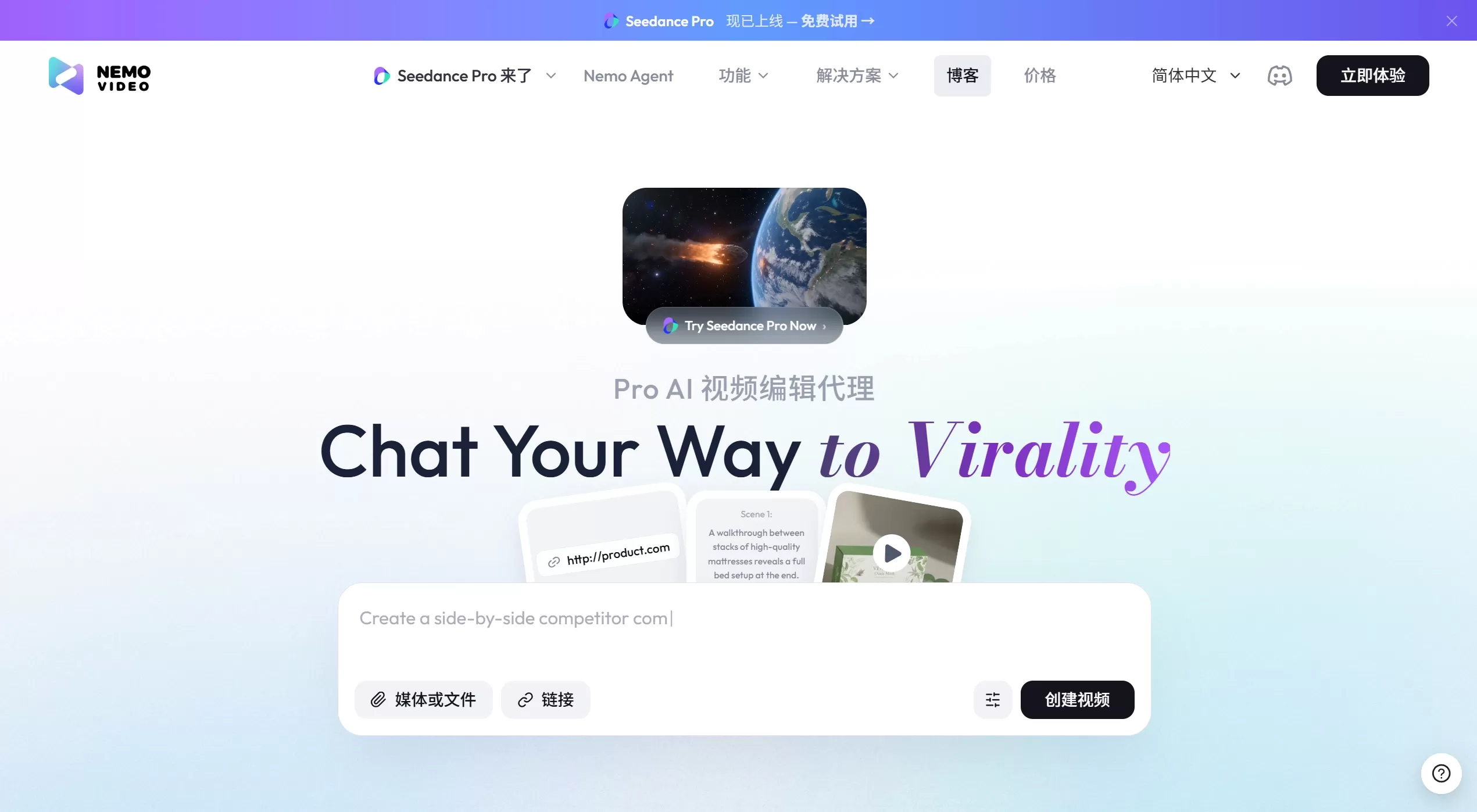
NemoVideo Features
1. Viral Video Recreation
Smart Breakdown: Paste a link to a viral video from Douyin, TikTok, YouTube, Bilibili, or other platforms, and the AI will analyze it second by second — examining rhythm, copy structure, transitions, music, and the hook in the opening.
Reverse Analysis: Find the reasons behind viral hits from five perspectives — similar trending videos, long-running ads, trending music and editing, videos with few followers but high views, and pain-point-driven scenes.
Structural Replication: Follow the viral framework, swap in a new topic to generate scripts and videos, keeping information density and emotional hooks roughly the same.
2. Multimodal Content Generation
Upload text, images, ppt files, and more to automatically convert them into video scripts.
Text-to-video and image-to-video both supported.
AI digital human narration with synced lip movements and voice.
Automatic generation of key frame images and storyboard videos.
3. Automated Video Processing
One-click removal of silent segments, subtitle generation (multilingual), background music and transitions.
Automatically identify and cut highlight moments.
Auto-add stylized text overlays, highlight keywords to emphasize selling points.
Automatic picture-in-picture B-roll switching, smooth zoom in/out transitions, progress bar effects.
4. Intelligent Creation Assistance
Auto-generate ideas: Analyze large amounts of trending videos and suggest trendy concepts.
Script Generator: Enter a topic and instantly get a storyboard script.
Template Recommendations: Match trending style templates based on audience characteristics.
Batch Generation: Produce multiple video versions at once for easy A/B testing.
5. Conversational Editing
Direct AI video editing with voice commands — just speak to make changes.
Materials, scripts, and storyboards can be freely swapped in the main interface; changing one element updates the entire project.
NemoVideo Use Cases
E-commerce Operations: Quickly create product showcases and promotional clips. Paste an Amazon product link to generate a marketing video.
Social Media: Convert text and images into engaging videos, recreating the style of platform viral hits.
Corporate Communications: Produce promo videos and training content, with AI digital humans delivering professional narration quickly.
Personal IP: Maintain daily content updates with efficient output of diverse-style videos, such as travel vlogs and lifestyle records.
Advertising & Marketing: Recreate the structure of successful ads to produce highly shareable videos.
Zero-Experience Creation: Create product ads with AI even without any video editing skills.
NemoVideo Tutorial: How to Use
Basic Steps:
Go to the official site https://www.nemovideo.com/ to register and log in. New users receive free credits, no credit card required.
Input Your Materials: Upload local videos or images, paste video links from Douyin, TikTok, etc., or paste an Amazon product link.
Choose Functions & Settings: Select video type (single presenter or product showcase), duration (up to 1 minute), and output language (Chinese, English, Japanese, etc.).
AI Processing & Editing: Wait for the AI to generate the script, storyboard, voiceover, and background music, then use voice commands in the main interface to tweak details — like swapping storyboard prompts, changing subtitle styles, or replacing the voiceover.
Export & Share: Preview looks good? Export as HD MP4, save locally, or share directly.
Advanced Usage:
Recreation Mode: Input viral link → AI analyzes structure → Provide new topic → Apply viral elements → Generate video.
<Batch Processing: Run multiple tasks simultaneously, ideal for high-volume content production scenarios.
FAQ
Q1: Is NemoVideo free?
A: Basic features are free. New users get initial credits, with paid tiers available based on usage level.
Q2: Do I need editing skills?
A: No. Zero learning curve — use voice commands and templates to quickly produce good videos.
Q3: How does the viral recreation feature work?
A: Input a viral video link, the AI breaks down its structure, then provide a new topic, and it generates a new video with a similar framework.
Q4: Which languages are supported?
A: Chinese, English, Japanese, and more. The digital human narration has synced lip movements.
Q5: How are the quality and duration?
A: Currently outputs HD MP4, up to 1 minute. Sufficient for general editing, though complex creative work may still require manual adjustments. More powerful models will be integrated in the future to enhance quality.
Q6: Why does the result sometimes fall short?
A: Mainly because of current limitations in video models. We recommend using quality source material, leveraging the recreation feature, and fine-tuning through voice commands. Model upgrades are coming soon.
Q7: How is NemoVideo different from typical AI video tools?
A: Typical tools often rely on templates, resulting in slow pacing and disjointed emotion. NemoVideo ensures every second of the video delivers information or emotional impact, and allows users to insert frames and adjust pacing at any time — balancing AI efficiency with human fine-tuning.
NemoVideo takes a fresh approach to AI video: the focus isn't on generating anything at random, but on replicating proven structures. It's ideal for those who need to produce videos fast, learn from viral hits, or have no editing background. It's a huge time-saver for anyone looking to go from 0 to 60 points — but going from 80 points to perfection still requires hands-on creative judgment and stylistic control.















