
 Script Planner Assistant▸
 AI Apps
 AI News

Wenjing Painter: Text to Storyboard, One-Click Short Drama & Anime
Wenjing Painter: Text to Storyboard, One-Click Short Drama & AnimeIntroduction
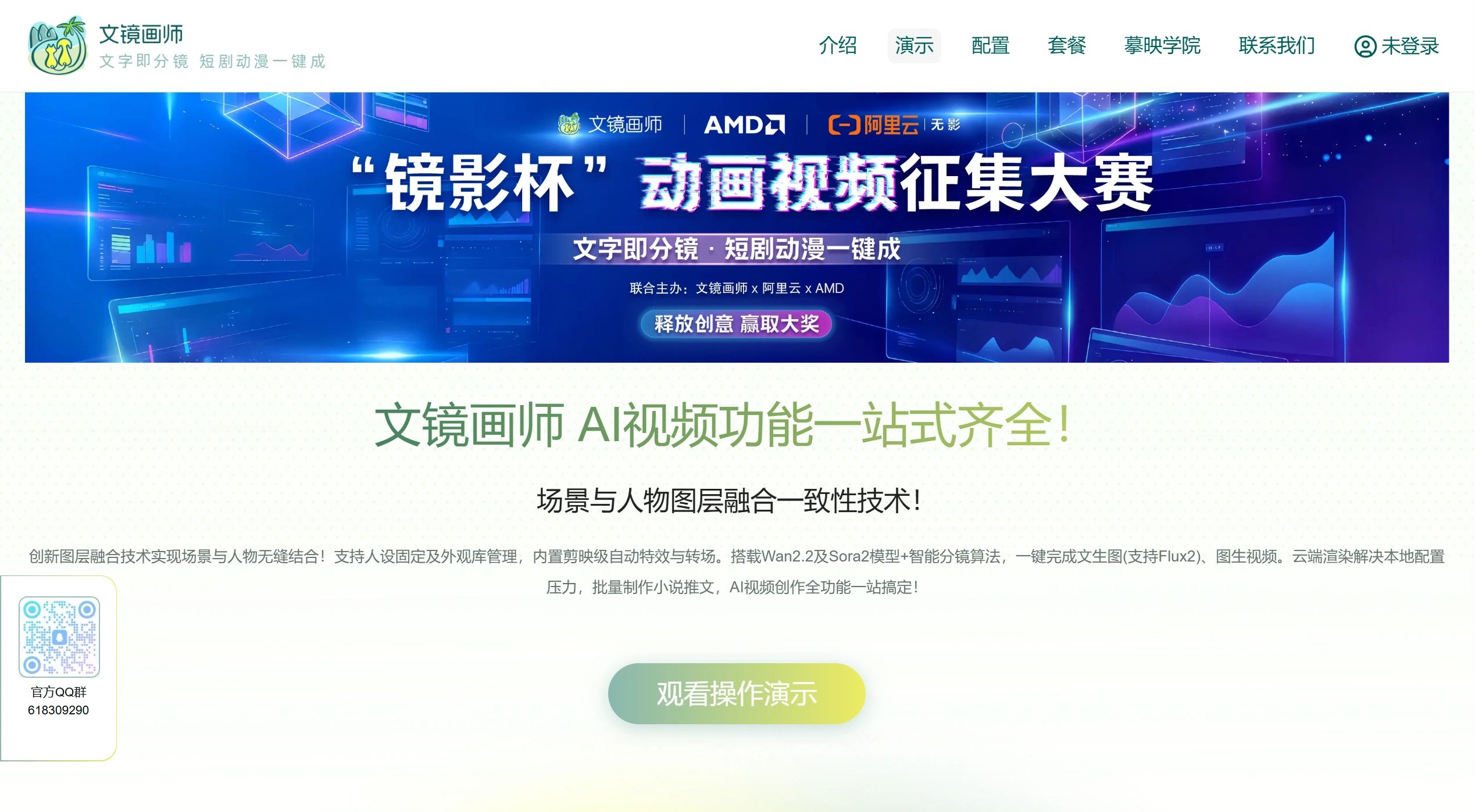
Wenjing Painter is an AI video creation platform focused on "text-to-storyboard, one-click generation of short dramas and anime." It uses audio-video models like Wan2.2 and Sora2, as well as image-text models like Flux2 and Qwen, and can produce a complete video directly from a piece of text.
Main Features of Wenjing Painter
Consistent Character Appearance
First, upload an image of the character. The system will identify features such as face shape, hairstyle, clothing, and expression.
Once the "character library" is set up, the character's appearance stays the same no matter how the scene or camera angle changes.
You can also modify individual parts and fine-tune details, so the look doesn't get out of messy or distorted.
Natural Blending of Characters and Background
Characters and backgrounds are processed separately, using its own method to make lighting and edges look more natural.
Even in complex situations like rainy days, night scenes, or indoor lighting, the composite looks fairly realistic.
Automatic Storyboarding and Video Generation
Input a novel passage or script, and the platform will perform the following steps:
First, break down the plot and create storyboards;
Add characters and scenes to produce still images;
Then use models like Wan2.2 or Sora2 to turn them into motion video.
Long-form content is also supported, making it suitable for producing promotional videos for novels of ten thousand characters.
Multiple Image Generation Models Available
Supports common AI drawing models such as Wan (14B/5B), Flux, Doubao, and Qwen-VL.
Users can switch styles according to their preferences, such as realistic, Japanese anime, thick-painting, etc.
Digital Human and Voice Synthesis
Offers a "faceless" digital human speaking feature, suitable for e-commerce and explainer videos.
Voice uses Chat-TTS, sounding like a real person speaking:
Can adjust tone and emotion;
Multiple people can speak together;
Voice cloning is possible (authorization required).
Batch Generation and Cloud Rendering
Can produce dozens of promotional videos at once, at high speed.
Rendering is handled on "Xiangong Cloud," using high-performance GPUs (such as the 4090D), so you don't need to buy an expensive computer yourself.
Cloud service costs about 1.59 yuan per hour.
Wenjing Painter Common Uses
Novel Promotion Videos: Turn online novel excerpts into short videos with visuals, voiceover, and subtitles, and post them on Douyin, Kuaishou, or Xiaohongshu to drive traffic.
AI Anime Short Dramas: No hand-drawing required, automatically generates connected animations, suitable for original or fan-made works.
Digital Human Spokesperson: Used for e-commerce, science popularization, corporate promotion, etc., without needing a real person on camera.
Stylized Repainting: Transform real-life photos or videos into art styles like Ghibli, cyberpunk, or ink wash painting.
Multilingual Voiceover: Use TTS for foreign-language voiceovers, making it easier to create overseas short videos.
Wenjing Painter How to Use
Wenjing Painter currently does not have a web trial version. You need to install it locally or use a cloud service.
1. Prepare the Environment
For local installation, it is recommended to have a GPU with at least 16GB of VRAM (such as RTX 4090), 64GB of RAM, and run Windows or Linux.
Alternatively, use the cloud. Follow the official tutorial to set things up on Xiangong Cloud. The requirements for the computer are not high, and beginners can use it as well.
2. Create the Character
Upload a front or side view of the character. The system will generate a "Character ID," and you can also modify hairstyle, clothing, expression, etc.
3. Generate the Video
Paste in the text, select the character, scene style, and voice. First click "Generate Storyboard," then click "Generate Video."
4. Optimization (Optional)
You can modify individual parts, adjust voice speed or emotion, and add subtitles, background music, or special effects.
5. Export and Publish
Export as an MP4 file and post it directly to platforms such as Douyin, Kuaishou, or Video Account.
Related News:
AI Comic Drama Production Tools
Huanman: An AI Comic Drama Tool Made by Alibaba
2026 AI Animation Production Generator Recommendations
2026 Recommendations: Review of 5 AI Comic Drama Production Tools














