Script Planner Assistant▸
 AI Apps
 AI News

LawGeex: AI Contract Review Assistant
LawGeex: AI Contract Review AssistantIntroduction
LawGeex is a company focused on applying artificial intelligence in the legal field. Founded in 2014 in Tel Aviv, Israel, its team is composed of legal experts and ai engineers. The technical foundation comes from AI legal research projects conducted in collaboration with Harvard Law School and Stanford University. The feasibility of AI contract review was first validated through academic papers, which later evolved into a commercial product.
LawGeex is positioned as an "AI-driven contract review assistant." By leveraging deep learning models trained on large volumes of legal texts, it can quickly analyze contract clauses and flag risks. Its strengths lie in accurately understanding legal terminology, supporting contract review in multiple languages, and clearly explaining the reasons behind identified risks.
Currently, more than 500 enterprise clients worldwide use LawGeex, including multinational groups such as Microsoft, Cisco, and Nestlé, as well as many law firms and small and medium-sized businesses. It is a highly representative tool in the legal technology space.
LawGeex Features
Fully Automated Redlining: It doesn't just flag risks; it directly revises contracts and adds annotations like an experienced lawyer, and even provides negotiation suggestions for dealing with the other party.
Playbook-Driven: Set the company's position, risks, and bottom lines as reusable digital playbooks to ensure consistent legal judgment across regions.
Instant Comparison: Compare multiple versions of Word or PDF documents with one click, automatically listing different clauses.
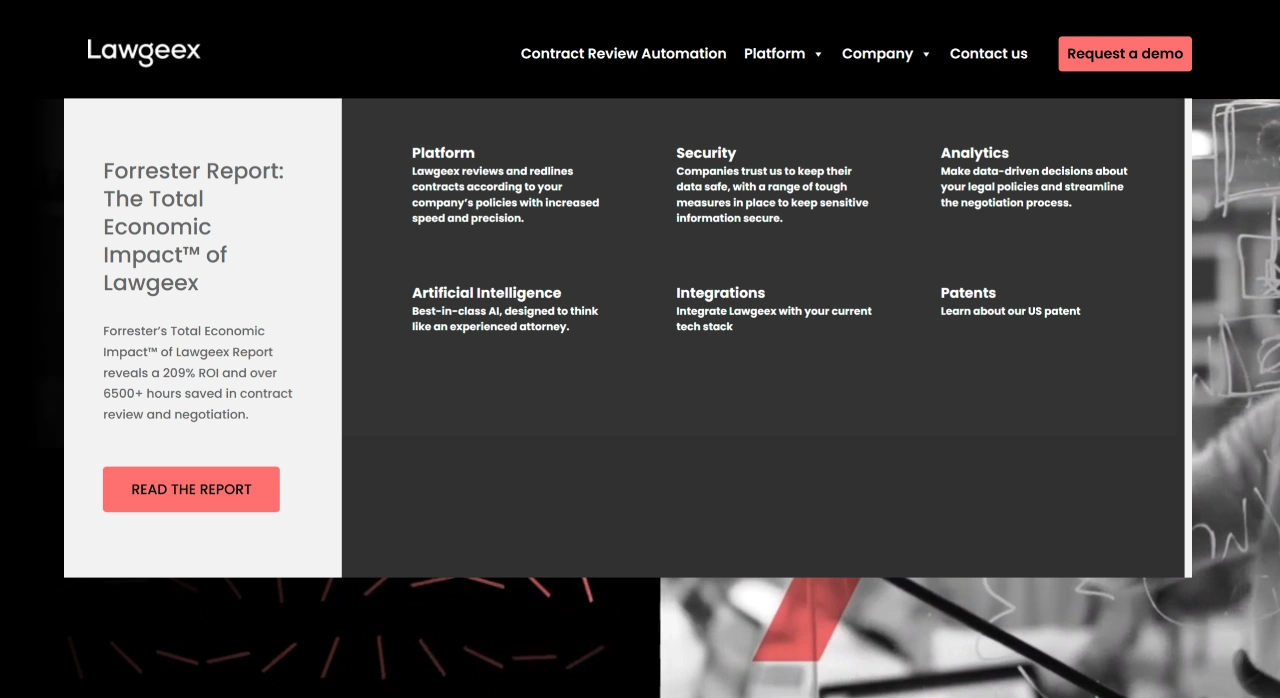
Data Dashboard: Real-time visibility into review time, risk distribution, hours saved, ROI, and more. A Forrester report states that customers using it have achieved a 209% ROI and saved more than 6,500 hours per year.
No-Code Integration: Provides API and single sign-on, and can be embedded into existing systems such as SharePoint, iManage, Salesforce, and DocuSign without changing existing workflows.
High Security: Certified by SOC 2 Type II and GDPR, with bank-grade encryption, plus customizable user permissions and audit trails.
LawGeex Use Cases
Frequently Signed Business Contracts: Non-disclosure agreements, purchase orders, sales contracts, statements of work, software licenses, cloud service agreements, etc.
Regulated Industries: Such as finance, pharmaceuticals, and energy, where compliance checks are mandatory, including anti-bribery, cross-border data transfer, FDA clauses, etc.
Fast-Growing SMBs: With limited legal staff but a need to process 30 to 50+ standard contracts per month.
Cross-Border Negotiations: Headquarters can codify policies into playbooks, while overseas colleagues upload local contracts directly. The AI flags redlines according to unified standards and can produce versions in English, German, French, and more.
How to Use LawGeex
Registration and Permission Configuration
Visit the official website (www.lawgeex.com) to register an enterprise account and choose a subscription plan based on team size (e.g., Basic, Professional, or Enterprise Custom).
The administrator adds team members and sets role permissions (such as "Reviewer," "Approver," "Viewer") to ensure data security and clear division of responsibilities.
Uploading Contract Files
Supports uploading contract files in PDF, Word (.docx), text (.txt), and other formats, with up to 50 files at a time (the Enterprise plan can increase this limit).
Basic contract information (such as transaction type, amount involved, counterparty) can be filled in to help the AI match review rules more accurately.
Initiating AI Review
Click "Start Review," and the AI will automatically parse the contract content. Typically, review time is about one-tenth of a page's duration (e.g., a 20-page contract takes roughly 2 minutes).
Advanced Features: Choose "Quick Mode" (check only core clauses) or "Deep Mode" (check all clauses and perform compliance verification); if comparison against a template is needed, upload a reference template and check "Difference Analysis."
Viewing and Handling Review Reports
The report is presented in a visual interface, with the contract text flagged with risk annotations on the left and a list of risks on the right.
Clicking on a specific clause jumps to its location in the original text, where you can view the legal basis cited by the AI (e.g., "According to Article 584 of the Civil Code, an excessively high liquidated damages clause may be adjusted by the court upon request").
Collaborative Editing and Export
Team members can directly annotate or suggest edits within the report, using the @ function to notify relevant personnel for handling.
Once confirmed, review reports can be exported in PDF/Excel format (including risk statistics charts) and synced to the enterprise document management system for archiving.
Continuously Optimizing Rules
Regularly analyze high-frequency risk points (e.g., if "acceptance clauses" in a certain contract type are frequently flagged), and adjust review standards through the "Rule Center" (such as relaxing or tightening the threshold for liquidated damages ratios) to better align the AI with business needs.
Related Information: