Script Planner Assistant▸
 AI Apps
 AI News

Receiptor AI: Automated Financial Management Tool
Receiptor AI: Automated Financial Management ToolIntroduction
Receiptor ai is an AI-powered automated financial management tool that locates receipts and invoices from sources like email and WhatsApp, and extracts key information such as how much was spent, when the purchase was made, who the seller was, and the tax amount. It supports receipt extraction in multiple languages and currencies, and can connect directly to accounting software like Xero, QuickBooks, and Expensify. It also exports data in formats such as PDF, CSV, and ZIP, solving the tedious pain point of manually organizing financial documents for small business owners and freelancers.
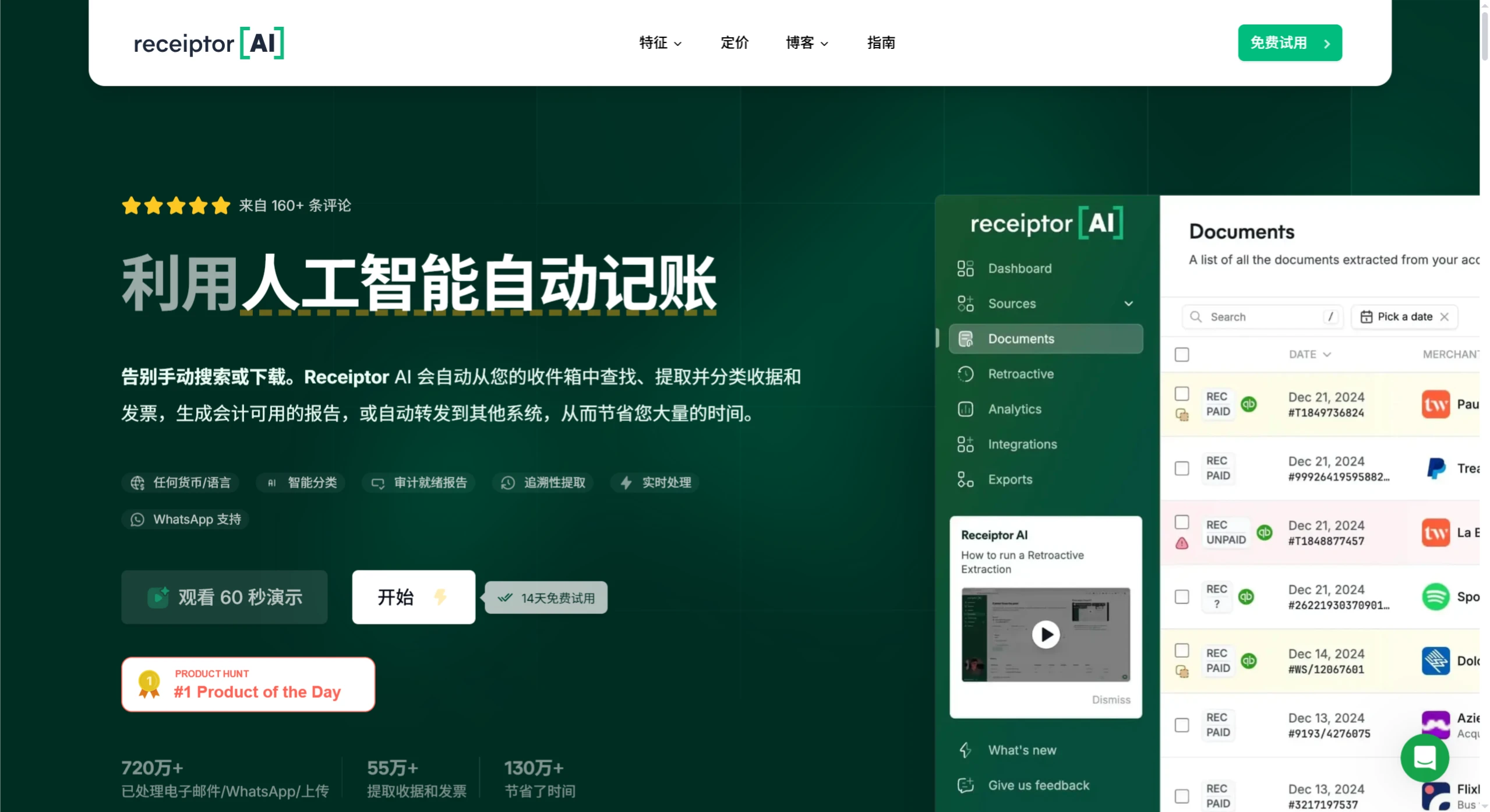
Key Features of Receiptor AI:
Automatic Receipt Discovery: Automatically finds receipts and invoices from your email, WhatsApp, or uploaded files.
Smart Categorization: Uses AI to classify transactions according to your custom rules, getting more accurate over time.
Handles Past and New Data: Processes both historical receipts in your email and continuously monitors new incoming emails.
Multi-Language and Multi-Currency: Suitable for companies with international operations.
Flexible Exporting: Makes accounting and tax filing easier.
Use Cases for Receiptor AI
Small Businesses and Freelancers: No need to manually track personal and business expenses, saving time and improving efficiency.
Mid-to-Large Enterprises: Centrally manage employee reimbursements, making the finance department's workflow smoother.
Accounting Firms: Help clients with faster bookkeeping and tax filing, reducing errors and improving data accuracy.
E-commerce Companies: Automatically process online transaction receipts, simplifying sales tax reporting.
Travel and Hospitality Industry: Manage frequent travel expenses and consolidate receipts from different merchants.
Digital Nomads: Track work-related expenses for easier tax filing.
Event Planners: Manage financial documents from multiple vendors.
Academic Researchers: Manage expenses related to project grants.
Real Estate Investors: Efficiently manage property-related expenses.
How to Use Receiptor AI?
Using Receiptor AI is simple, just follow these steps:
Connect Your Email: First, connect the tool to your email (such as Gmail or Outlook). Once connected, it will automatically find receipts and invoices.
Automatic Extraction: It will automatically locate receipts from your emails without any manual action.
Review Past Emails: You can have it analyze previous emails to find receipts you may have missed.
Generate Reports: When needed, export reports in CSV or PDF format for easy bookkeeping and financial tracking.
Connect to Accounting Software: It integrates directly with software like Xero, QuickBooks, and Expensify, making expense reconciliation simpler.
Additionally, it can retrospectively analyze receipt information from past emails, supports email providers like Gmail, Outlook, and Yahoo, and uses dynamic charts to give you a clear overview of your business expenses at a glance.