Script Planner Assistant▸
 AI Apps
 AI News

FlightRadar24: A Highly Popular Real-Time Flight Tracking Tool
FlightRadar24: A Highly Popular Real-Time Flight Tracking ToolIntroduction
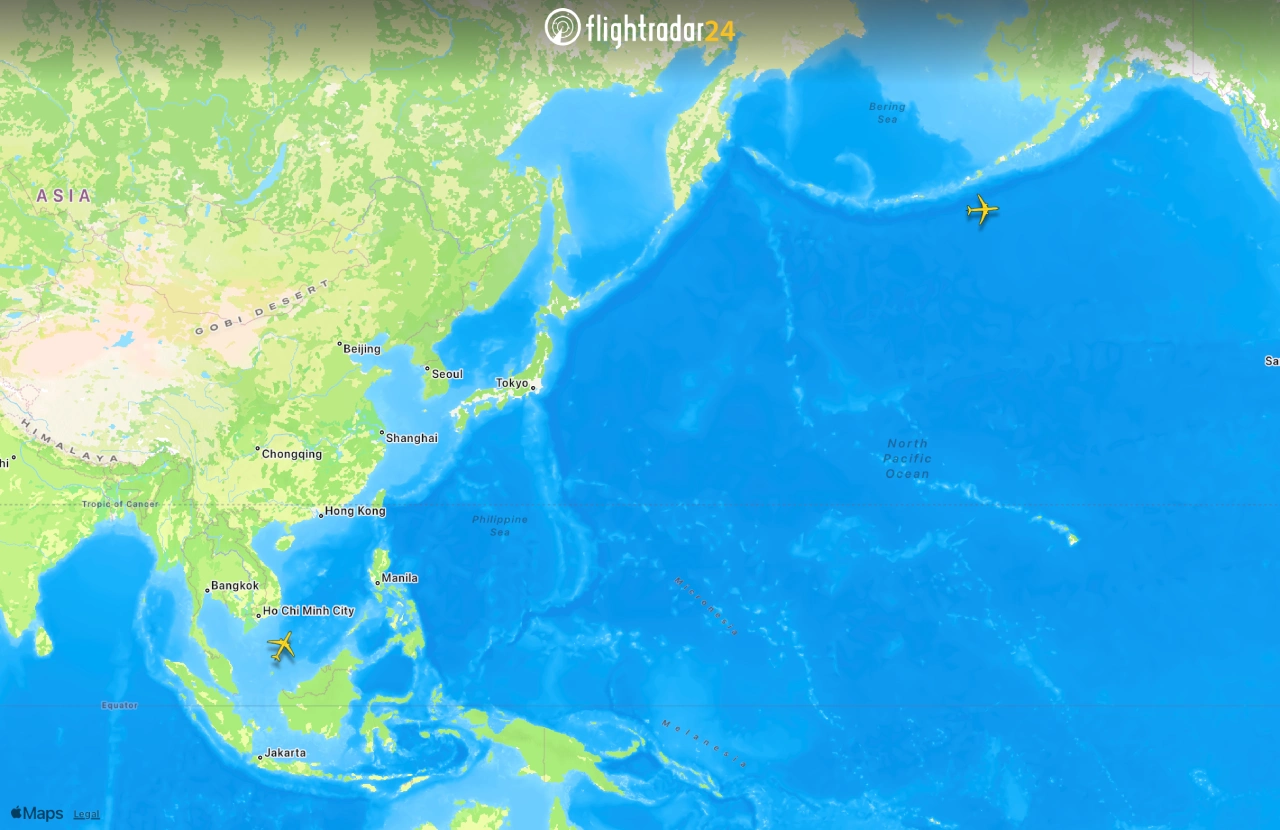
FlightRadar24 is a very popular real-time flight tracking tool. It integrates Google Maps, aviation information, and data sources like ADS-B, MLAT, satellites, and radar to display global air traffic and flight status on both the website and mobile app. Users can directly see where aircraft are and look up detailed flight information.
Main Features of FlightRadar24
Real-time flight tracking: Users can watch global flight activity in real time. Point your phone camera at the sky (with AR enabled) to identify aircraft flying overhead and view detailed information such as aircraft photos.
3D viewing experience: FlightRadar24 provides 3D visuals from a pilot's perspective, giving users a more intuitive sense of flight.
Flight history playback: FlightRadar24 lets you look up past flight records and replay previous flight routes, which is very useful for aviation enthusiasts and researchers.
Airport information lookup: Click an airport icon to see that airport's flight schedule (arrivals and departures), flight status, number of aircraft parked on the ground, current delay statistics, and weather.
Search and filter: FlightRadar24 lets you find flights by flight number, airport, or airline, and filter by airline, aircraft type, altitude, speed, and other information.
Other basic features: On the map you can see real-time position, altitude, speed, route, and estimated arrival time of flights worldwide; you can also search historical flight records and related data by flight number, aircraft registration, or airport.
Some advanced features: such as 3D view, route playback, ATC boundary areas, cloud cover, fleet view, and more (subscription required).
Features of FlightRadar24
Wide coverage: Tracks more than 180,000 flights from over 1,200 airlines in real time, covering more than 4,000 airports worldwide.
Fast data updates: Flight information is nearly lag-free, so users can quickly see the latest activity.
How FlightRadar24 Works
FlightRadar24 mainly relies on ADS-B transponders on modern aircraft to collect flight data. These transponders broadcast the aircraft's position information, which is then relayed through Flightradar24's global network of ground stations, allowing users to see aircraft moving on the map. In addition, for aircraft without ADS-B transponders, it uses multilateration to calculate position.
Who FlightRadar24 Is For
Passengers and families: Track flight status and take-off/landing times.
Aviation enthusiasts: View aircraft type, registration number, historical flight tracks, and 3D playback.
Business users: Suitable for managing fleets, monitoring airports and ATC, performing data analysis, and creating visualizations for media.

How to Use FlightRadar24?
Quick Start (5 Steps)
Download and open: Search for "FlightRadar24" in the app store (App Store/Google Play) to install it, or go directly to flightradar24.com.
Sign up and log in: Optional, but logging in lets you sync favorites and settings.
Search for a flight: Enter a flight number, callsign, route, or airline in the search box; you can also tap an aircraft on the map to view its information.
View details: See aircraft type, speed, altitude, estimated arrival/departure time, historical track, and more; some features require a subscription.
Airports and alerts: Tap an airport icon on the map to see arrival/departure information, delays, and weather; you can also set flight or airport alerts in the app (subscription required).
Common Feature Entry Points
Live map: Zoom in/out and drag the map to see global flights; tap an aircraft or airport to see specific information.
Search panel: Quickly find targets by flight number, callsign, airport, or airline.
Detail card: Shows aircraft type, registration, speed, altitude, estimated departure/arrival time (ETD/ETA), and historical track; 3D view and extended data mostly require a subscription.
Airport information: Includes arrival/departure schedules, delay statistics, parked aircraft, and weather conditions.
Historical playback: View and replay past flight tracks within the app.
Filters: Filter flights you want to follow by airline, aircraft type, altitude, speed, and other criteria.
Personal center (myFlightradar24): Manage favorite flights, import itineraries, and view flight statistics and carbon emissions data.
Subscription Plans
FlightRadar24 offers a free version, as well as Silver and Gold upgrade options, all of which come with a free trial. Upgrading unlocks more features, such as longer flight history records, more detailed aircraft and flight information, and real-time weather for more airports on the map.
FlightRadar24 was founded in Sweden in 2007, originally only covering flights in Northern and Central Europe. It gradually expanded to a global scale by adding data sources such as ADS-B receivers. It started as just an interesting project, but it later became clear that this data was very valuable to travelers and related businesses.