
 Script Planner Assistant▸
 AI Apps
 AI News

CrePal AI: The World's First Video Creation Agent and Reliable AI Creative Assistant
CrePal AI: The World's First Video Creation Agent and Reliable AI Creative AssistantIntroduction
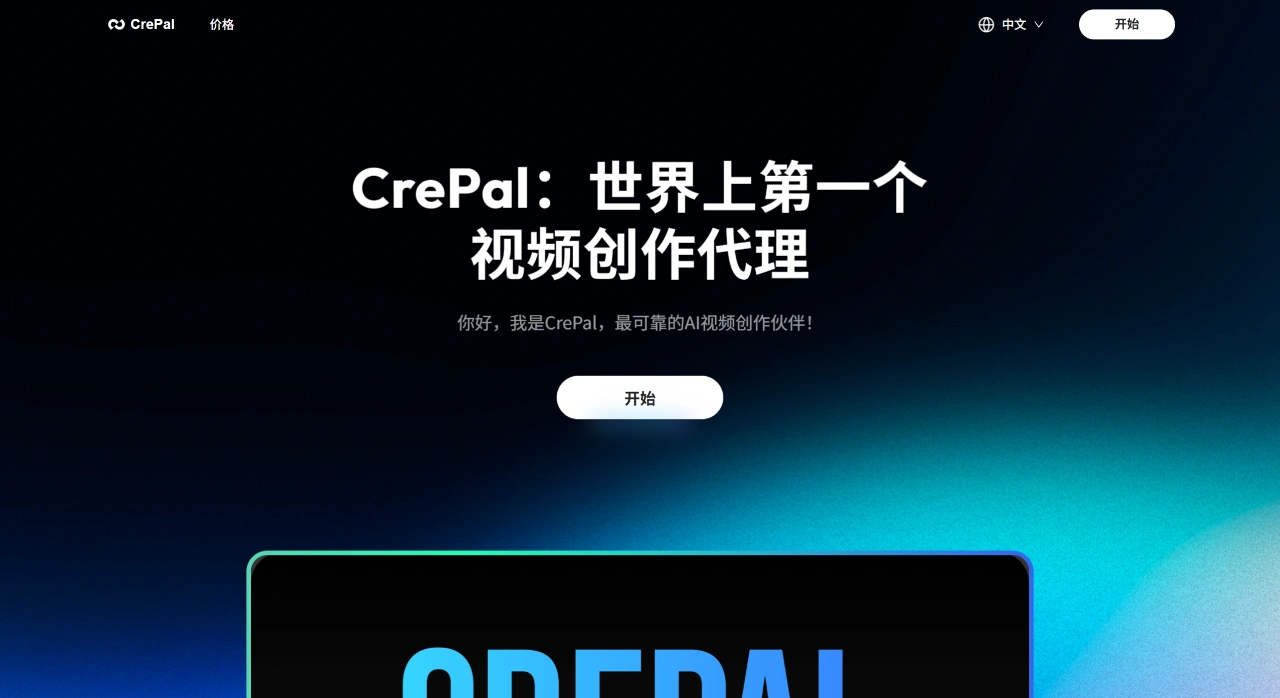
CrePal ai is the world's first video creation agent, and also a reliable AI creation assistant. CrePal AI brings together today's most advanced image and video generation AI models, including SUNO, Eleven Labs, Runway, and more. Then, based on your creative needs, it automatically picks the best combination of models to help you complete your creation.
CrePal AI Main Features
Fully Automated Workflow
Intelligent Script Generation: You only need to enter the topic and style, and CrePal can automatically generate a complete script, including storyboards, narration, and rhythm design.
Multi-Model Intelligent Scheduling: CrePal will automatically select the best model combination based on cost, generation quality, training data distribution, and more.
One-Stop Editing and Final Output: Automatically adds transitions, sound effects, and subtitles, and matches the background music rhythm, finally outputting a ready-to-use finished video.
Complex Task Decomposition: CrePal can handle multi-step complex instructions. For example, if you give it a complex request, it will break it down into smaller tasks and complete them step by step.
Cross-Modal Generation Capabilities:
Video Generation: Supports mixed image-text layouts, multi-person motion control, camera switches, and other scenarios.
Image Generation: Integrates models like Midjourney and Flux, capable of producing the stylized visuals you need.
Audio Generation: Calls on services like Suno and 11Labs to create stylized soundtracks, and also supports a licensed song library.
Low-Barrier Interaction
You only need to enter text or voice commands, without memorizing complex Prompt syntax or switching back and forth between platforms. The interface is designed to be friendly and intuitive to use.
Automatic Editing and Optimization
It can automatically cut long interview videos into multiple short videos, and add subtitles, text effects, and background music.
It can also automatically find highlights in videos and cut short videos suitable for social media.
Social Media Optimization
CrePal will automatically adjust video size, format, and tags according to the requirements of different platforms (such as YouTube and TikTok).
What Can CrePal AI Be Used For?
Individual Creators: Turn 30-minute long videos (like vlogs or livestream replays) into multiple highlight short videos with one click, automatically add subtitles, text effects, and music, and easily achieve daily updates.
Brand E-commerce: Upload product images and selling-point copy, and it can automatically generate 9:16 vertical ads with a unified brand style, ready to post directly on Douyin and Kuaishou.
Education and Training: Enter the course outline, and the AI can generate a 30-second animated teaser showcasing the teacher and teaching results.
Film, TV, and MCN: Capable of batch-producing movie trailers and episode highlights, automatically identifying explosive lines and action moments, supporting both horizontal and vertical formats.
Enterprise Marketing: Internal training videos are automatically subtitled, noise-reduced, and segmented, and can be saved directly to the enterprise knowledge base with one click.
Content Creators: Quickly create funny short videos to boost fan interaction.
Ad Production: Generate ad videos to enhance brand impact and competitiveness.
How to Use CrePal AI?
Register an Account: Go to the CrePal official website, click "Get Started," and register with your email or social account.
Choose Your Creation Needs: On the CrePal platform, select the type of video you want to make (such as ad, story, or short drama) and the style (such as humorous, suspense, or tech).
Upload Materials (Optional): If you have existing scripts or materials, you can upload them, and the system will automatically select the appropriate AI models for creation.
Generate Video: After filling in the information, click "Create," and the system will start generating the video. The time depends on the complexity and length of the video.
Edit and Adjust: If the generated video needs modification, you can use the simple editing tools provided by the platform to make adjustments.
Save and Share: After editing, click "Download" to save it locally, or share it directly on social media.
CrePal AI FAQ
Q: What is CrePal's core advantage?
A: It brings together the most advanced image and video generation AI models (such as SUNO, Eleven Labs, Runway), and can automatically select the most suitable model combination based on your creative needs, making video creation easy and efficient.
Q: What's the difference in free credits between the different pricing plans?
A: The Free plan includes 100 credits per month, the Plus plan includes 2,000 credits per month, and the Pro plan includes 25,000 credits per month. The more credits, the more features you can access.
Q: How can I use CrePal to make videos right now?
A: It is currently in closed beta, and you need to join the waitlist first. Once you get access, choose a suitable pricing plan and use the AI models it integrates to create videos. Members can also purchase additional credits.












