
 Script Planner Assistant▸
 AI Apps
 AI News

Vidfly AI: All-in-One AI Video Creation Platform
Vidfly AI: All-in-One AI Video Creation PlatformIntroduction
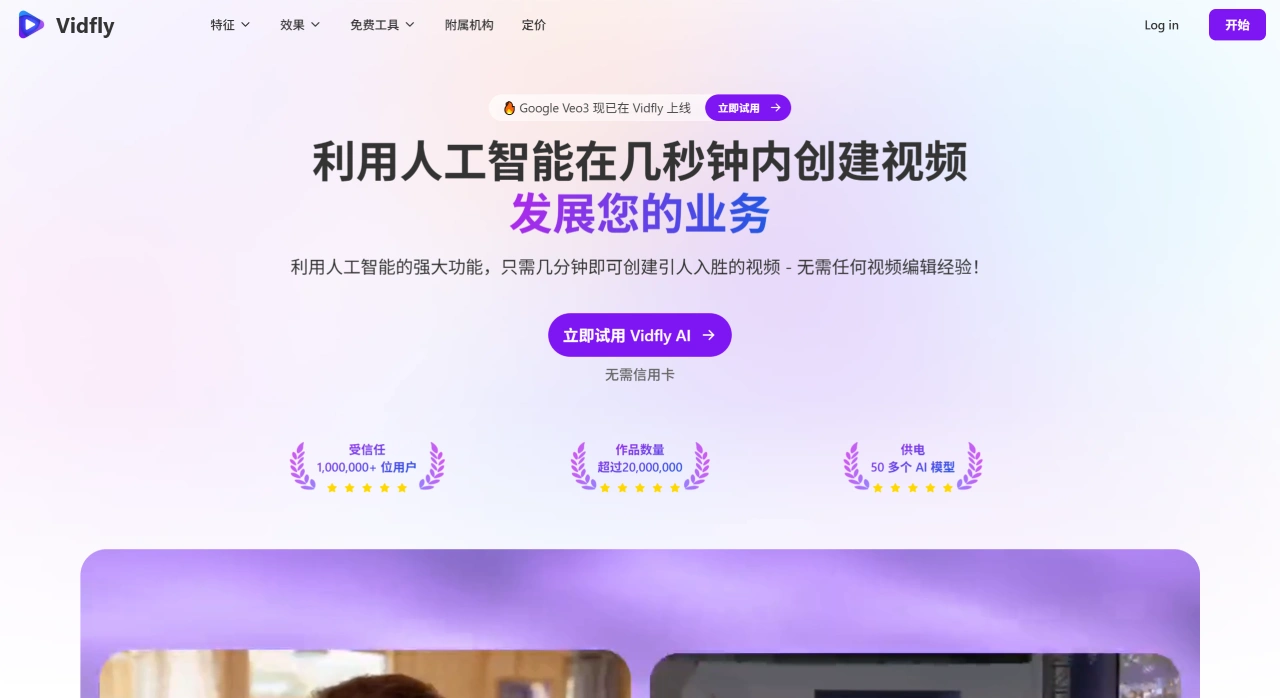
Vidfly ai is an all-in-one platform for generating professional videos. It supports creating videos from text, images, or creative ideas and integrates over 50 AI models, with key features including image-to-video and text-to-video. Vidfly AI is ideal for scenarios such as social media content and marketing videos.
Core Features of Vidfly AI
Image to Video: Turn static images into dynamic videos.
Text to Video: Input text and generate matching videos.
Video to Video: Edit and optimize existing videos.
Reference to Video: Generate new content by referencing existing videos.
AI Short Video: Quickly create short videos suited for social media.
AI Video Effects: Add effects to videos for better results.
Lip Sync: Keep a character's lip movements in sync with the audio.
Script to Video: Generate videos based on scripts.
AI Video Clips: Extract specific clips from a video.
AI Video Subtitles: Automatically generate subtitles for videos.
AI Avatar: Generate character avatars for videos.
AI Image Generator: Create new images from text descriptions or reference images.
AI Video Upscaler: Increase video resolution.
AI Video Enhancer: Optimize video quality.
AI Face Swap: Replace faces of people in a video.
How to Use Vidfly AI?
Visit the official site: Go to Vidfly's official website www.Vidfly AI.
Sign up or log in: Complete the process via the login or sign-up link.
Choose a feature: Pick any of the features mentioned above based on your needs.
Upload materials: Upload text, images, or video assets.
Generate videos: Use the platform's AI tools to create and edit videos.
Download or save: The generated videos can be downloaded or saved to the cloud.
Vidfly AI Use Cases
Social media content creation: Quickly make short videos suited for platforms like TikTok, Kwai, and Bilibili.
Ad video production: Create high-quality advertising videos for businesses or brands.
Personal video creation: Turn personal photos or stories into videos to share on social media.
Educational video production: Generate videos for online courses or educational content.
Creative video production: Turn ideas into visual works for artistic or commercial display.
Frequently Asked Questions
Is it free?
There is a free version, but it has limited features. The free version comes with 100 credits, you can earn credits by signing in daily, allows up to 1 pending task, offers 30 days of free cloud storage (10GB of storage space), downloads with a watermark, max export quality of 720p, and is for non-commercial use only.
Does it require special software or equipment?
No. Vidfly is an online platform and can be accessed via a browser.
Do I need design or video editing experience to use Vidfly AI?
No. The platform is designed to be user-friendly and is suitable for both beginners and professionals.
Can it be used for commercial purposes?
Commercial use is only allowed on paid plans.
Why choose Vidfly AI?
Vidfly integrates advanced AI models, can generate high-quality videos, is easy to use, feature-rich, and suitable for all types of users.
Vidfly AI Pricing
Free Plan: 100 credits, earn credits with daily sign-ins, 30 days of free cloud storage (10GB storage), 720p export quality, with watermark, non-commercial use only.
Basic Plan: $20/month, 2000 credits, 2 pending tasks, 50GB storage, 1080p export quality, no watermark, commercial use allowed.
Pro Plan: $45/month, 5000 credits, 4 pending tasks, 200GB storage, 1080p export quality, no watermark, commercial use allowed.
Enterprise Plan: $100/month, 11000 credits, 6 pending tasks, 200GB storage, 1080p export quality, no watermark, commercial use allowed.











