
 Script Planner Assistant▸
 AI Apps
 AI News

React-Tetris: A Classic Tetris Game Built with React
React-Tetris: A Classic Tetris Game Built with ReactIntroduction
React-Tetris is a classic Tetris game built with the React framework. It uses a component-based design, supports keyboard controls, and adapts to different screens. It can be embedded in React applications or used as a standalone component.
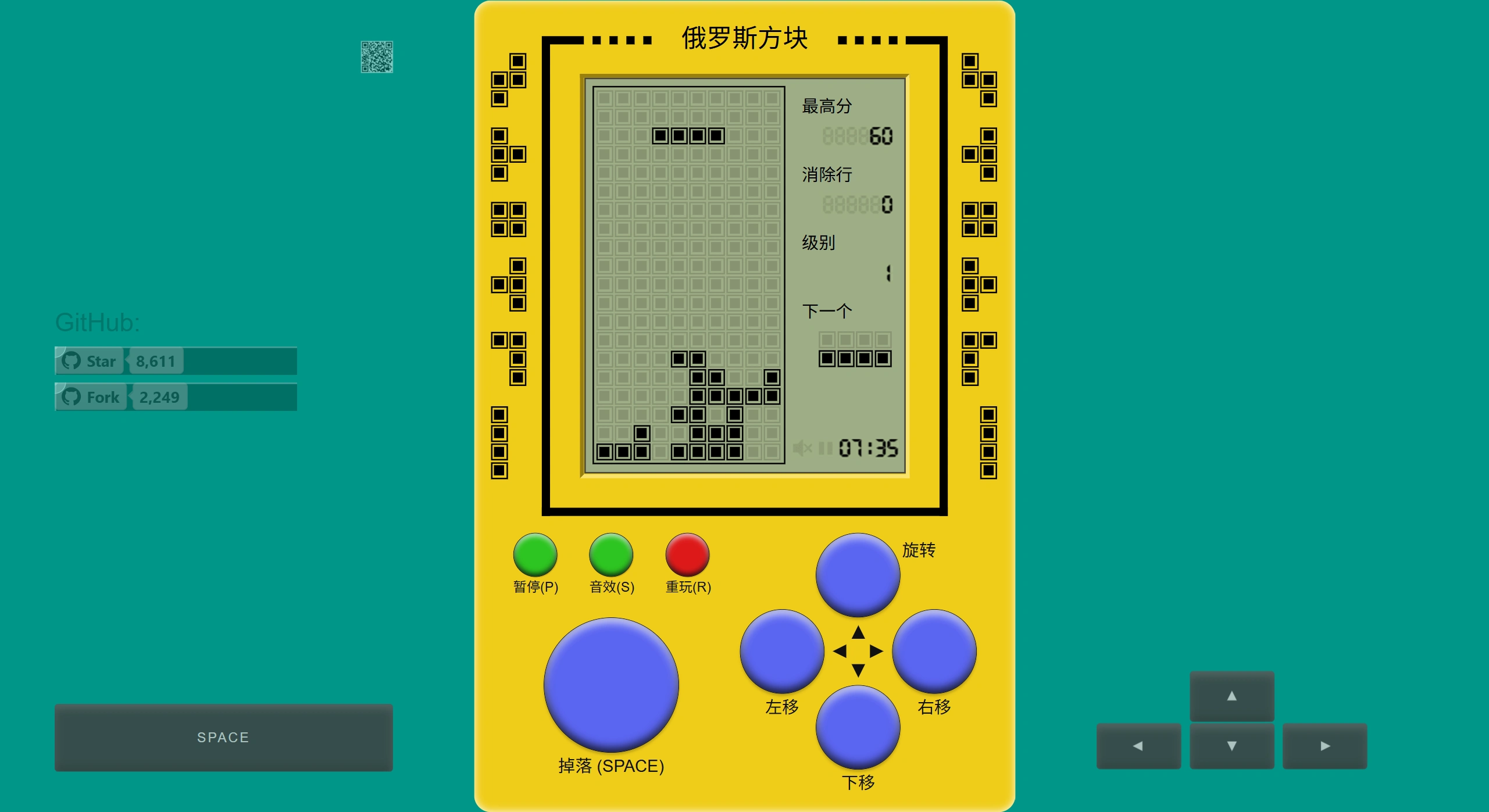
Features of React-Tetris
Rich tech stack: React-Tetris uses React + Redux + Immutable. Leveraging React's component-based approach, the game is broken down into several reusable components, such as HeldPiece, Gameboard, and PieceQueue. Redux is used to manage game state and ensure state consistency.
Comprehensive features: It can track scores, count cleared lines, manage game state, adapt to screen, save data, and supports keyboard controls.
Easy to integrate: Developers can quickly add this React-Tetris game into any React application through simple API calls and configurations.
Use Cases of React-Tetris
Educational applications: It can serve as a hands-on project for programming education, helping students understand React components and state management.
Entertainment applications: Add a casual game module to a website or mobile app to boost user engagement.
Commercial showcases: Embed react-tetris into product showcases as an interactive display to attract users' attention.
Project Advantages of React-Tetris
Clear code structure: Each game element in React-Tetris is built as an independent React component, making the code structure clear and easy to understand and maintain.
High extensibility: Thanks to React's component-based design and Redux's state management, it's easy to extend features and customize the game.
Cross-platform support: Versions built on the React Native framework can also run across platforms.
Keyboard Controls for React-Tetris
| Action | Keyboard Key | Function Description |
|---|---|---|
| Move left | Left Arrow Key | Moves the current piece one cell to the left |
| Move right | Right Arrow Key | Moves the current piece one cell to the right |
| Rotate piece (clockwise) | Up Arrow Key or X Key | Rotates the current piece 90 degrees clockwise |
| Rotate piece (counterclockwise) | Z Key | Rotates the current piece 90 degrees counterclockwise |
| Accelerate drop | Down Arrow Key | Speeds up the falling speed of the current piece |
| Instant drop | Spacebar | Drops the current piece instantly to the bottom |
| Pause/Resume | P Key | Pauses or resumes the game |
| Hold piece | C Key or Shift Key | Stores the current piece in the hold area for later use |
How to Use React-Tetris?
Installation: Install react-tetris via npm
npm install --save react-tetris
Usage example: Import and use it in a React application
import React from 'react';
import Tetris from 'react-tetris';
const App = () => (
  <div>
    <h1>俄罗斯方块</h1>
    <Tetris
      keyboardControls={{
        down: 'MOVE_DOWN',
        left: 'MOVE_LEFT',
        right: 'MOVE_RIGHT',
        space: 'HARD_DROP',
        z: 'FLIP_COUNTERCLOCKWISE',
        x: 'FLIP_CLOCKWISE',
        up: 'FLIP_CLOCKWISE',
        p: 'TOGGLE_PAUSE',
        c: 'HOLD',
        shift: 'HOLD'
      }}
    >
      {({
        HeldPiece,
        Gameboard,
        PieceQueue,
        points,
        linesCleared,
        state,
        controller
      }) => (
        <div>
          <HeldPiece />
          <div>
            <p>分数:{points}</p>
            <p>已清除行数:{linesCleared}</p>
          </div>
          <Gameboard />
          <PieceQueue />
          {state === 'LOST' && (
            <div>
              <h2>游戏结束</h2>
              <button onClick={controller.restart}>新游戏</button>
            </div>
          )}
        </div>
      )}
    </Tetris>
  </div>
);
🌍Github Address:https://github.com/chvin/react-tetris















