
 Script Planner Assistant▸
 AI Apps
 AI News

AniGenie: AI Anime Character Generator
AniGenie: AI Anime Character GeneratorIntroduction
AniGenie is an ai application that can generate works in multiple styles such as anime and paintings. Users simply provide a text description, upload a photo, or doodle, and it will be converted into an image in the corresponding style. They can also choose the style and adjust details.
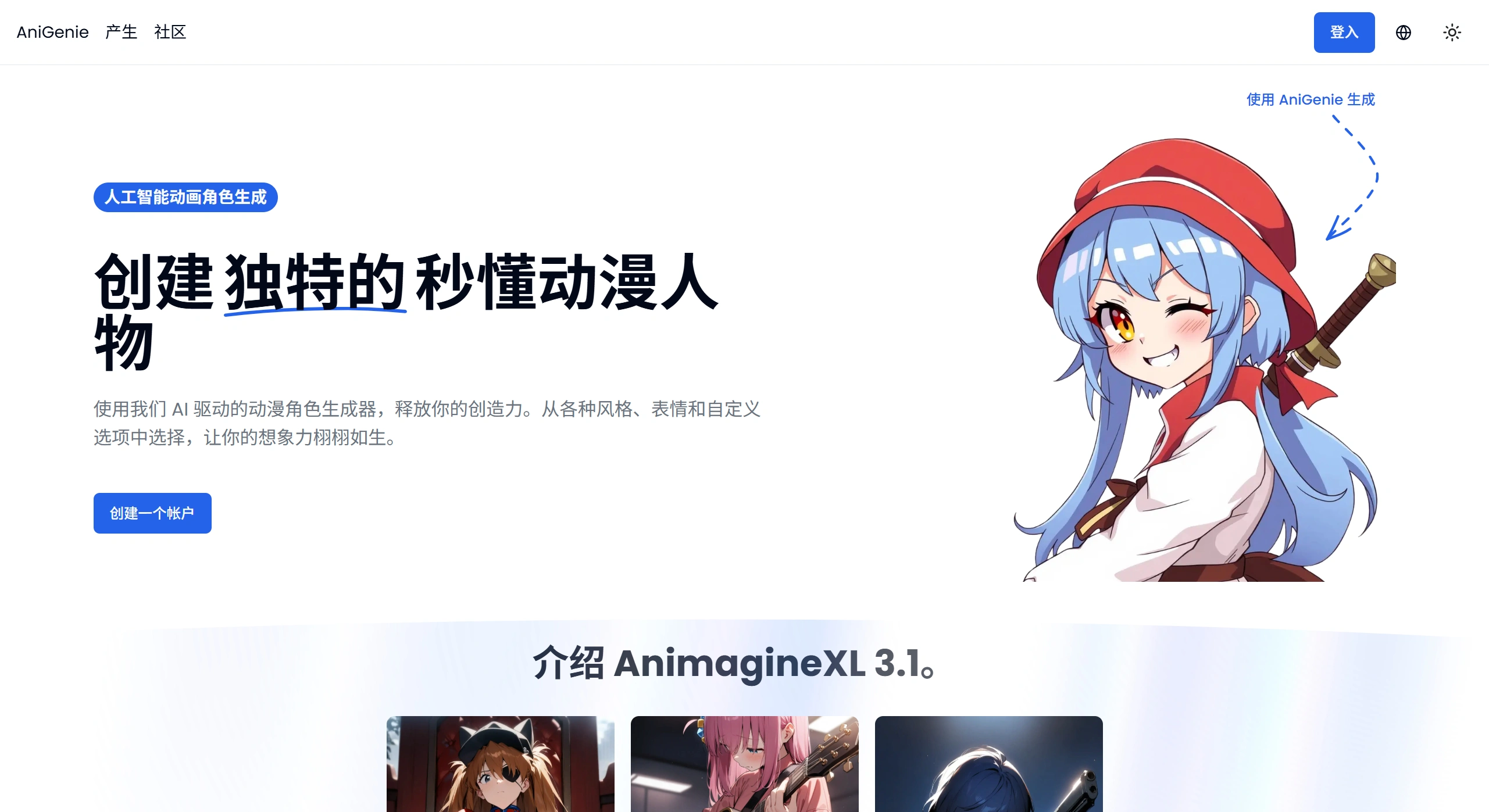
AniGenie Features:
Character Generation: Powered by AI technology, it can create unique anime characters in just seconds. For example, input a simple description and quickly generate a corresponding image.
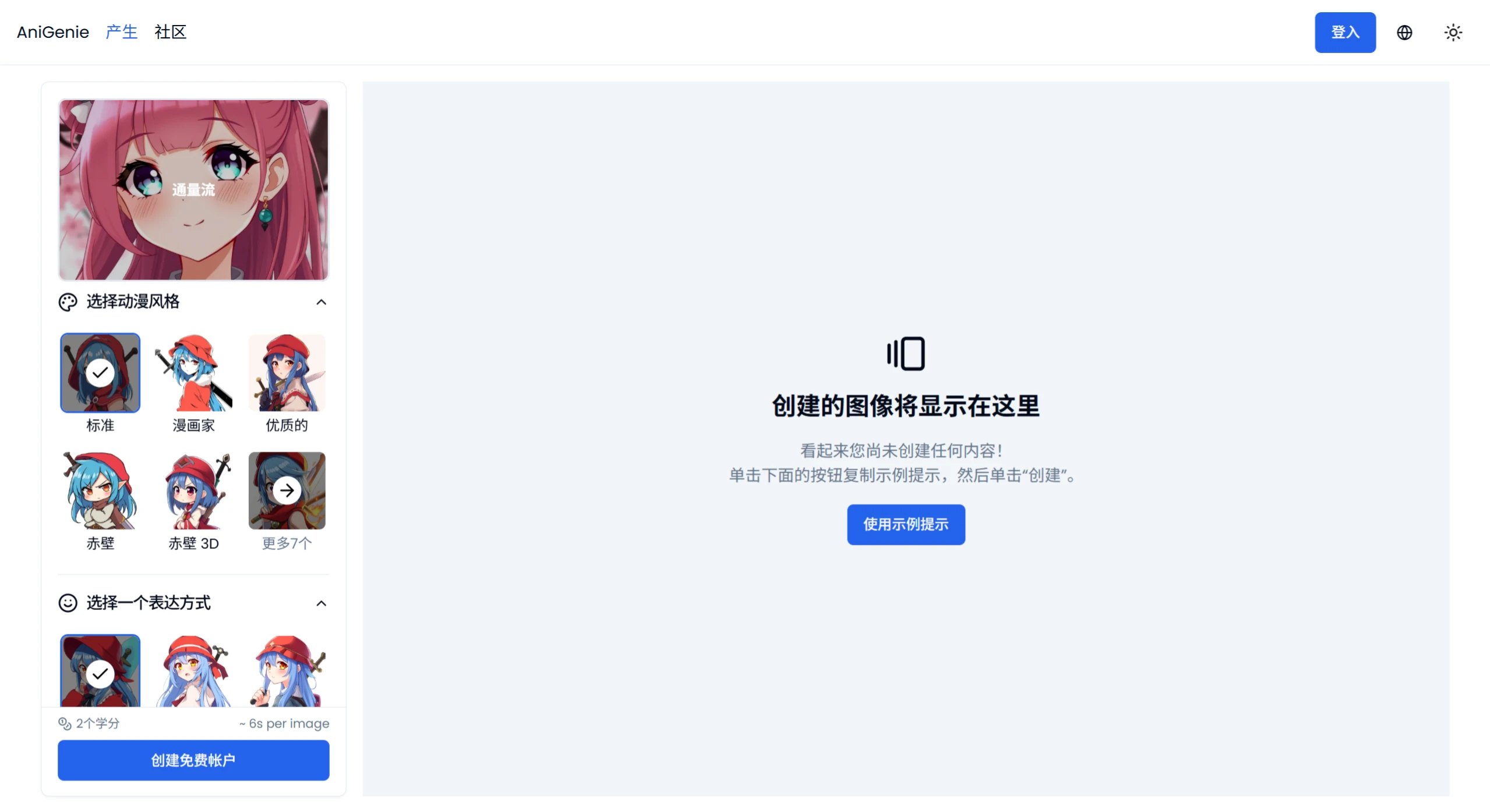
Style Customization: Multiple anime styles are available, such as traditional Japanese anime and modern fantasy anime, catering to different preferences.
Expression Control: Users can set character expressions themselves, such as happy, sad, or angry, making characters more vivid and emotional.
Background Removal: A handy background removal feature makes it easy to place generated characters into other scenes, making them more practical.
Wide Range of Uses: The generated characters can be used for comic creation, game development, social media avatars, and more.
AniGenie Use Cases:
Comic Creation: Helps comic artists design unique characters for their stories.
Game Development: Provides character ideas for indie developers working on visual novels or anime-style games.
Social Media Avatars: Allows users to create anime avatars with a personal touch.
Overcoming Creative Difficulties: Generates unique character designs to inspire artists facing creative bottlenecks.
How to Use AniGenie:
Provide a Prompt: Enter the text description of the anime character or scene you want to generate.
Choose a Style: Select your preferred anime style from the options.
Generate Image: Click the generate button, and AniGenie will create an anime work based on your prompt and chosen style.
Customize (Optional): Use advanced settings such as steps, negative prompts, image strength, and CFG scale to adjust the image.
Download or Share: Save your work, or share it directly on social media.
Pros and Cons:
Pros: Character generation is fast and easy, with a wide range of customization, suitable for both professional artists and enthusiasts.
Cons: Overuse may limit originality, and designs between users may end up looking similar.
AniGenie Target Users:
Anime and Comic Artists: Helps them overcome creative bottlenecks, quickly generate character ideas, and lay the foundation or find inspiration for their creations.
Game Developers: Design original characters for indie games and visual novels, saving time and effort.
Social Media Users: Create personalized anime avatars to express themselves.
Content Creators: Make anime characters for YouTube channels, blogs, or comics to enrich their content.
AniGenie Pricing:
Both free and paid options are available. The free option has limited features, while the paid option unlocks advanced features such as custom prompts and high-resolution downloads. The cost of generating images depends on the chosen credit package, ranging from $0.02 to $0.04 per image.














