Script Planner Assistant▸
 AI Apps
 AI News

PC-Builds: PC Hardware Configuration Advice, Assembly Guides & News
PC-Builds: PC Hardware Configuration Advice, Assembly Guides & NewsIntroduction
PC-Builds is a website that provides computer hardware configuration suggestions, assembly guidance, and news. Based on different use cases (such as gaming, office work, and content creation) and budgets, it pairs users with various hardware combination plans. These plans range from entry-level to high-end, and list hardware models, brands, prices, as well as the performance characteristics of each configuration.
Features
Part Selection and Compatibility Check: Offers a variety of computer part options, covering CPU, GPU, motherboard, memory, storage, etc. The platform automatically checks part compatibility to prevent users from choosing mismatched setups, such as reminding whether the motherboard matches the CPU or whether the power supply wattage is sufficient.
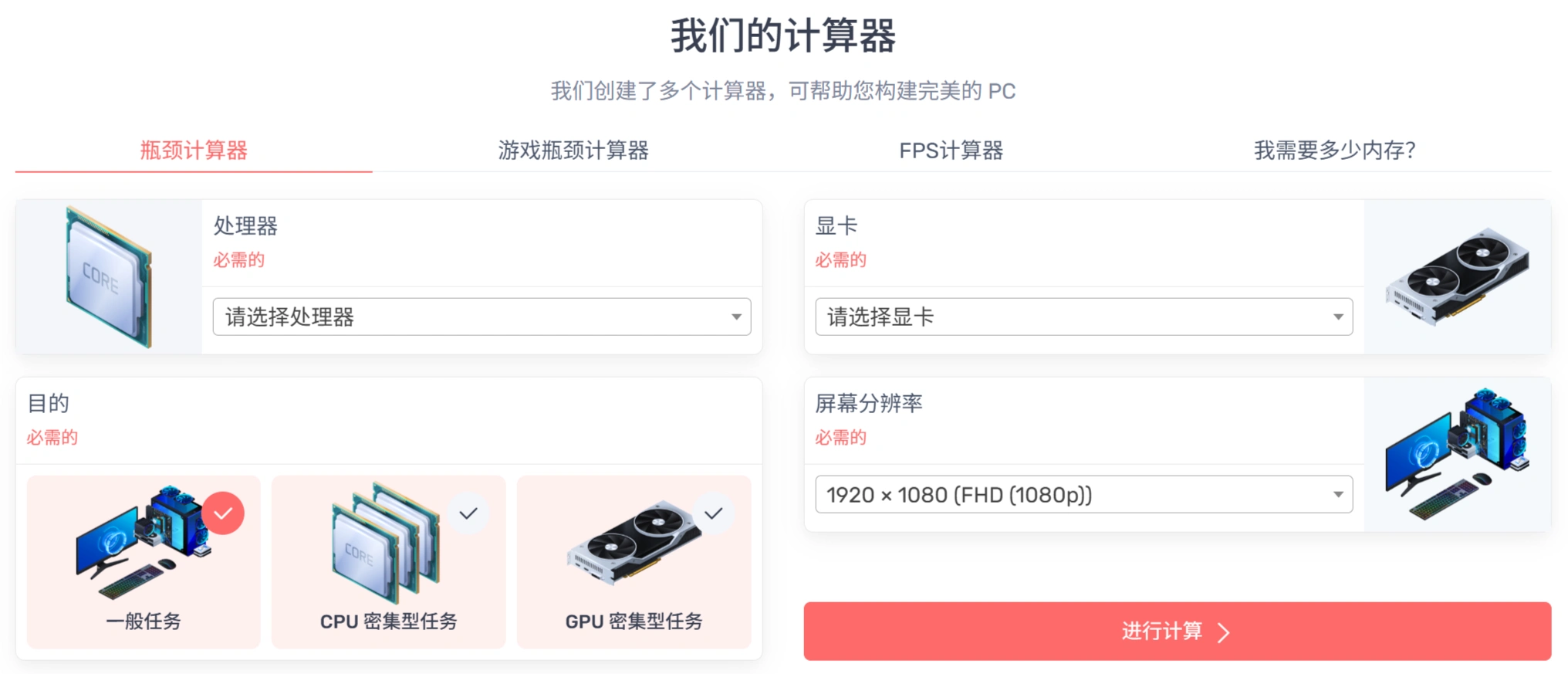
Performance Evaluation and Bottleneck Analysis: Performs performance evaluations on the user's selected configuration, analyzes potential bottlenecks, and lets users understand how the configuration performs when running software and games, so they can adjust the setup for better performance balance.
Game Compatibility Check: View which games the configuration can run smoothly and the frame rate performance at different quality settings, providing a reference for gamers.
Price Comparison and Deal Information: Integrates with major retailers (such as Amazon, Newegg, Best Buy, Walmart, etc.) to compare part prices in real time, and also retrieves prices for used parts on eBay. The platform also offers a "Sales Feed" feature that notifies users of the latest hardware deals.
Assembly Guidance: Provides beginners with detailed assembly tutorials and step-by-step instructions, including how to install the CPU, graphics card, and memory, as well as how to connect power and data cables, presented in illustrated or video form.
How to Use
Visit the Website: Users first need to visit PC-Builds.com.
Select a Tool: Choose performance scoring tools, bottleneck detection tools, etc., based on your needs.
Enter Information: Input existing hardware information or the hardware models you plan to purchase.
Get Suggestions: Adjust hardware choices based on the website's analysis and suggestions to achieve the best performance and compatibility.
Reference Preset Configurations: Users can also refer to the preset computer configuration plans on the website, categorized by different use cases and budgets.
Advantages
Save Time and Effort: Users don't need to spend a lot of time researching hardware; through the platform's recommendations, they can quickly find a configuration that suits them.
Optimize Cost-Effectiveness: The platform's configuration plans fully consider value for money while meeting needs, helping users get the best performance within their budget and avoid wasting money.
Enhance the Assembly Experience: Whether beginners or users with some experience, everyone can obtain valuable information and guidance from the platform, making the assembly process smoother and increasing their understanding of hardware.