
 Script Planner Assistant▸
 AI Apps
 AI News

Pcol Snooker: A WebGL-Based Browser Snooker Game
Pcol Snooker: A WebGL-Based Browser Snooker GameIntroduction
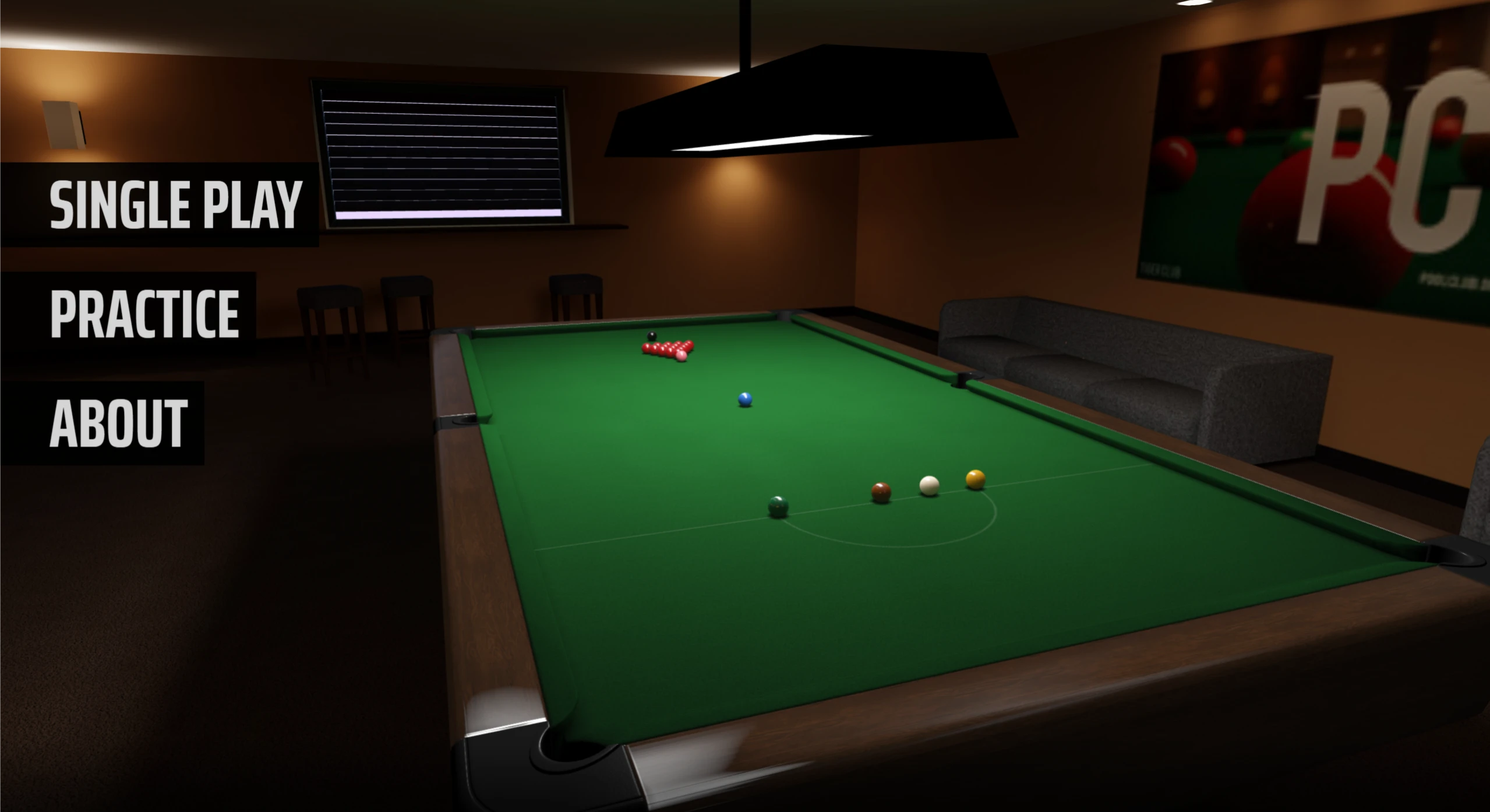
Pcol Snooker is a WebGL-based web version of the snooker billiards game that you can play directly in your browser without downloading or installing anything. It's perfect for a casual practice session or a quick game when you have some free time. The game uses WebGL rendering and a physics engine, so the cue feel and the physical effects of balls colliding with each other are quite close to real billiards. Many people think it's the most realistic snooker you can find on the web.
Game Features
Realistic physics: The way the balls collide, spin with friction, chain into other balls, and slow down feels very much like playing real snooker.
Nice visuals: It uses WebGL to render a 3D table and balls, and you can freely change the camera angle to view the table. Details like the reflections on the ball surfaces and the texture of the table cloth are rendered quite finely.
Multiple control options: You can play using the keyboard and mouse. There are modes for playing against AI solo, free practice, and two-player turns on a single screen.
The AI opponent has some "brains": The AI can spot which ball is an easy shot and adjust its angle accordingly. When the positions are bad, it will play a safety shot. Sometimes it even uses spin to leave the cue ball exactly where it wants.
Useful assistance features: It includes slow-motion replay, turn review, voice prompts, and cue ball sound effects, which help players see where they went wrong and make the experience more immersive.
Pcol Snooker Tutorial
Mouse movement: Used for aiming.
Scroll wheel zoom: Adjust how close or far away the table view is.
W/S keys: Move the cue direction up and down.
A/D keys: Adjust the cue angle left and right.
Spacebar: Pull back to power up, then take the shot. You can control the strength of the shot.
ESC key: Pause anytime or return to the main menu.
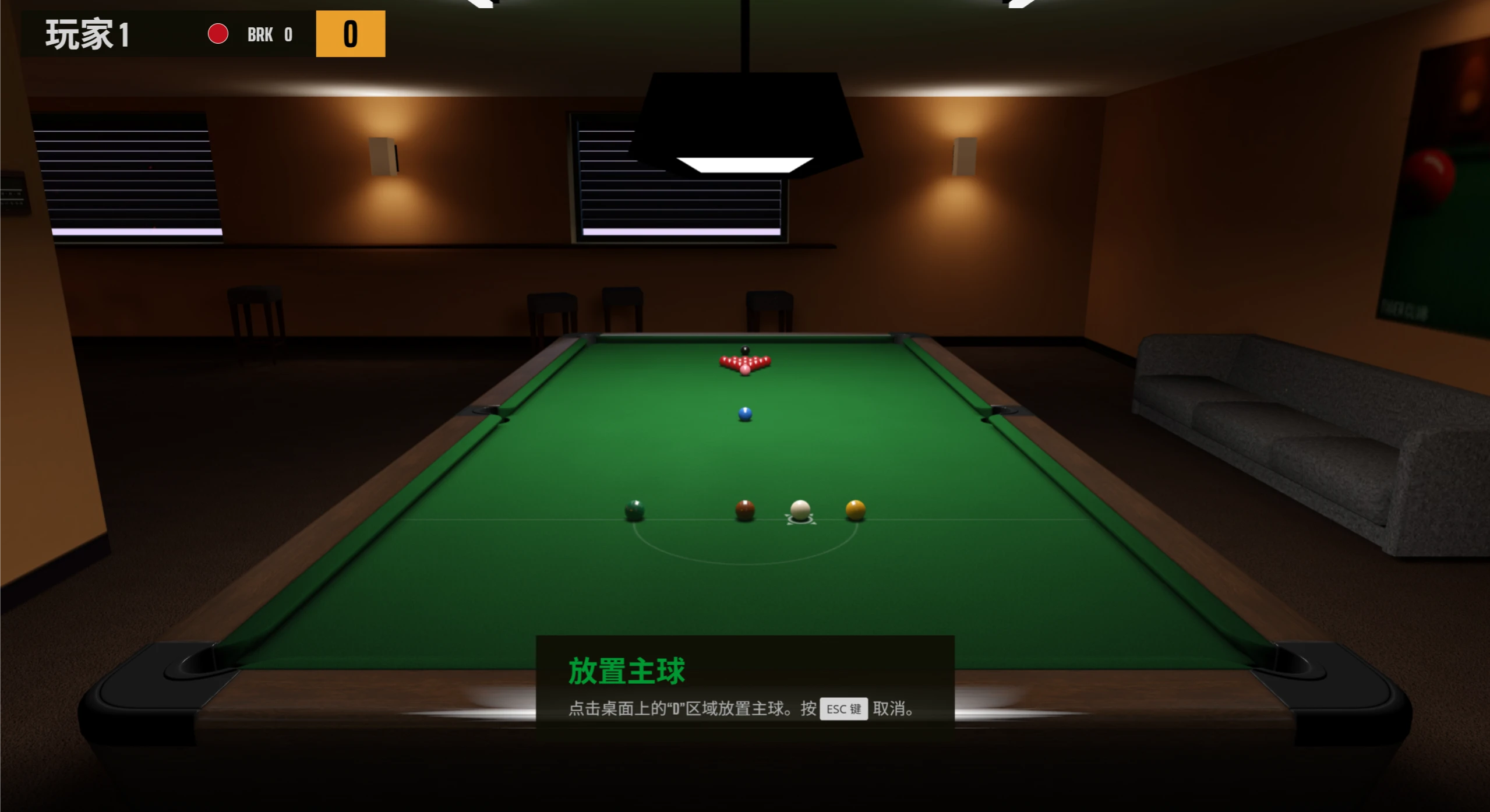
Press P to place the cue ball; press W to lean down and aim; press A and D to adjust direction; press Alt + left mouse button to adjust the strike point on the cue ball; press Spacebar to hit the ball; press S to stand up; when standing, press A and D to walk around the table; press X to crouch and look; click the three dots in the bottom-right corner to view the key controls.
Game Modes
Single-player mode: Play against the computer AI, with difficulty levels ranging from "Beginner" to "Expert".
Practice mode: Place the balls however you like and play freely. Great for practicing skills or trying out new techniques.
Two-player mode: Two players take turns on one device, following standard game rules.
How to Access
Play directly in your browser. The latest versions of Chrome, Edge, and Safari are recommended. It works on PCs and most tablets, but phone screens are too small for accurate control, so playing on a phone is not recommended.
Useful Tips
Click the lobby button in the top-right corner to pause, restart, or exit the game.
Try several positions when adjusting the strike point. Hitting low will make the cue ball roll back, which helps you control its position; hitting high will make the cue ball run forward, making it easier to play the next ball. When playing against the AI, pay attention to how it likes to play. Go for the easy shots first, and don't rush into the difficult ones right away.















