
 Script Planner Assistant▸
 AI Apps
 AI News

MiriCanvas: Korean Online Design Tool for Templates & Graphics
MiriCanvas: Korean Online Design Tool for Templates & GraphicsIntroduction
What is MiriCanvas?
MiriCanvas is a design tool from Korea, with users spread across Korea and other countries. By December 2024, it had over 16 million registered users. The platform offers more than 530,000 templates that can meet a variety of design needs. It combines a large number of templates, design elements, and a simple editor to help users design quickly, making it ideal for beginners.
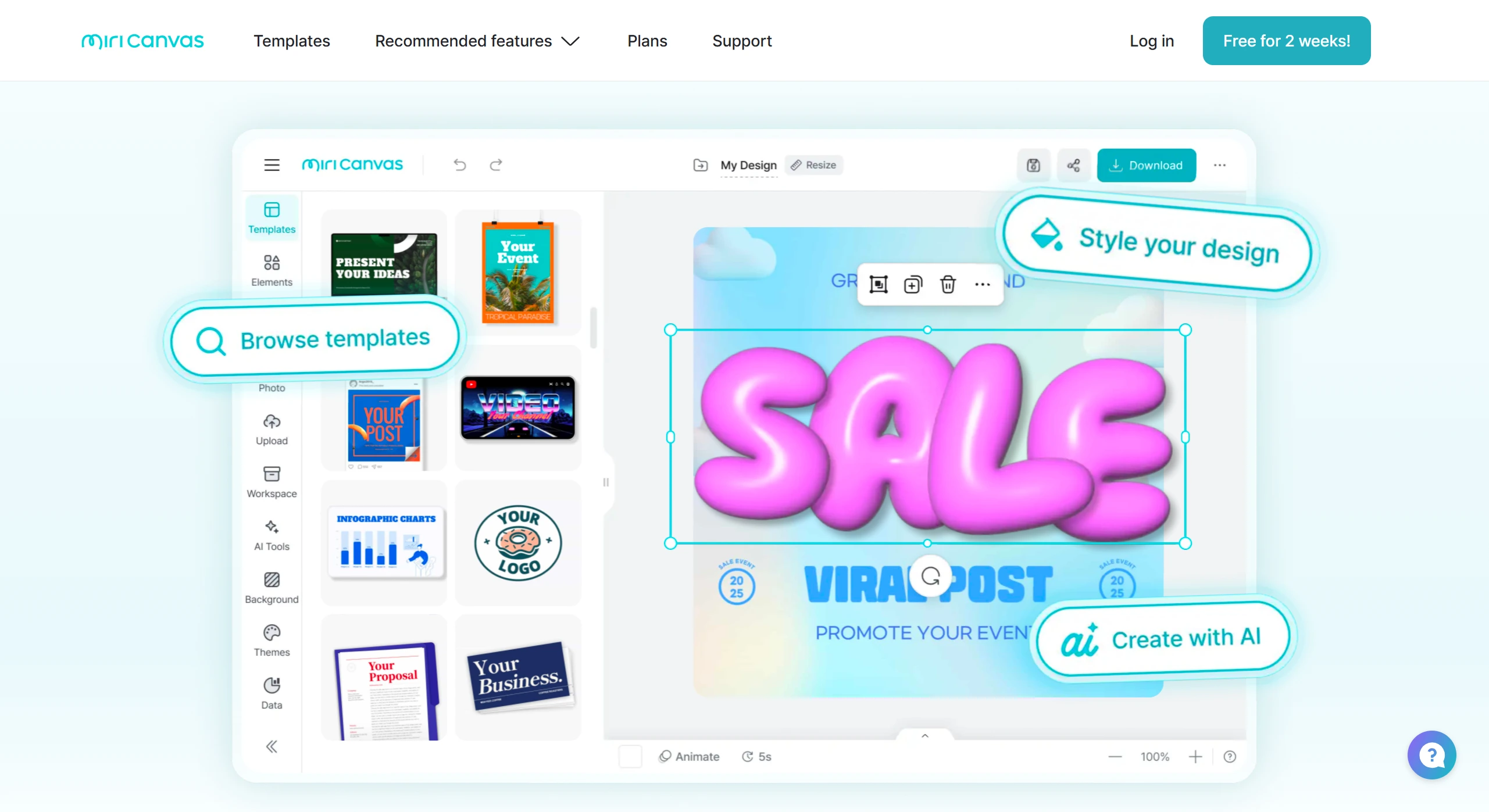
How to Use MiriCanvas
Visit the official website: Open your browser and go to the MiriCanvas official website (https://www.miricanvas.com/ ).
Choose a template: On the homepage, click the "Templates" or "View Templates" button to enter the template library.
Log in to your account: Click the "Log in" button at the top of the page. After logging in, you can filter templates.
Search and filter: Enter keywords (such as "White Day") in the search box, and the system will recommend matching templates.
Apply a template: After selecting a template, click the "Use this template" button to load it into the editor.
Edit your design: Use the editing toolbar to adjust content, such as modifying the background or text size. For specific methods, refer to the "Basic Guide to Using Editing Tools" within the platform.
View layers: Click the "Global Menu" in the upper left corner and enable the "Layer Order" feature. Layer information will be displayed in the editor on the right, making adjustments easier.
Download your finished design: When the design is complete, click the "Download" button in the upper right corner, choose a file format (such as PDF, PNG, etc.), then click "High-Quality Download" or "Quick Download" to save the design file.
MiriCanvas Features
Massive template resources: The platform offers more than 530,000 templates covering scenarios such as presentations, social media graphics, video covers, and posters, meeting both business and personal needs. Its Korean-style design templates feature a clean, high-quality aesthetic that aligns with popular Korean tastes.
Multi-language support: Supports Chinese, English, and Korean, making it convenient for different users.
Online collaboration: Team members can collaboratively edit the same file in real time, making it suitable for group assignments and team projects, and improving collaboration efficiency.
ai-powered intelligent design assistance: Integrates an AI assistant that can automatically generate slide outlines, create images, write copy, and edit images (such as removing backgrounds).
Simple drag-and-drop operation: The drag-and-drop editor allows users to complete designs by dragging and clicking, making it easy to get started even with zero experience.
Multi-device compatibility: Supports computers, tablets, and mobile phones, allowing users to design anytime, anywhere.
MiriCanvas Use Cases
Business scenarios: Used for creating business reports, project proposals, and more. Companies can quickly generate professional documents to enhance their brand image. For example, retail businesses can use it to create promotional materials in response to market changes.
Education scenarios: Suitable for classroom presentations, academic defenses, etc. Teachers and students can efficiently complete teaching and learning tasks.
Social media operations: Helps users create social media content, enhance fan interaction, and boost brand influence.
Public institution promotion: Public institutions can use it to quickly produce promotional materials, ensuring content standardization and dissemination efficiency.
Pricing
Free plan: Permanently free to use, offering over 50,000 templates, more than 350,000 photos and graphic resources, and 1GB of personal storage space.
Paid plans:
Pro Plan: Includes all features of the Free plan, plus unlimited premium templates, photos, and graphic resources, 10GB of personal storage space, AI tools, unlimited background removal, and up to 7 days of work history and restoration.
Business Plan: Provides a complete collaboration environment for enterprise teams, optimizes design workflows, supports team collaboration, offers flexible pricing based on company size, and provides dedicated support from setup to success.















