Script Planner Assistant▸
 AI Apps
 AI News
WordToCard: Auto-Convert Word Docs into Beautiful Visual Cards
WordToCard: Auto-Convert Word Docs into Beautiful Visual CardsIntroduction
What is WordToCard?
WordToCard is an open-source, free tool that intelligently converts Word document content into beautifully crafted knowledge cards. It automatically transforms Word documents into well-structured, visually appealing image-text cards — a must-have tool for creating Xiaohongshu cards. If you know how to use Word, you can generate all kinds of image-text cards with a single click.
WordToCard Features
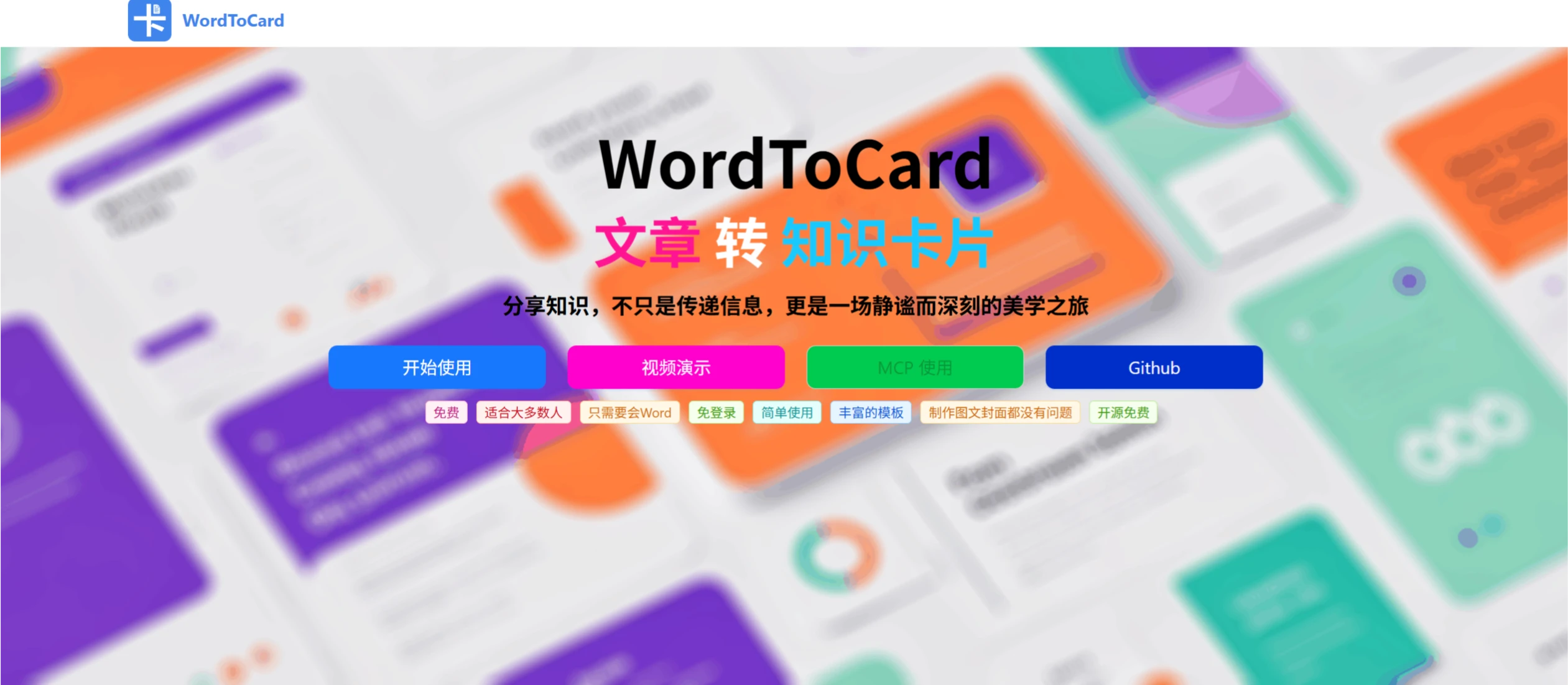
Articles to Cards: Turn article content into knowledge cards for easy sharing and learning.
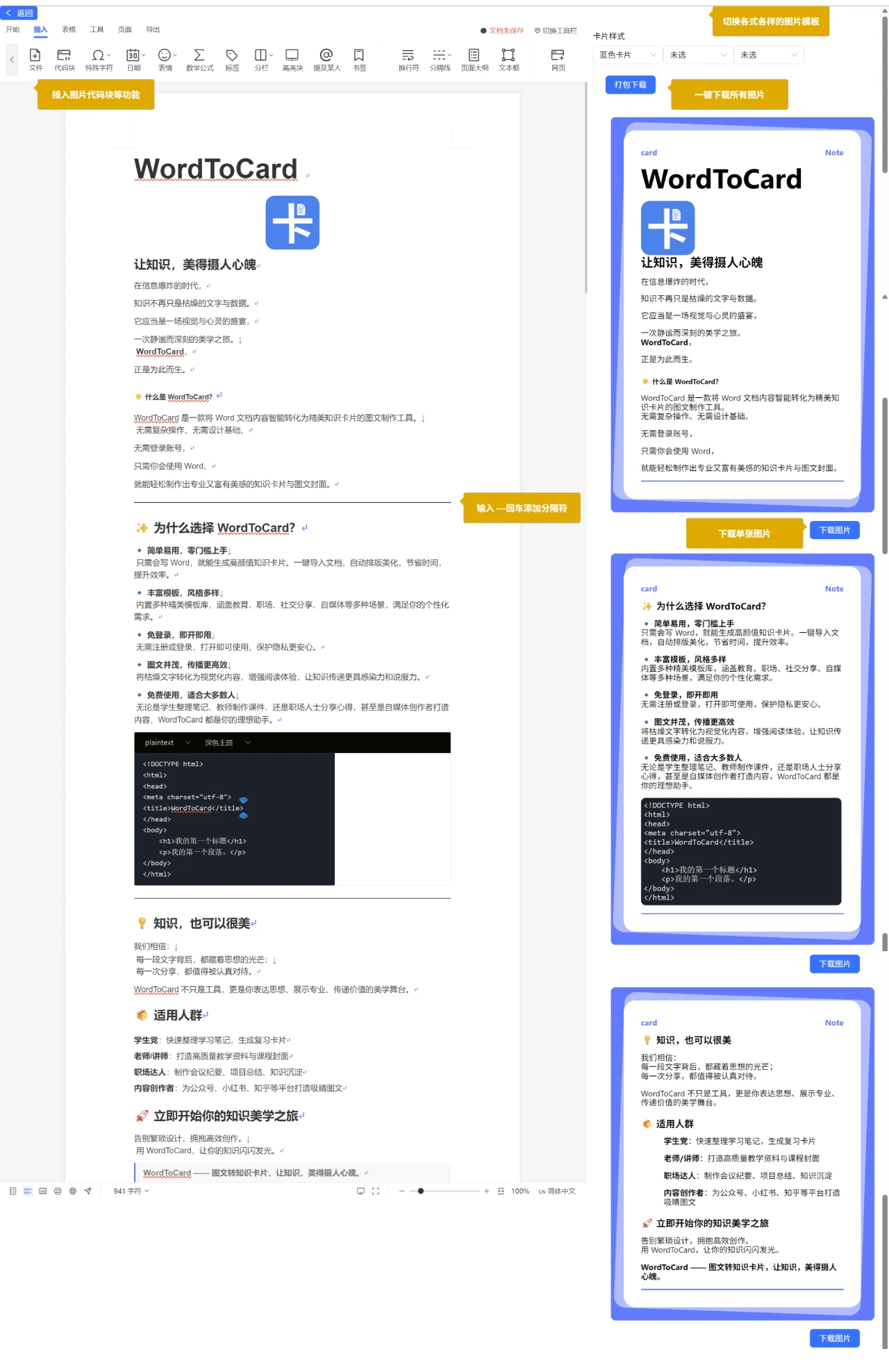
Syntax and Preview: Supports headings, lists, code, tables, etc. from Word, with real-time preview during editing. Long texts are automatically segmented, making it very convenient.
Multiple Styles: Offers warm, minimalist, dreamy, fresh, and other styles to suit different tastes.
Plenty of Templates: A wide variety of templates to choose from based on your needs.
Compatible with All Devices: Works smoothly on computers, phones, and tablets with great display quality.
Simple to Use: No complex operations, no design skills required, no login needed. Anyone who knows Word can create professional and beautiful cards while protecting privacy.
Free: Open-source and free, suitable for students, teachers, professionals, and self-media creators.
Visually Engaging: Turns text into visual content, enhancing the reading experience — perfect for social media and Xiaohongshu.
Easy Sharing: No login required, unlimited generations, and supports image export.
Who is WordToCard For?
Students: Organize study notes and create review cards.
Teachers: Create high-quality teaching materials and course covers.
Professionals: Make meeting minutes, project summaries, and knowledge archives.
Self-Media Creators: Enhance the visual appeal of content.
WordToCard Advantages
Simple: One-click document import, automatic layout and beautification, saving time.
Plenty of Templates: Various beautiful templates to meet different scenario needs.
No Login Required: Ready to use right away, protecting your privacy.
Great for Sharing: Converts text into visual content, enhancing appeal and persuasiveness.
Free: Suitable for everyone.