
 Script Planner Assistant▸
 AI Apps
 AI News
GeoGebra: Free Dynamic Math Software for All Education Levels
GeoGebra: Free Dynamic Math Software for All Education LevelsIntroduction
What is GeoGebra?
GeoGebra is a free mathematics software that integrates geometry, algebra, calculus, probability and statistics, and other mathematical content. The software was developed in 2001 by Markus Hohenwarter, a mathematics professor at Atlantic University in Florida, USA, and can be used on various platforms including Windows, Mac OS, Linux, iOS, and Android.
GeoGebra is widely used across educational stages from elementary school to university. It can serve as a tool for students to learn mathematics and better understand mathematical concepts, and it can also be used as an auxiliary tool for teachers to teach mathematics, making it easy to create interactive learning resources and publish them as web pages for classroom teaching and demonstration.
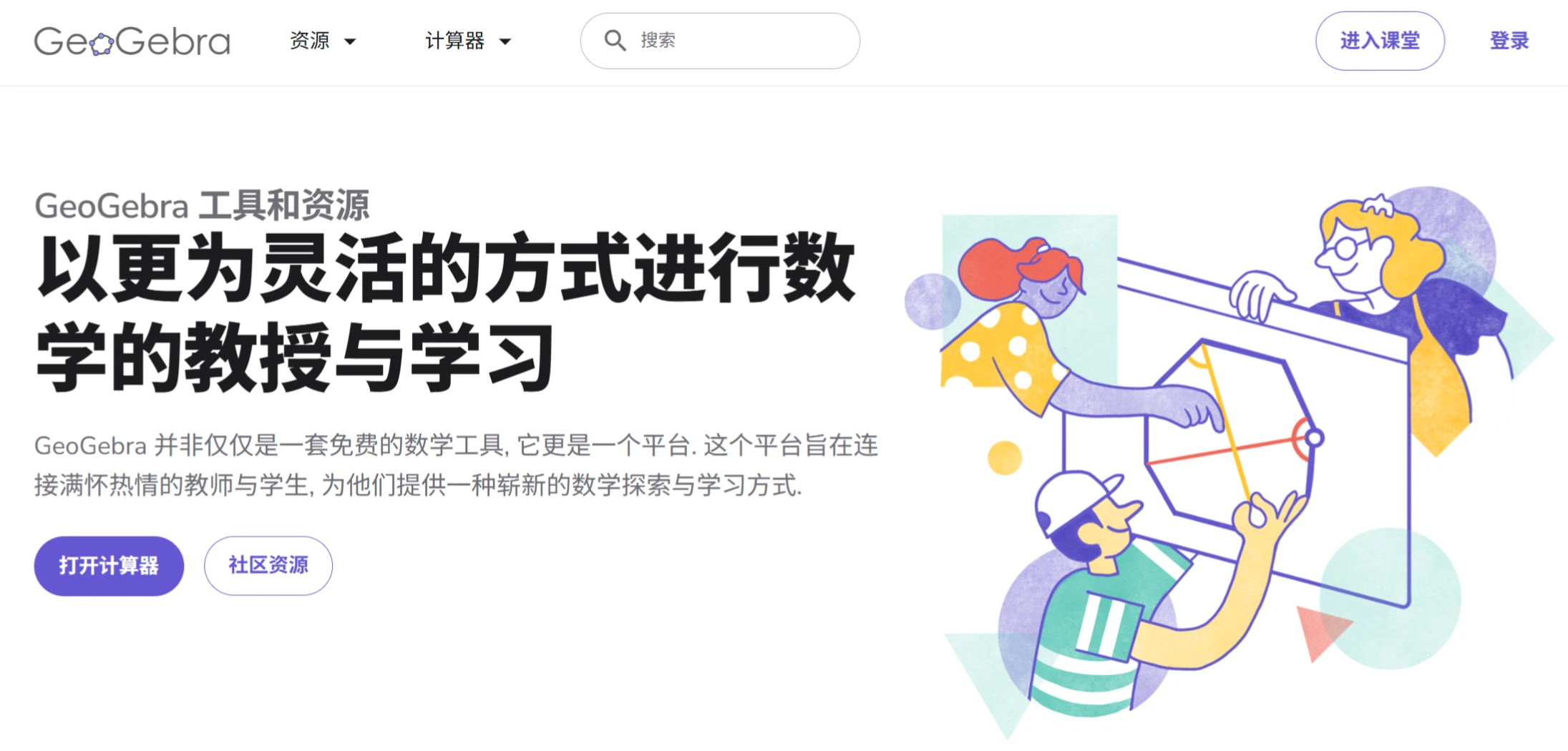
GeoGebra Features
Dynamic Mathematics Environment: GeoGebra provides a dynamic mathematics environment where you can draw geometric figures such as points, lines, circles, and polygons. You can also drag to adjust these figures, and the related algebraic expressions update in real time. For example, when you draw a triangle and drag the vertices to change its shape and size, the algebraic information such as side lengths and angles is automatically displayed in the algebra view and changes accordingly.
Integration of Algebra and Geometry: It tightly connects geometric figures with algebraic expressions. When you draw a line in the geometry view, the algebra view automatically generates the line equation. Conversely, when you enter an equation in the algebra view, such as y=2x+3, the geometry view immediately draws the corresponding line. This design helps students intuitively understand the relationships between mathematical concepts, such as grasping the properties of functions through geometric figures.
Rich Mathematical Tools: GeoGebra also offers a rich set of tools, including drawing tools (capable of plotting function graphs, polar curves, etc.), transformation tools (translation, rotation, scaling, etc.), and measurement tools (measuring segment lengths, angles, etc.). These tools help you perform complex mathematical operations. For example, using transformation tools, you can rotate a figure around a point by a certain angle and observe the changes during the rotation process.
Coverage of Multiple Mathematical Topics: It covers various mathematical topics from elementary school to university. Elementary school students can use it to learn basic geometric shapes and simple algebraic operations; middle school students can use it to study functions and geometric proofs; university students can also use it in courses such as calculus and linear algebra to graph derivatives and shaded integration regions, helping them more intuitively understand calculus concepts.
GeoGebra Use Cases
Education Sector: GeoGebra is a great helper for teachers and students. Teachers can use it to create teaching courseware and dynamically demonstrate mathematical concepts to spark students' interest. For example, when teaching the properties of circles, teachers can create a dynamic circle, change parameters such as the radius and center position, and let students observe the changes in circumference and area. Students can also use it on their own for mathematical exploration, developing self-directed learning and mathematical thinking skills.
Mathematical Research Field: For mathematical researchers, GeoGebra is also a useful auxiliary tool. It helps researchers quickly build mathematical models and perform operations such as geometric figure construction and algebraic equation solving. For example, when studying the symmetry of geometric figures, you can use its reflection tool to quickly generate symmetric figures for easier analysis.
GeoGebra Tutorial
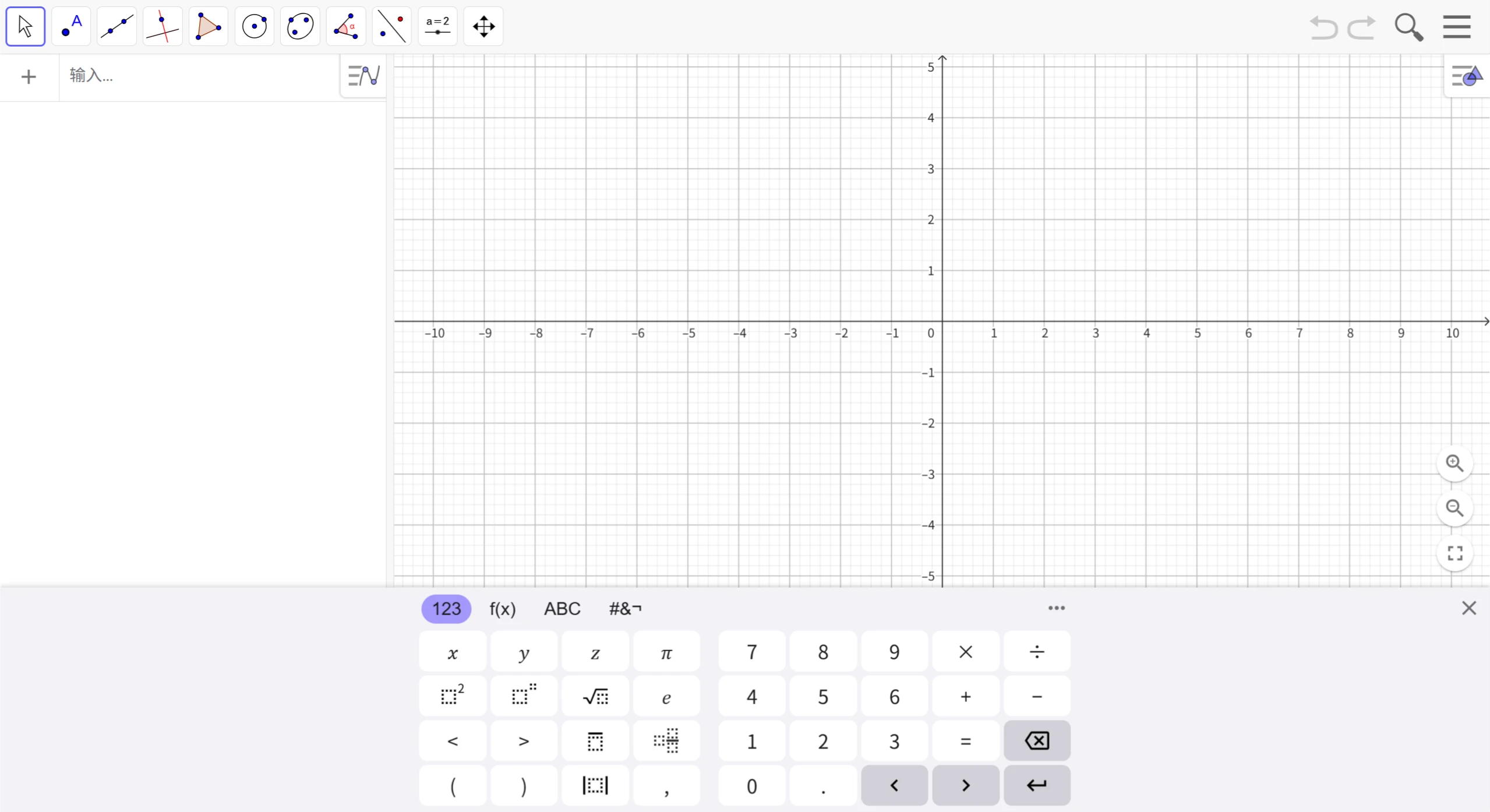
GeoGebra's interface is intuitive and easy to operate. GeoGebra also provides rich online resources, including over 1 million free classroom resources created by users around the world. The software interface is divided into multiple sections such as the geometry view, algebra view, and workspace, with clearly defined functions, making it easy for users to find the tools they need.
If you don't want to install the software, you can use it directly in your browser by visiting the GeoGebra official website. You can use GeoGebra Classic online directly through the following link.
Other Learning Resources:
Collection of Geogebra Tutorials for Learning Mathematics:https://www.bilibili.com/opus/495593939825787902
Geogebra Beginner's Tutorial - Simplified Chinese PDF Download:https://gitcode.com/Open-source-documentation-tutorial/72968f















