
 Script Planner Assistant▸
 AI Apps
 AI News

Little Pigeon Assistant: AI Writing Plugin for WPS/Word
Little Pigeon Assistant: AI Writing Plugin for WPS/WordIntroduction
What is Little Pigeon Assistant?
Little Pigeon Assistant is an intelligent writing plugin integrated into WPS/Word. It incorporates mainstream large model technologies such as DeepSeek and provides features such as copywriting generation, article polishing, text error correction, and bid document quality inspection. It optimizes text structure, improves writing efficiency and quality, and serves as a capable assistant for academic and office work.
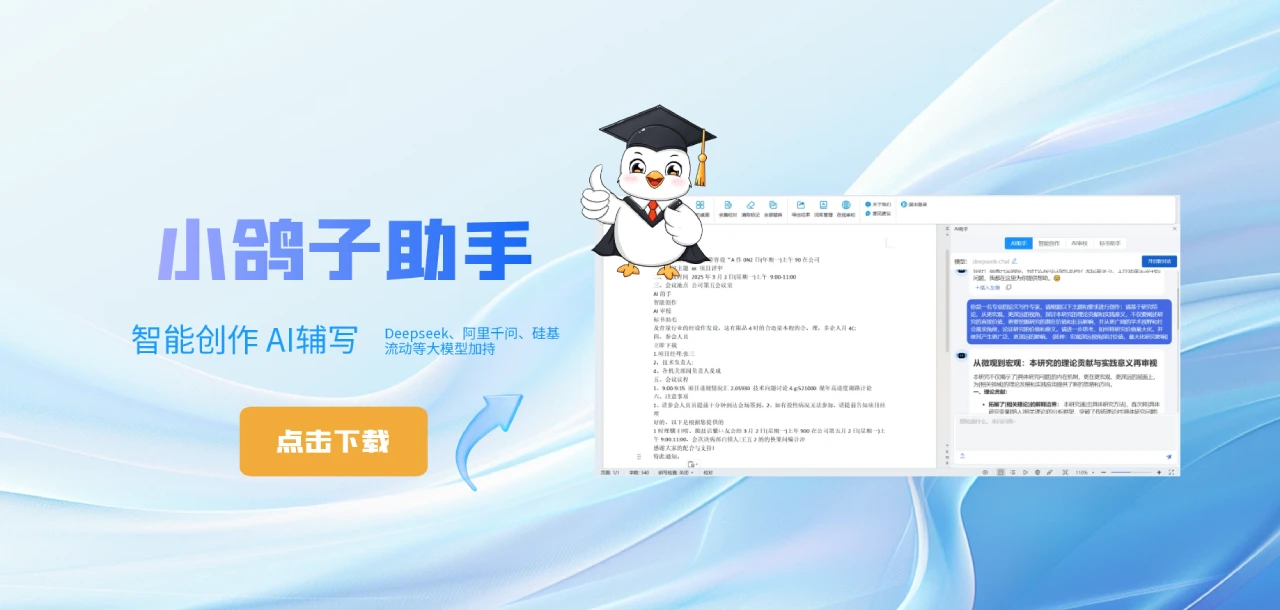
Features of Little Pigeon Assistant
Powerful prompt library: Comprehensively covers multiple scenarios including thesis writing, official document writing, English writing, and thesis formatting.
Integration of mainstream large model technologies: Integrates mainstream large models such as DeepSeek, Alibaba Qwen, and SiliconFlow, ensuring efficient and accurate content generation.
Intelligent text structure optimization: Ensures fluency and professionalism in language expression, significantly improving writing efficiency and quality.
Specific Function Modules of Little Pigeon Assistant
AI Assistant:
Intelligent Creation: Provides a rich prompt library covering seven major categories, including thesis creation, media creation, and inspiration drawing.
AI Proofreading: Performs full-text proofreading on document content, supporting typo and grammar error detection.
Bid Document Assistant: Performs AI summarization and extraction on bid document content for easy access to key information.
My Desktop:
Provides a variety of online AI tools and information websites, such as DeepSeek, Kimi, and Doubao.
Supports creative drawing, image generation, and article-assisted excerpting.
Copywriting Generation: Generates copy by inputting a topic and specific requirements.
Article Continuation: Continues writing on selected text fragments.
Article Polishing: Polishes selected content.
Meeting Summary: Automatically summarizes document content as a meeting summary.
Weekly Report Assistant: Automatically summarizes document content as a weekly work report.
Summary and Refinement: Automatically summarizes and refines document content.
Translation Function:
Chinese to English: Translates Chinese sentences or articles into English.
English to Chinese: Translates English sentences or articles into Chinese.
Custom Translation: Supports custom translation in multiple languages.
Intelligent Proofreading:
Full Document Proofreading: Conducts text, sensitive, and advertising review on document content.
Clear Marks: Clears all proofreading results.
Replace All: Replaces all incorrect words with recommended words.
Export Results: Exports proofreading results.
Word Library Management: Manages incorrect words, sensitive words, exception words, and key words.
Online Proofreading: Performs text review and proofreading in the browser.
Installing Little Pigeon Assistant
1. Visit the official website: Go to the Little Pigeon Assistant official website.
2. Download the plugin: Click "Download Client" to download the plugin installation file.
Operating Environment:
Operating System: Win7 or above.
Office Version: 2013 or above.
WPS Version: 2022 or above.
3. Installation Steps:
Double-click the "Little Pigeon Assistant.exe" icon to open the installation wizard.
Click "Next" to enter the installation folder selection interface.
Select the installation directory (default is fine) and click "Next".
Click "Install" and wait for the installation to complete.
After the installation is complete, click "Finish".
Reopen WPS or Word, and you will see the Little Pigeon Assistant tool.
Currently, all features of Little Pigeon Assistant are free to use.















