
 Script Planner Assistant▸
 AI Apps
 AI News

Relingo: Free Vocabulary, Bilingual Subtitles & Immersive Translation
Relingo: Free Vocabulary, Bilingual Subtitles & Immersive TranslationIntroduction
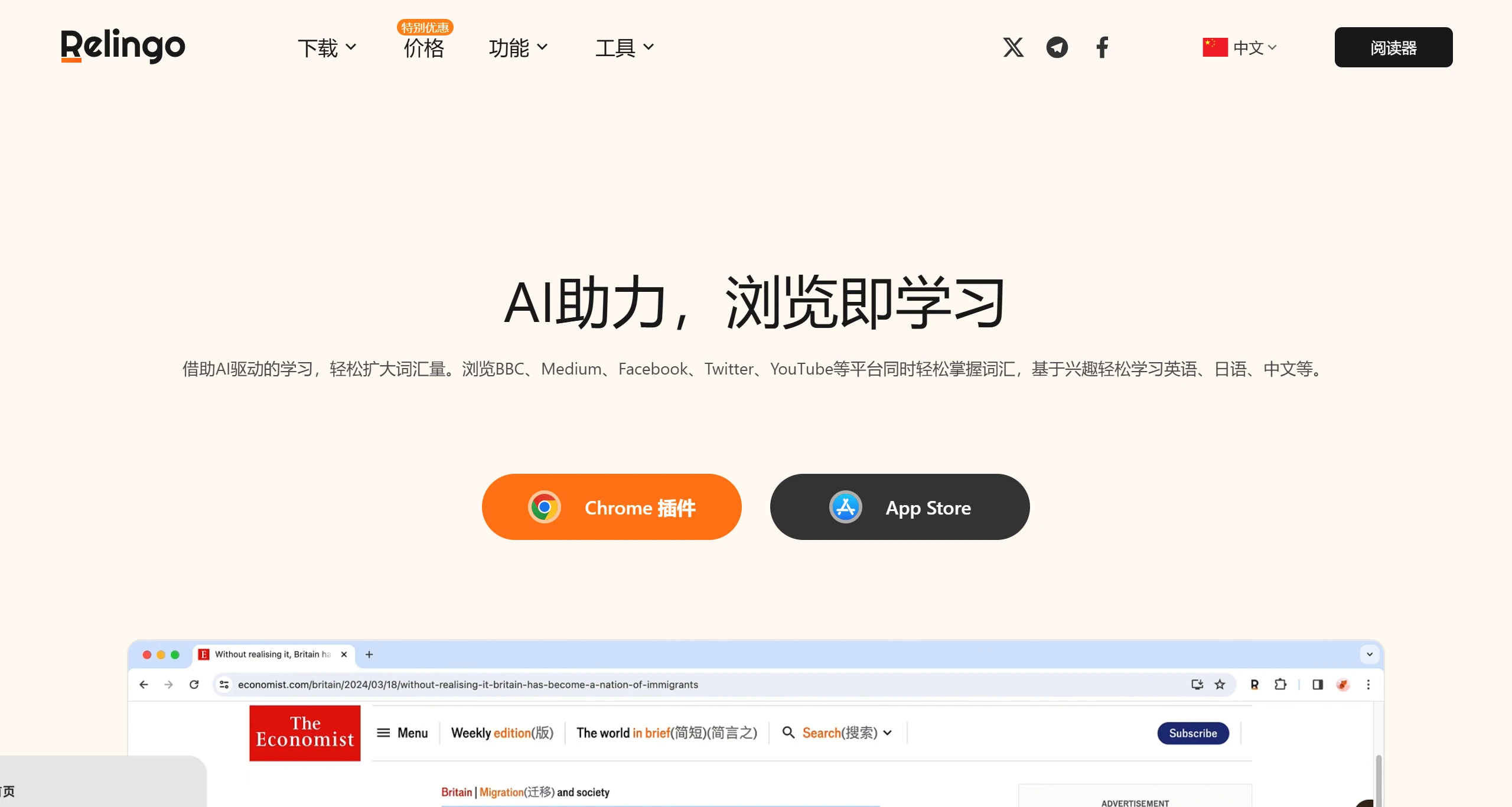
Relingo is an AI-powered tool designed to help users improve their English vocabulary through daily web browsing and watching videos. Its core features include automatic extraction of new words, immersive translation, and support for bilingual subtitles, allowing you to automatically extract new words, translate selected words or sentences, and enjoy full-page immersive translation while browsing any website. Relingo also supports bilingual subtitles on platforms such as YouTube, Netflix, TED, and Coursera, as well as PDF translation, helping you master languages and vocabulary with ease.
Relingo Main Features
Immersive Translation: Relingo offers full-page translation, allowing users to view translations of words and sentences directly while reading, enhancing comprehension.
Bilingual Subtitle Support: The tool supports bilingual subtitles on YouTube, Netflix, and other platforms, enabling users to learn the language simultaneously while watching videos, improving both listening and reading skills.
Multiple Translation Engines: Users can choose different translation engines according to personal preferences, such as Google, Microsoft, or DeepL, to obtain the best translation experience.
Interest-Based Learning: Relingo covers the main information acquisition scenarios such as full-page translation, video bilingual subtitles, and PDF reading, allowing users to naturally learn new vocabulary while enjoying reading and watching videos.
Automatic Discovery and Translation of Difficult Words: Based on the difficulty level set by the user and collected vocabulary, Relingo automatically highlights and translates new words, helping users focus on unfamiliar vocabulary and reinforce memory in different contextual situations.
Multi-Language Support: Relingo not only supports English learning but also supports learning of Japanese, Chinese, French, German, and many other languages, providing rich learning options.
Video Subtitle Function: Supports subtitles from mainstream video sites such as YouTube, allowing users to watch interesting videos while learning new vocabulary, and also supports subtitle export.
Third-Party Dictionary Definition Display: Supports displaying definitions from third-party dictionaries such as Oxford, Collins, and Longman, providing more learning resources and making the learning process more comprehensive and in-depth.
Word Collection and Wordbook Selection: Allows users to select a wordbook when collecting words for convenient future review, and supports word form viewing and word note editing functions.
Translation Engine Diversity: Supports client-side translation engines, as well as more setting options for OpenAI and DeepL engines, allowing users to choose different translation engines according to their preferences.
Relingo Usage Steps:
1. Installation and Configuration: First, download and install the plugin from the Relingo official website or browser extension store.
2. Pin the Icon: Open the plugin settings, click the extensions button on the right side of the Chrome browser, and pin the Relingo icon within the extensions panel.
3. Set Language and Vocabulary Level: Relingo will automatically configure based on your browser's default language. If it does not match your native language, please set the language manually. After configuring the language, you can select the vocabulary level that matches your English ability. The higher your proficiency, the fewer prompts you will see when browsing websites.
4. Open English Websites to Start Reading: Open the English website or YouTube video you want to learn from. Relingo will automatically translate and highlight unfamiliar graded vocabulary or new words. You can also perform selection translation on the text, and within the translation popup you can collect new words you are unfamiliar with. When they appear again during your future web browsing, this reinforces your memory.
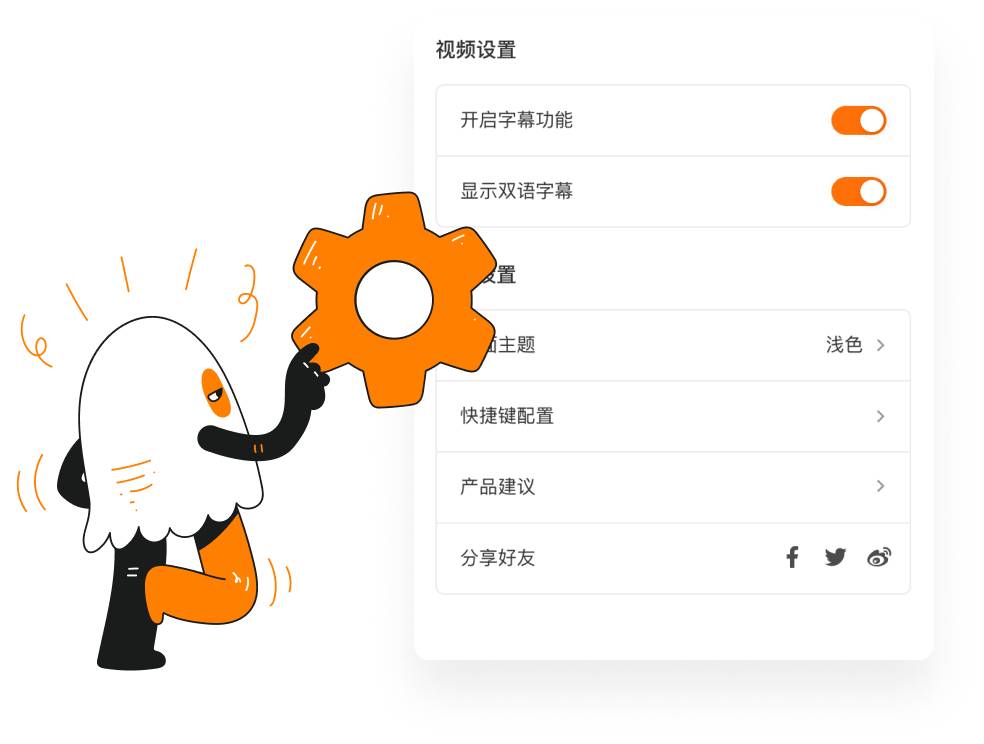
5. Customize Other Settings: Relingo provides a wealth of customization settings. You can choose the theme color, highlight configuration, and customize shortcuts according to your preferences. If you encounter any problems during use, you can click on product feedback, and we will follow up and optimize in a timely manner.
Relingo Membership Pricing
Monthly Membership
1. Subscription Service: Monthly Membership (1 month)
2. Subscription Price: $3.99/month
Annual Membership
1. Subscription Service: Annual Membership (1 year)
2. Subscription Price: $19.99/year
Relingo is a tool that truly combines learning with interest. It not only helps users expand their vocabulary, but more importantly, it makes learning fun and natural. If you also want your interests to become the wings for learning vocabulary, why not give Relingo a try!
Related Information:
How to translate videos? 9 recommended video translation software for you!
Voice-Pro: A multilingual audio processing tool integrating subtitles, translation, and TTS
EZ-Work: An AI document translation assistant















