
 Script Planner Assistant▸
 AI Apps
 AI News

Bing Image Creator: AI Disney-Style Poster Generator
Bing Image Creator: AI Disney-Style Poster GeneratorIntroduction
Bing Image Creator is an AI painting tool that can create Disney Pixar-style movie posters. Users can input simple descriptive prompts, and Bing Image Creator will generate Disney Pixar-style images. For example, users can input a character's name such as "Mickey Mouse" and provide detailed characteristics and clothing description keywords. The AI will quickly generate beautiful posters based on Disney style according to your prompts, and provide image downloads. In addition, by refining descriptions and adding relevant keywords such as "cartoon style", "colorful", or "magical", users can create personalized posters that better match their creative vision.
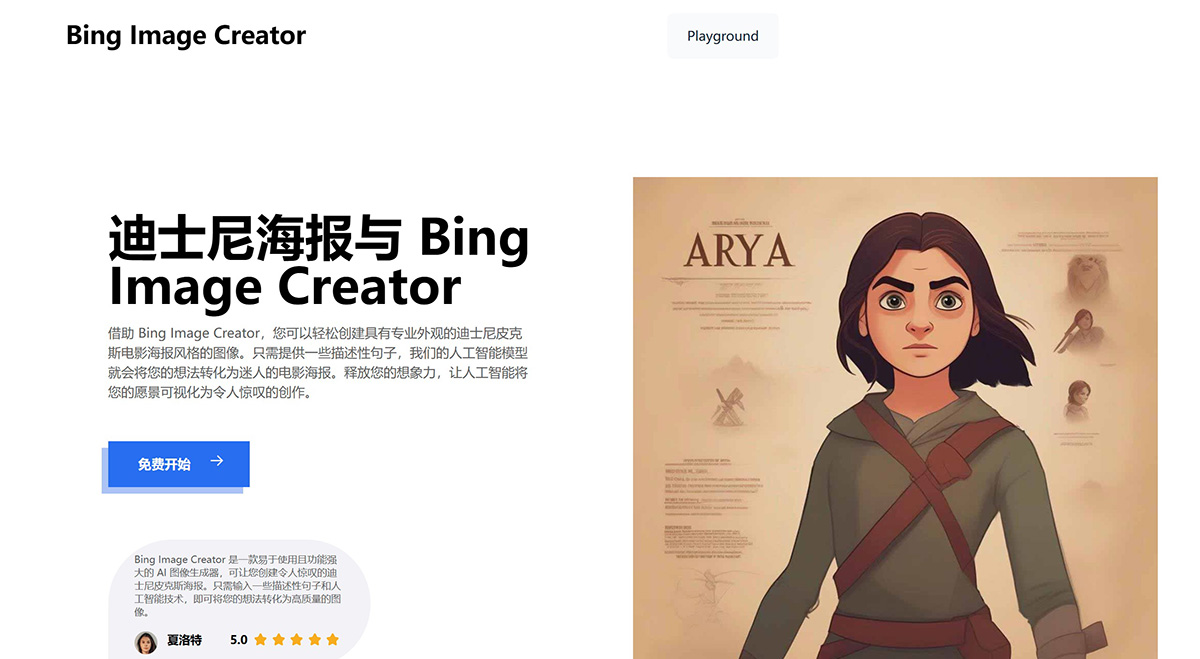
How to Use Bing Image Creator to Generate Disney Pixar Posters
1. Enter the character name: First, enter the name of the character for whom you want to create a poster. For example, "Mickey Mouse".
2. Provide detailed descriptions: Next, write more detailed descriptive keywords. Include physical features, clothing, and other details. For example, "Mickey is an anthropomorphic mouse, usually wearing red shorts, big yellow shoes, and white gloves, and is one of the most recognizable fictional characters in the world."
3. Then, click the "Generate" button. Bing Image Creator will generate Disney-style images based on the prompts you entered.
4. Download or regenerate: After the image is generated, you can download it. If you're not satisfied, you can click "Generate Again" to produce a new image.
Some Tips for Using Bing Image Creator
Be specific: The more detailed your description, the better the artificial intelligence can understand your vision and generate more accurate posters.
Use keywords: Include relevant keywords related to Disney style, such as "cartoon", "colorful", or "magical".
Try different prompts: Try describing different character prompts to see what kind of results you can get.
By using some of the prompt tips above, you can use Bing Image Creator to generate the Disney-style posters you want.
Bing Image Creator Frequently Asked Questions:
1. What is Bing Image Creator?
Bing Image Creator is an AI painting tool for Disney Pixar-style movie poster images.
2. Is Image Creator free to use?
Yes, Bing Image Creator is completely free to use.
3. What types of images can I generate with Image Creator?
You can use Image Creator to create various images, including social media posters, advertisements, flyers, and more.
4. Can I use my own text on the images?
Yes, you can add your own text to the images. You can also adjust the font, color, and size.
5. Can I choose the background of the image?
Yes, you can choose from our background image material library, or you can upload your own background image.
6. Can I download the images I generate?
Yes, you can download the images you generate. You just need to click the "Download" button, then select the format in which you want to save the image.
7. Can I use the images I create for commercial purposes?
Yes, you can use the images you create for commercial purposes. However, you must comply with the Bing Image Creator Terms of Use.
Related Information:















