
 Script Planner Assistant▸
 AI Apps
 AI News

AVCLabs Photo Enhancer AI_云技派,专注ai人工智能!
AVCLabs Photo Enhancer AI_云技派,专注ai人工智能!Introduction
AVCLabs Photo Enhancer ai is another tool in our list, and it is a whole suite of AI-powered photo enhancer tools. Each tool can work together to provide comprehensive editing capabilities for your next project. AI-driven image upscaling, denoising, face refinement, and more are all important components of AVCLabs Photo Enhancer AI.
The presets offered by AVCLabs in its Photo Enhancer AI tool make it easy to upgrade all kinds of photos. Whether you need a skin smoothing effect or use upscale to remove backgrounds, you can use the preset list of AI models when enhancing your photos and images.
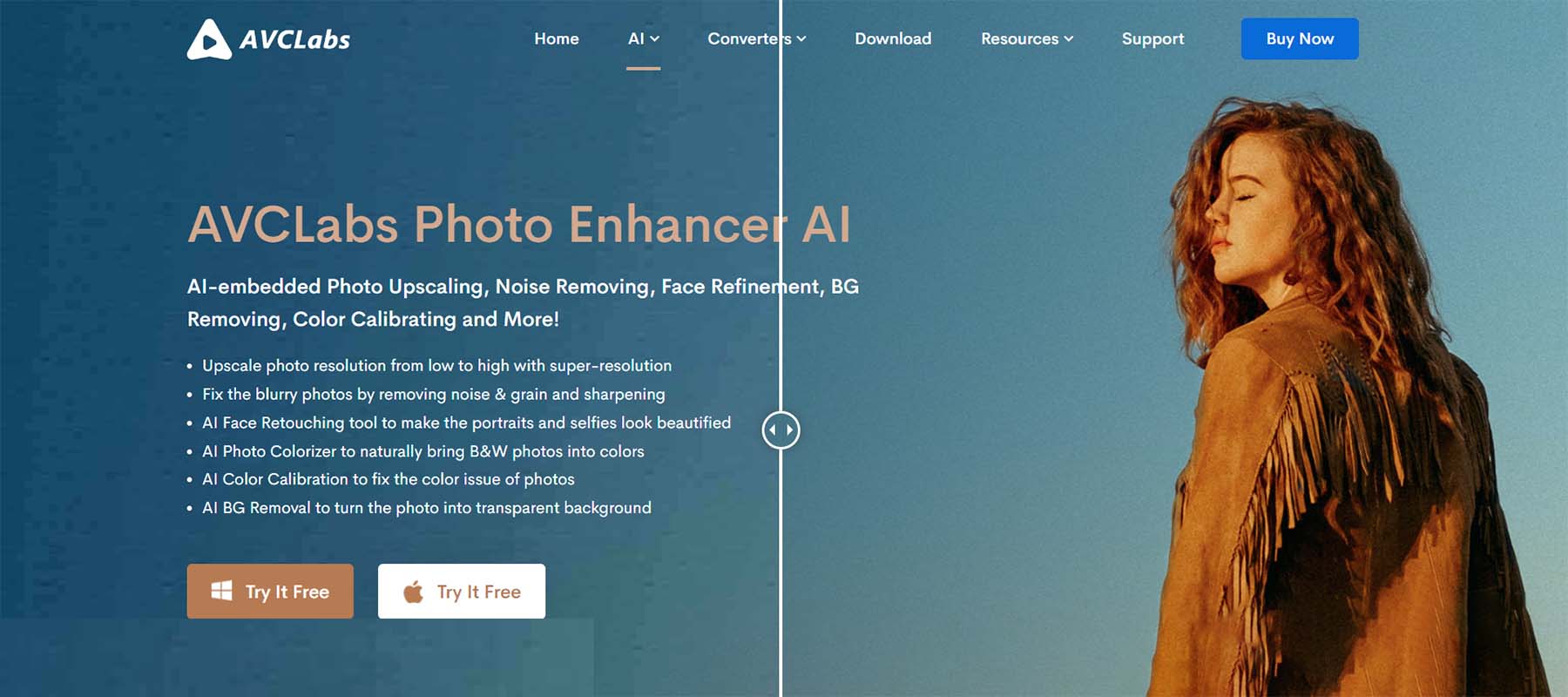
AVCLabs Photo Enhancer AI Features:
Upscale: Increase photo resolution from low to high via super-resolution
Denoise images: It fixes blurry photos by removing noise and grain as well as sharpening
Two AI models: Choose from Standard and Ultra, with the option of face refinement
Make fine adjustments: Adjust brightness, contrast, sharpness
Multiple file formats: Preserve image file format, or convert to JPG, JPEG, PNG, or BMP
What could be improved:
Speed: Larger images take more than a few minutes
Who is AVCLabs Photo Enhancer best for?
If you're looking for an AI image upscaler that works just as well on Microsoft as it does on Mac, the AVCLabs Photo Enhancer suite will be the best fit for you. Agencies, creatives, and studios working on Microsoft and Mac will appreciate the cross-platform capabilities AVCLabs delivers.
AVCLabs is praised for its ability to sharpen photos and is loved for how easily it colorizes old photos. However, larger images may take a long time to render.














