
 Script Planner Assistant▸
 AI Apps
 AI News

Bilibili Cover Extractor
Bilibili Cover ExtractorIntroduction
bilibili Cover Extractor is a very simple and practical online tool that allows you to extract and download video covers from Bilibili by entering the video URL. It also supports extracting covers from Bilibili live rooms (cover + background), anime/movies/TV shows/documentaries (cover), columns (cover + header image + illustrations), collections (cover + all article covers), and UP master column submissions (cover + header image), among others. Whenever you want to download a cover image from Bilibili.
bilibili Cover Extractor can not only help you extract cover images from Bilibili (a danmaku video site), but also supports column covers and live room covers.
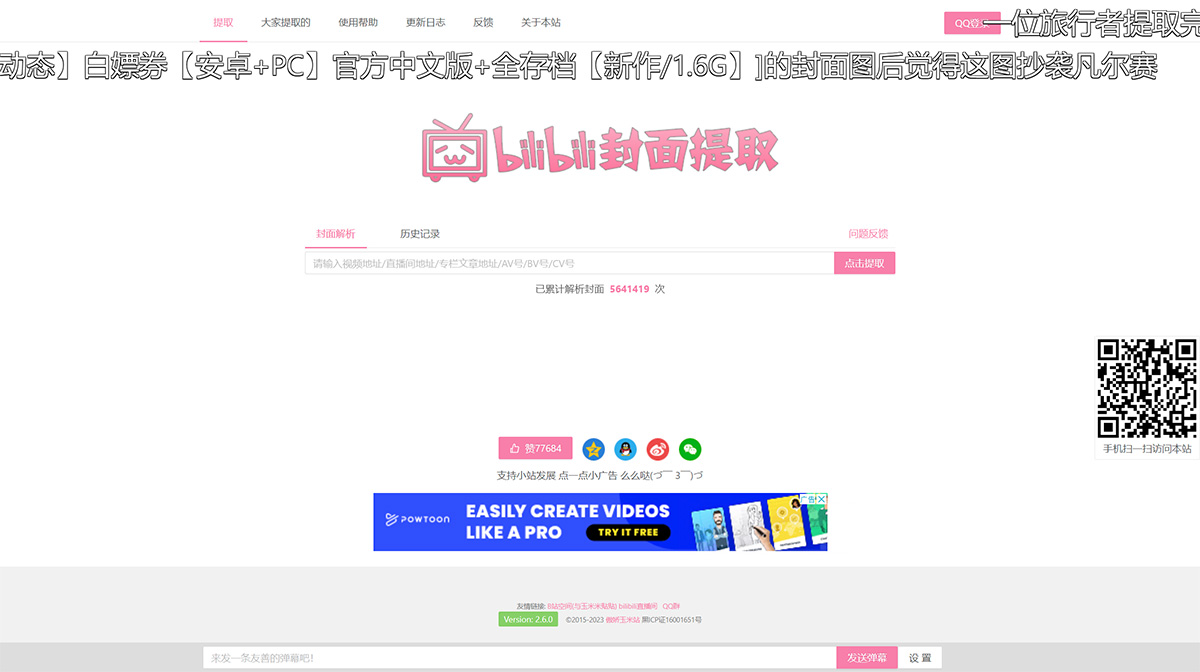
Video Cover Extraction
To get the data, all you need is a link or a video ID. Copy the video link from your browser's address bar, paste it into the input box on the homepage, hit Enter, and the result will appear right before your eyes.
Column Cover Extraction
You can enter the article URL or the article's cv ID to obtain the cover of the column article.
Copy the article link from your browser's address bar, paste it into the input box on the homepage, click Extract, and you can get the cover of the column article.
Some articles may not have a cover image. Bilibili will default to using the first image of the article as its cover. In such cases, it is not possible to extract a cover image for you.
Live Room Cover Extraction
You can enter the live room URL to obtain the cover of the live room.
Copy the live room link from your browser's address bar, for example: https://live.bilibili.com/80123
Paste the link into the input box on the homepage, click Extract, and you can get the cover of the live room.















