
 Script Planner Assistant▸
 AI Apps
 AI News

Hama_云技派,专注ai人工智能!
Hama_云技派,专注ai人工智能!Introduction
Hama is a free online AI background removal tool. Its main function uses AI to perfectly erase unwanted elements from images, producing astonishing repair results. Hama is completely free to use—users simply open the website and can use it without registering.
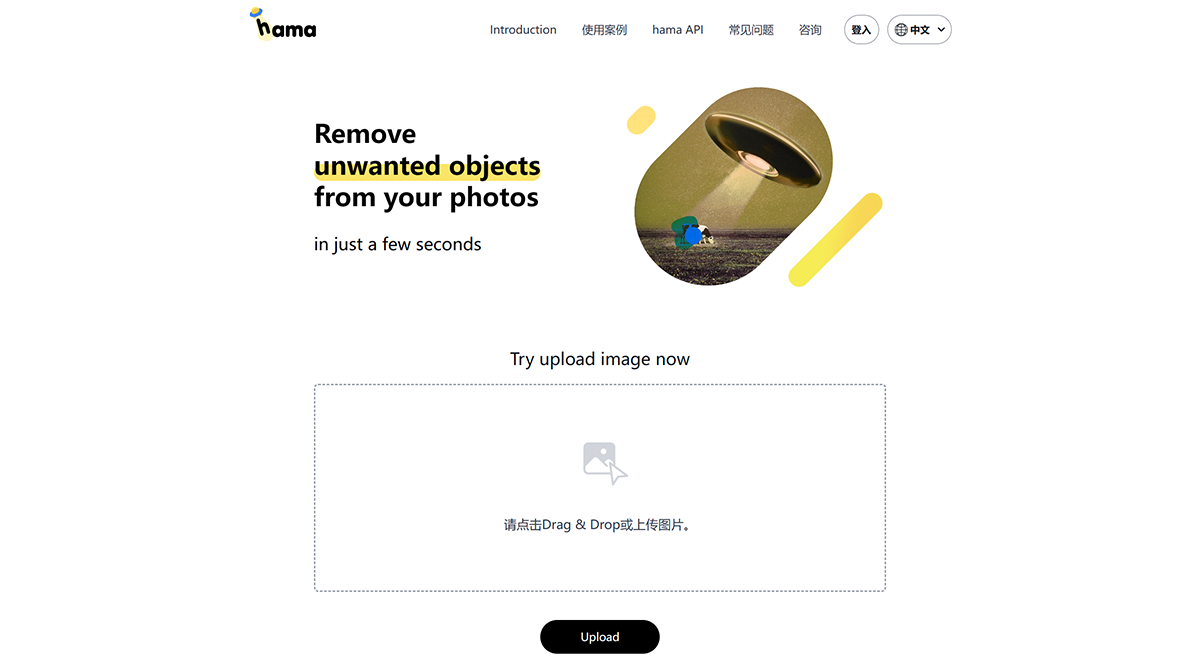
Users upload an image to Hama and brush away the parts of the picture they don't want. Hama analyzes the people or objects in the image, removes them, and fills in the surrounding colors, making the resulting photo look very natural.
How to use Hama:
Step 1: Open the Hama website and drag the image into the dashed box on the page to start.
Step 2: You will then see a simple editor. All you need to do is adjust the thickness of the eraser from below, then mark the area you want to remove, and click "Erase" below to erase it.
Step 3: If you want to compare the difference between the original image and the edited one, click "Original" in the upper right corner to switch between the original and processed images.
Hama allows you to perform multiple erasures with no limit on the number of times. To make the editing process faster and smoother, it is recommended to turn on the "Auto" switch in the upper right corner, so that Hama can automatically analyze and process each time you mark an area, without repeatedly clicking the Erase button.
After finishing the edit, click "Download" in the upper right corner to download and save the edited image. Hama can handle images of all sizes. However, the download size of the image is limited to 720px, and Hama does not store images on its servers.














