
 Script Planner Assistant▸
 AI Apps
 AI News

Wondershare AiArt
Wondershare AiArtIntroduction
Wondershare AI Drawing is an AI-powered platform for generating artistic and creative inspiration. Using AI, you can create any artwork or image. Simply input the content of the picture you want and select an art style, and within one minute the AI will turn your ideas into an artificial intelligence painting.
You only need to input a few descriptive keywords, and Wondershare AI will automatically handle tasks such as coding, drawing, and modeling. It creates content with unique value and independent perspectives at one-tenth the cost and at a hundred or thousand times the production speed.
The Wondershare AI Drawing APP helps you create AI paintings anytime, anywhere. Whether you are an art or game professional seeking high efficiency and fresh inspiration, or a player with no painting background who wants to capture imaginative scenes, you can use Wondershare AI Drawing to create soulful works of art!
Features of Wondershare AI Drawing:
Text-to-Image: Simply input natural language text to generate exquisite artworks.
Image-to-Image: Upload an image with one click and transform the original into a stunning dimensional piece.
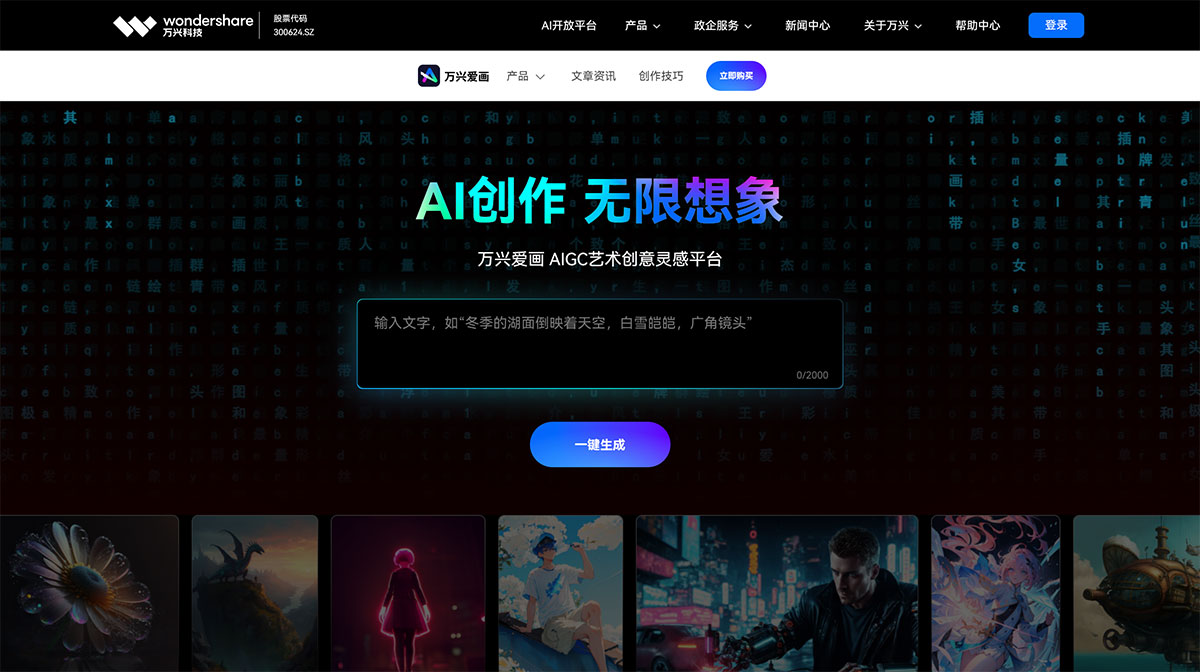
How to Use Wondershare AI Drawing?
Use a browser to visit https://aigc.wondershare.cn/ and enter the official Wondershare AI Drawing website. Click the registration option in the upper right corner of the page and follow the prompts to complete account registration and login. Then click the "Start Creating" button to enter the creation page. Enter the description of the image you want in the "Describe the image you want" text box, then select the image ratio and image style, and click "Start Creating" to get the image you want.
Wondershare AI Drawing supports creation in both Chinese and English. Excellent descriptive words not only require concise phrasing to clearly describe the content to be drawn, but also need to incorporate rich professional modifiers to enhance the richness of the picture.
If you want to emphasize a particular word, you can add exclamation marks and brackets. For example, in "bridge!!, flowing water, houses, (((withered vine)))", the elements "bridge" and "withered vine" will be given priority.
In order to generate images that better match our expectations through AI, it is essential to understand the following 4 techniques for AI image generation:
① Choose a powerful AI platform like Wondershare AI Drawing to generate artwork;
② Make the input description as detailed as possible;
③ Use brackets or exclamation marks in the description to emphasize key elements;
④ Pay attention to the selection of specific styles when generating images with AI; the image style should match the description. The following is a detailed introduction to the techniques and operational process of AI image generation.
The AI image generation technology is provided by Wondershare AI Drawing. Wondershare AI Drawing recognizes that the rights to the works owned by the AI image generation technology provider are transferred to you. The rights to the works generated based on this service will belong entirely to you personally.
The AI image generation technology is provided by Wondershare AI Drawing. Wondershare AI Drawing recognizes that the rights to the works owned by the AI image generation technology provider are transferred to you. The rights to the works generated based on this service will belong entirely to you personally.















