
 Script Planner Assistant▸
 AI Apps
 AI News

Huaci Translation
Huaci TranslationIntroduction
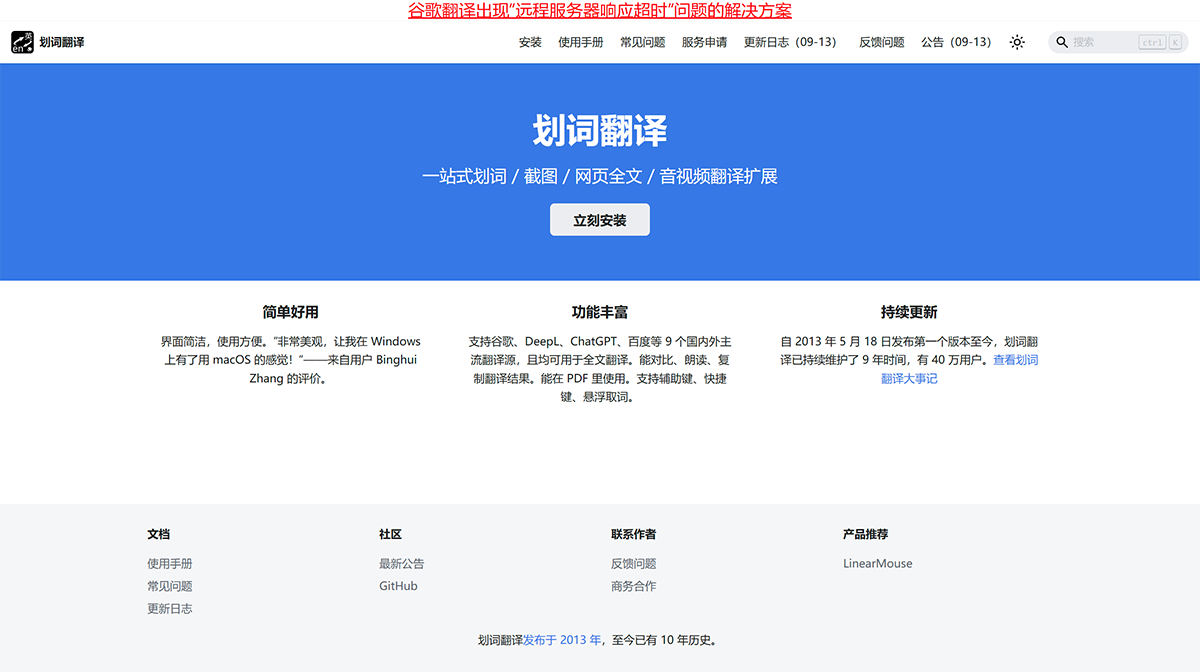
Selection Translation is an extension installed in desktop browsers. After you select a piece of text on a webpage, Selection Translation will display the translation results of that text across multiple translation services, allowing you to easily compare and copy the results. Selection Translation has been continuously maintained for 9 years, with 400,000 users.
Selection Translation supports 9 major domestic and international translation sources, including Google, DeepL, ChatGPT, Baidu, etc., including but not limited to Google, DeepL, Baidu, Youdao, etc., and all of them can be used for full-text translation. It supports comparison, reading aloud, and copying translation results. It works in PDFs. It supports auxiliary keys, shortcut keys, and floating word selection.
In addition to webpage text selection, Selection Translation also supports the following features:
Webpage full-text translation: Use any translation service to translate all the text on a webpage at once, supporting bilingual comparison and displaying the original text / translation separately.
Screenshot / Image translation: Capture a webpage or read an image from the clipboard and display the translation result.
Translate PDF files: You can read PDF files in the built-in PDF reader provided by Selection Translation, and normally use features such as webpage text selection and screenshot translation.
Voice (microphone) translation: Convert the voice you input through the microphone into text and translate it.
Audio/Video translation: Translate audio / video on webpages.
Related Information:















