
 Script Planner Assistant▸
 AI Apps
 AI News

Sweezy Cursors: Custom Mouse Cursor Downloads
Sweezy Cursors: Custom Mouse Cursor DownloadsIntroduction
Sweezy Cursors is a website that offers free mouse cursors, supporting Chrome browser and Windows systems. You can download cursors of various themes, such as anime, games, holidays, popular characters, etc., including static (.cur) and animated (.ani) cursors, as well as versions specifically for Roblox.

Main Features of Sweezy Cursors
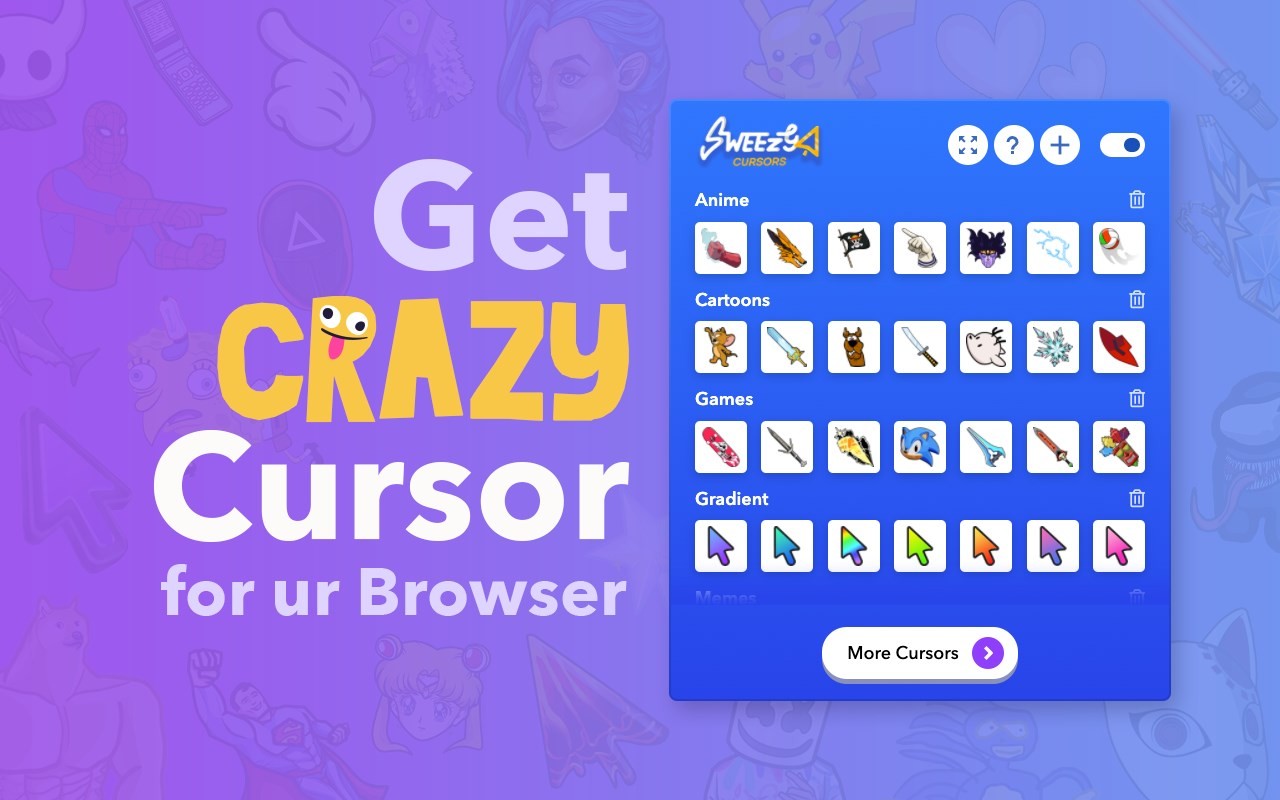
Multiple Cursor Styles: Offers a large collection of free cursors, including anime, games, cartoons, memes, cats, gradients, cute styles, and more.
Animated Cursors: Some cursors have animation effects, such as blinking, moving, rotating, dancing, etc.
Custom Cursors: You can upload your own images to create exclusive cursors.
Simple and Easy to Use: Clear interface, simple operation, no technical background required.
Sweezy Cursors Cursor Categories
1. By Theme
Anime & Games: Cursor packs featuring characters from "Naruto", "One Piece", "Jujutsu Kaisen", "Minecraft", "Roblox", etc.
Holidays & Halloween: Themes including jack-o'-lanterns, ghosts, skeletons, witches, etc.
Pop Culture: Hello Kitty, SpongeBob, Marvel, DC characters, etc.
Other Themes: Animals, food, technology, movies, etc.
2. By Type
Static Cursors (.cur): Standard mouse pointers.
Animated Cursors (.ani): Pointers with animation effects.
Image Format (.png): Can be used for web pages or designs.
Complete Packs (.zip): Cursor packages containing multiple formats.
Roblox-Specific Cursors (.png): Suitable for Roblox games.
Sweezy Cursors Cursor Formats
.ani (Windows animated cursor)
.cur (Windows static cursor)
.png (Cursor image, can be used for web pages or designs)
.zip (Complete package containing multiple formats)
Roblox Cursor (.png) (Suitable for Roblox games)
Who is Sweezy Cursors For?
Gamers (Minecraft, Roblox, Among Us, etc.)
Anime fans (Jujutsu Kaisen, Naruto, Pokémon, etc.)
People who like personalized mouse cursors
Halloween/holiday theme enthusiasts
How to Install Cursors from Sweezy Cursors?
Method 1: Direct Download (Windows)
Go to the official Sweezy Cursors website (or similar websites).
Choose a cursor you like (for example, "Minecraft Diamond Sword Animated Cursor").
Download the .ani (animated) or .cur (static) file.
Windows Settings:
Press Win + I → Devices → Mouse → Additional mouse options → Pointers → Browse, and select the downloaded cursor file.
Method 2: Chrome Extension (Browser)
Install the Sweezy Cursors extension from the Chrome Web Store (search required).
Change cursor styles directly within the browser.
Copyright Notice
The cursors on Sweezy Cursors are all Fan Art and can only be used for personal use, not commercial purposes.
The character copyrights belong to the original authors (such as Nintendo, Marvel, DC), and Sweezy Cursors has no official partnership with them.
If you want to switch to cool, cute, game-themed, or holiday-themed mouse cursors, Sweezy Cursors is a great choice! 🎮🖱️















